

At a glance
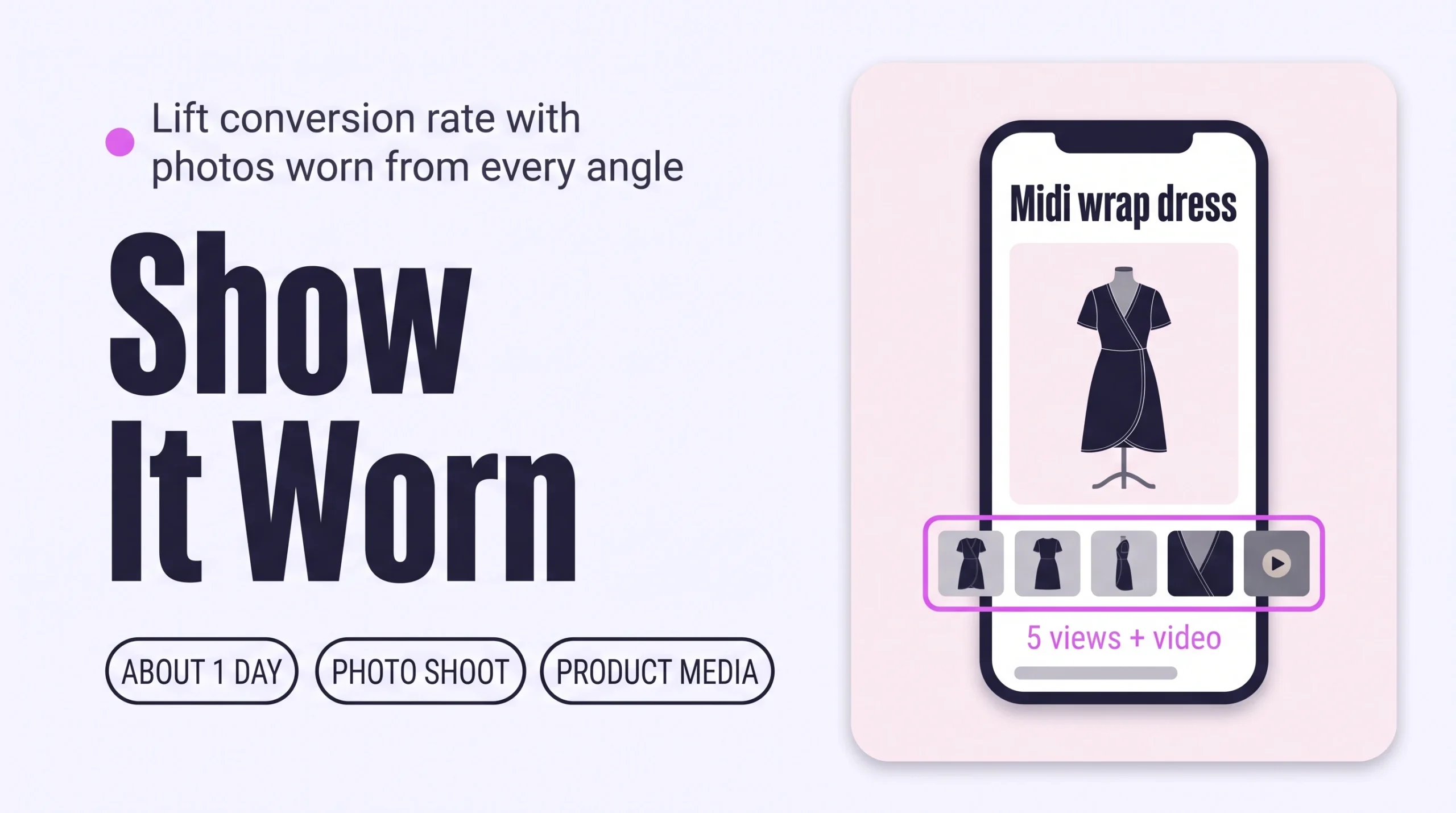
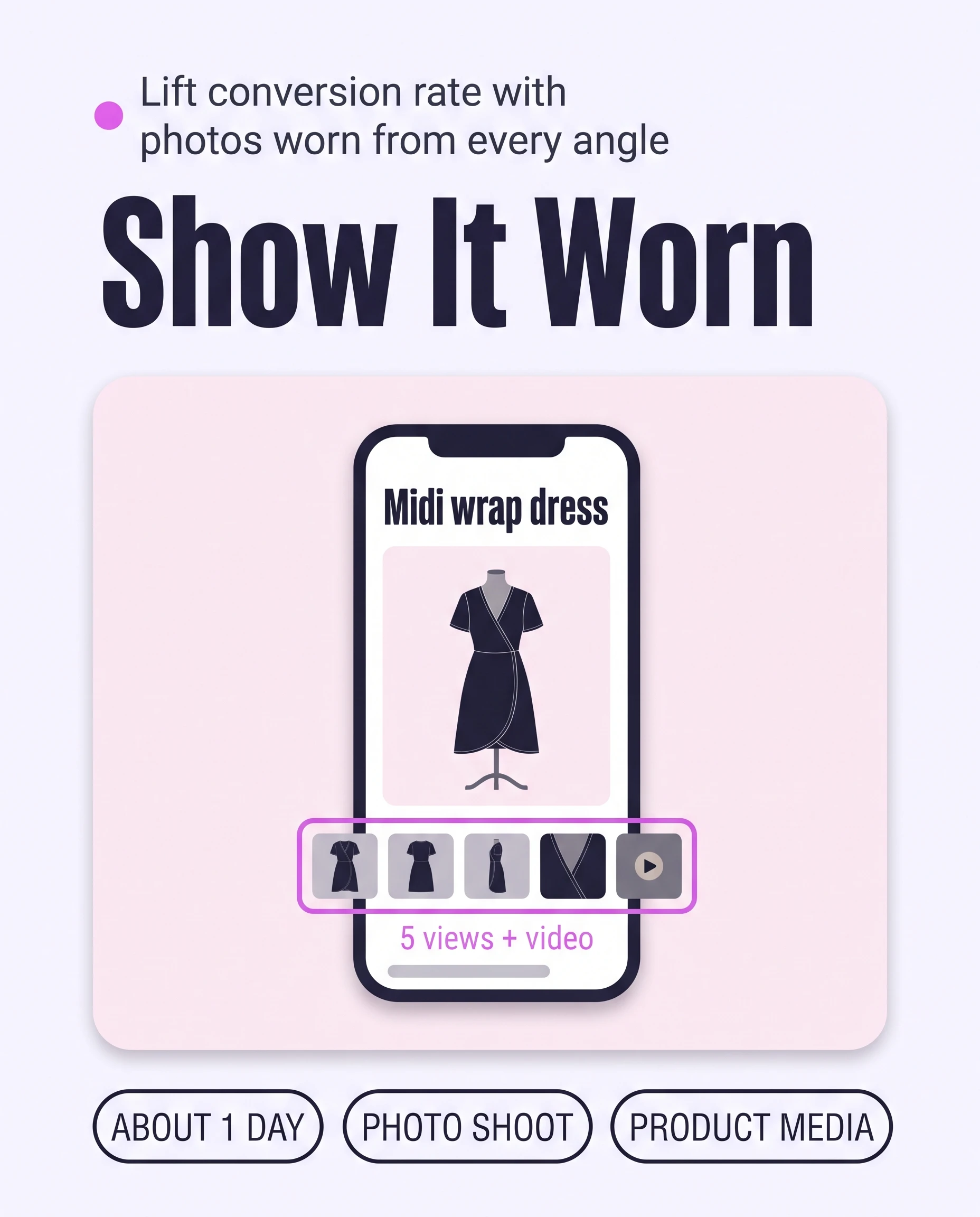
Show every Shopify product worn on a real model: an unstyled front photo, then back, side and detail photos, plus one short video. Shoot the set for your best sellers first, upload it in each product’s Media section, and put the worn front photo first. Shoppers judge fit themselves and buy with less doubt.
Time: about 1 day for 20 pieces
Cost: photo shoot
Developer: not needed
A shopper looks at a midi dress on her phone and cannot tell whether it falls above or below her knee.
An on-model photo set is a group of photos showing one piece worn by a real person, from the front, back, side and close up. This guide is about Conversion Rate: the share of visitors who buy. Shoppers who can see a piece worn have less doubt, so more of them buy.
This guide covers the angles and video every piece needs. To show the same piece on different body types, read How to Show Every Piece on Different Bodies to Raise Conversion.
Part of Grow Your Shopify Fashion Store with Styling: Salesperson to Stylist, our guide to turning a Shopify fashion store from a salesperson into a stylist.
In this guide
A salesperson
shows the garment flat, on a hanger or a white background.
A stylist
shows it worn, from the angles a shopper would check in a fitting-room mirror.
Why do on-model photos from every angle raise Conversion Rate?
On-model photos raise Conversion Rate because shoppers cannot try clothes on, so worn photos are their only way to judge length, fit and drape.
Without worn photos, shoppers must guess suitability from other images, which lowers their confidence and likelihood of buying (Baymard Institute, 2020).
23%
of leading e-commerce sites do not provide a human-model image on their product pages.
Source: Baymard Institute, 2026, Product Page UX 2026 benchmark
42%
of users try to judge a product’s size from its product images, so a worn photo answers a question they already ask.
Source: Baymard Institute, 2026, Product Page UX 2026 benchmark
Video supplements photos and never replaces them: in Baymard’s tests, 41% of users watched product videos and 59% did not (Baymard Institute, 2019).
What does a complete on-model photo set look like?
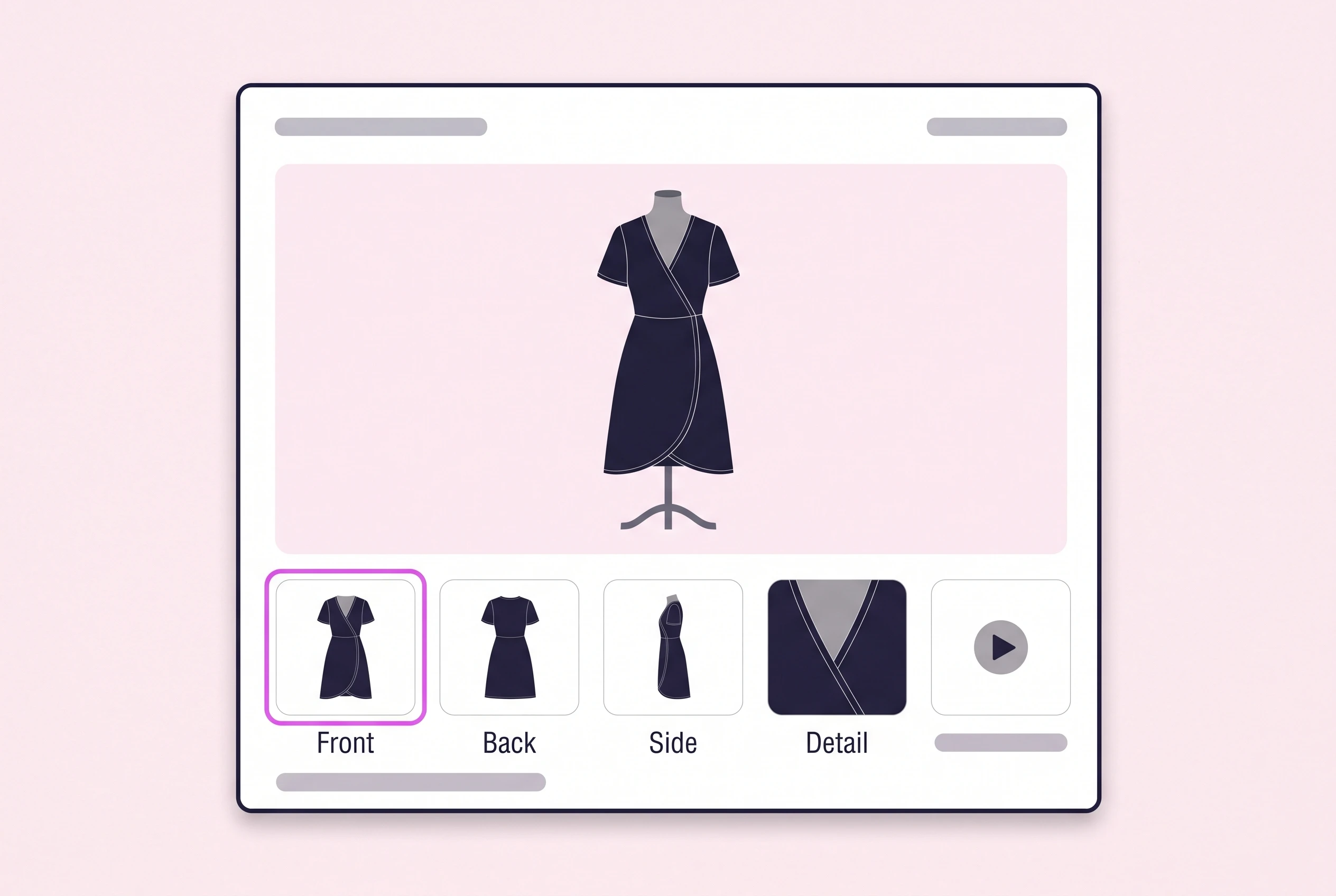
A complete set shows each piece worn in five views: a plain front, a back, a side, a close-up of the detail and a short video.
This is a practical minimum, not a Styling Score threshold. Lead with the front photo, because Shopify shows a product’s first media item on collection pages, the cart, checkout and the home page (Shopify Help Center, 2026).
| View | What it answers | How to shoot it |
|---|---|---|
| Front, plain | Length and overall fit | Standing, with nothing tucked, rolled or pinned. |
| Back | How the back, closure and hem look | Show zips, ties, vents and the hem. |
| Side or three-quarter | Drape and volume | Arms relaxed, so the silhouette reads. |
| Detail | Fabric, trim and finish | Close crop in daylight, so fabric reads. |
| Video, 10 to 15 seconds | Movement and drape | Walk, turn and sit. |
Use a real person. Baymard found that shoppers judged mannequin and rendered-model images harshly, so treat them as a last resort (Baymard Institute, 2020).
Not worth it if
Shooting video for every piece. Shoot it for best sellers and pieces where drape matters, and let the photos carry the rest.
How do I check my store in two minutes?
Open five best sellers on your phone: each piece should show worn front, back, side and detail photos.
- Open five best sellers. On your phone, open five best-selling product pages on your live store.
- Swipe through each gallery. Note which views are missing: front, back, side or detail. The first photo should show the piece worn.
- Look for the video. A play icon should sit among the photos, not further down the page.
Check this on your store with the free Styling Score
Bots walk your store like a shopper. You get a score out of 100, a tier and a report.
How do I add on-model photos and video by hand in Shopify?
Shoot five views per piece, upload them in the product’s Media section and drag the worn front photo to first place.
Keep one aspect ratio
Shopify says collection pages display images evenly only when main images share one (Shopify Help Center, 2026). For square images, 2048 × 2048 px usually displays best.
- Plan the set. Write the five views for each piece. Start with your 20 best sellers.
- Shoot the views. Use a real model and the same light for every view, with a plain front photo.
- Upload the photos. Go to
Products, open a product, then click Upload new in the Media section, or drag the files in.
- Put the worn front photo first. Drag it to the first place in Media. It becomes the main image on collection pages, the cart and checkout.
- Add the video. Upload an .mp4, .mov or .webm file of up to 10 minutes and 1 GB, or click Select existing › Add from URL for a YouTube or Vimeo link. Your theme must support video; Shopify-built Online Store 2.0 themes do.
- Add alt text. Click an image, then Add alt text. Describe the piece and the view in 125 characters or fewer.
- Check it on your phone. Swipe the gallery. The video should sit among the photos. Baymard found 35% of major sites place videos where shoppers miss them (Baymard Institute, 2019).
Plan limits apply to video. A Basic plan holds 250 videos and 3D models across the whole store (Shopify Help Center, 2026).
How do I add on-model photos faster with an AI agent?
An AI agent cannot take photos, but it can audit your catalogue in minutes and draft the shot list.
Use Claude or ChatGPT with your exported products CSV. The agent only reads the file, so your store cannot change.
Read the CSV, don’t import it back
Export a copy: Products › Export, then choose all products. Importing an edited file can overwrite product data (Shopify Help Center, 2026).
- ReadYour exported products CSV
- ProposeA table of products with too few photos
- ApproveYou edit the table and plan the shoot
- WriteYou upload photos and alt text by hand
- VerifyOpen five products on a phone
I attached my Shopify products CSV export. This is read-only: do not change anything.

Group the rows by URL handle. For each product, count the rows that have a value in the product image column (Product image URL, or Image Src in older files). Ignore the variant image column.
List every product with fewer than 5 images.
Show me a table: product, image count, product type, and whether every image has alt text (yes or no).

Then write one shot list per product type (for example dresses, trousers, coats). Use only these five views: front (plain), back, side, detail, video. One line per view: what to show and what to avoid.
Do not guess what the photos show. The CSV does not include videos, so say that you cannot see them.

Show me the tables first. Change nothing.
The prompt only reads the file. Nothing in your store changes.
- Attach the CSV and paste the prompt. Use Claude or ChatGPT.
- Check the table. The CSV counts image files, not views, so open five listed products to confirm which views are missing.
- Shoot the gaps. Best sellers first, then upload by hand as above.
For alt text, click a media file’s thumbnail to open the media editor. It might suggest alt text for images without it, and you can accept or edit each suggestion (Shopify Help Center, 2026). Data you share with Claude or ChatGPT is handled under that provider’s terms.
How do I keep the photo set complete as new products arrive?
Shopify Flow can tag every new product needs-photo-set, so none goes live without its worn photos. Flow is free on the Basic, Grow, Advanced and Plus plans (Shopify Help Center, 2026).
- Tag new products. Open
Apps › Flowand start a new workflow. Choose the trigger Product added to store and the action Add product tags (Shopify Help Center, 2026), enterneeds-photo-set, then turn it on. - Review weekly. Once a week, export the CSV again and paste the same prompt. It lists products still under five photos.
- Clear the tag. Remove needs-photo-set from a product when its five views are live.
Which apps can help?
Start with Shopify’s built-in tools. Add a video app only for shoppable video.
| App | What it does | Price | Checked | Best for |
|---|---|---|---|---|
| Shopify product media | Up to 250 images, videos and 3D models per product | Included with your plan | Oct 15, 2026 | Every store |
| Shopify media editor | Crops to one aspect ratio; can suggest alt text | Built into the Shopify admin | Oct 15, 2026 | Tidying photos before upload |
| EasyVideo | Shoppable video galleries from uploaded or social videos | Free up to 10 videos; $15/month up to 100 | Oct 15, 2026 | Stores with many videos |
The personal layer
Photos show the same piece to every shopper.
A photo set shows every shopper the same views. It cannot tell one shopper how a dress will sit on her, or whether it suits her for a June wedding. A personal AI stylist can, because it answers one shopper at a time from your own catalogue.
iWAND is an AI stylist for independent fashion brands on Shopify. It gives every shopper a personal stylist, with outfits, styling advice, try-on and size help built on the brand’s own catalogue.
iWAND is our product. Free to install; iWAND charges 5% only on the sales it makes.
Read: How to Answer “Will This Suit Me?” on Every Shopify Product Page
How long does it take and what does it cost?
Shooting five views for your 20 best sellers takes about a day, and a phone and a friend make it free.
These times are estimates, not measured results.
| Route | Time | Cost | Skills needed |
|---|---|---|---|
| By hand | About 1 day for 20 pieces | Free with a phone and a model you know | Basic photography, uploading |
| With an AI agent | About 15 minutes for the audit, then the same shoot | Your own Claude or ChatGPT plan | Reading a table |
| With an app | About 1 hour for video galleries | Free to $15 a month | Uploading videos |
How do I know it’s fixed?
The fix is working when your best sellers show every view and Conversion Rate rises over several weeks.
Run the free Styling Score again once your best sellers carry the five views, and check the CVR-01 card.
Then watch Conversion rate over time in Shopify. It shows the percentage of online store sessions that lead to an order (Shopify Help Center, 2026). Find it on Shopify Home or in Analytics. Compare the 30 days before and after your update.
Where does this fit in Conversion Rate?
Conversion Rate has five factors; this guide covers the first.
- CVR-01See it worn, from every angleWorn photos and video.You are here
- CVR-02Personalized styling advice“Will this suit me?” answered per shopper.
- CVR-03See it on a body like mineThe same piece on different bodies.
- CVR-04Fabric and feelFabric described so shoppers commit.
- CVR-05How to style itStyling tips on the product page.
Part of Grow Your Shopify Fashion Store with Styling: Salesperson to Stylist.
What else do founders ask about on-model photos?
Founders most often ask these four questions.
How many photos does each clothing product need?
Five views make a practical minimum: a plain front, back, side, detail and a short video. Shopify allows up to 250 media files per product, so space is not the limit. Add more views for complex pieces, such as a coat with a lining.
Does product video increase conversion?
No study we opened shows a guaranteed lift. Baymard found 41% of users watched product videos and 59% did not. Put video in the gallery with a play icon, keep it short, and compare Conversion rate over time for 30 days before and after.
What size should clothing photos be?
Shopify accepts product images up to 5000 × 5000 px and under 20 MB each. For square images, 2048 × 2048 px usually displays best. Use one aspect ratio for main images, so collection pages show every piece at the same size.
Can AI show each shopper how a piece looks on her?
A personal AI stylist answers one shopper at a time from your own catalogue, with outfits, advice and try-on. iWAND is our product and is one example: free to install, and 5% only on the sales it makes. A strong photo set still matters, because the stylist’s answer lands on your product page.
Sources
- Baymard Institute. Product Page UX 2026: 10 Pitfalls and Best Practices. Updated Mar 18, 2026. https://baymard.com/research-articles/current-state-ecommerce-product-page-ux
- Baymard Institute. Provide Images of Accessory, Apparel, and Cosmetic Products on a Human Model. Dec 1, 2020. https://baymard.com/research-articles/human-model
- Baymard Institute. UX Research on Product Page Videos: Where and How to Embed Them. May 14, 2019. https://baymard.com/research-articles/embedding-product-page-videos
- Shopify Help Center. Adding product media. Checked Oct 15, 2026. https://help.shopify.com/en/manual/products/product-media/add-media
- Shopify Help Center. Product media types. Checked Oct 15, 2026. https://help.shopify.com/en/manual/products/product-media/product-media-types
- Shopify Help Center. Adding alt text to media. Checked Oct 15, 2026. https://help.shopify.com/en/manual/products/product-media/add-alt-text
- Shopify Help Center. Using the media editor. Checked Oct 15, 2026. https://help.shopify.com/en/manual/shopify-admin/productivity-tools/media-editor
- Shopify Help Center. Using CSV files to import and export products. Checked Oct 15, 2026. https://help.shopify.com/en/manual/products/import-export/using-csv
- Shopify Help Center. Shopify Flow. Checked Oct 15, 2026. https://help.shopify.com/en/manual/shopify-flow
- Shopify Help Center. Add product tags (Flow action). Checked Oct 15, 2026. https://help.shopify.com/en/manual/shopify-flow/reference/actions/add-product-tags
- Shopify Help Center. Shopify Home page. Checked Oct 15, 2026. https://help.shopify.com/en/manual/shopify-admin/shopify-home
- Shopify App Store. EasyVideo listing. Checked Oct 15, 2026. https://apps.shopify.com/easyvideo
Conversion Rate
Check every Conversion Rate factor on your store
The free Styling Score walks all five Conversion Rate factors and shows which are Done, Halfway or Not yet.
Master pillar
From a salesperson into a stylist
Part of Grow Your Shopify Fashion Store with Styling: Salesperson to Stylist, our guide to turning a Shopify fashion store from a salesperson into a stylist.