
How to Give Personal Size and Fit Advice on Shopify to Cut Returns
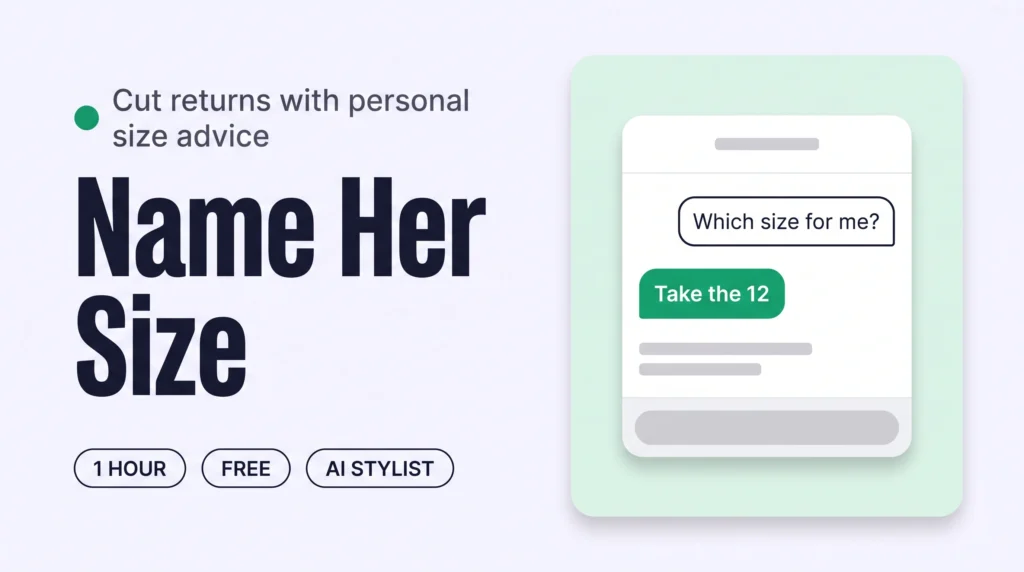
Give personal size and fit advice before checkout by adding a personal AI stylist to your Shopify product pages. It asks each shopper her height, usual size and how she likes clothes to fit, then names her size in that one piece. Test it privately first. Shoppers order one right size, so fewer orders come back.
How to Show Model Size and Fit Reviews on Shopify to Cut Returns
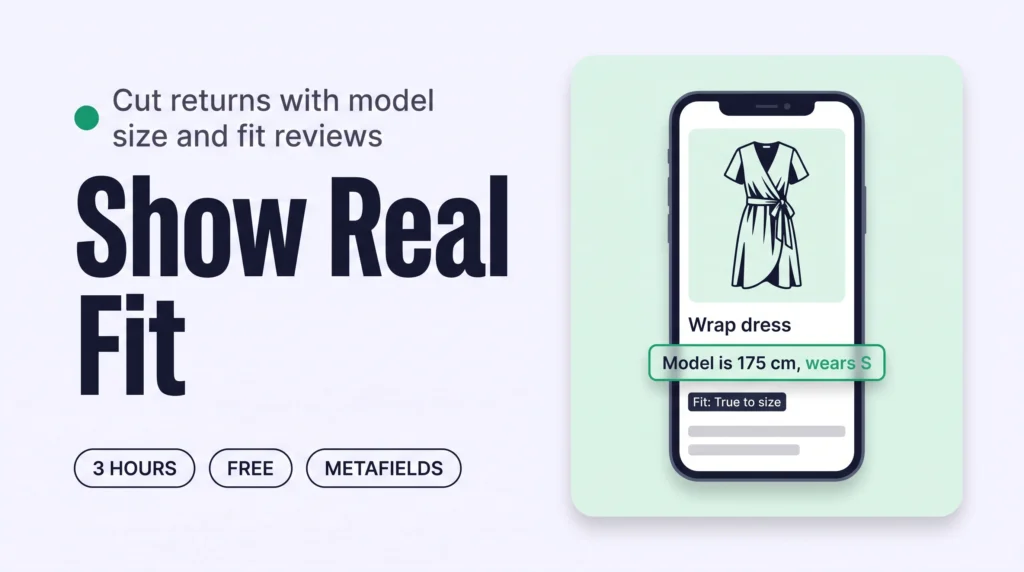
Fit from real people means every product shows the model’s height and the size she wears, plus fit feedback from real buyers. Save model details in a Shopify metafield, add one fit question to your review app, and show both beside the size selector. Shoppers judge their own size with evidence, so fewer orders come back.
How to Write Fit Notes on Shopify Product Pages to Cut Size Returns
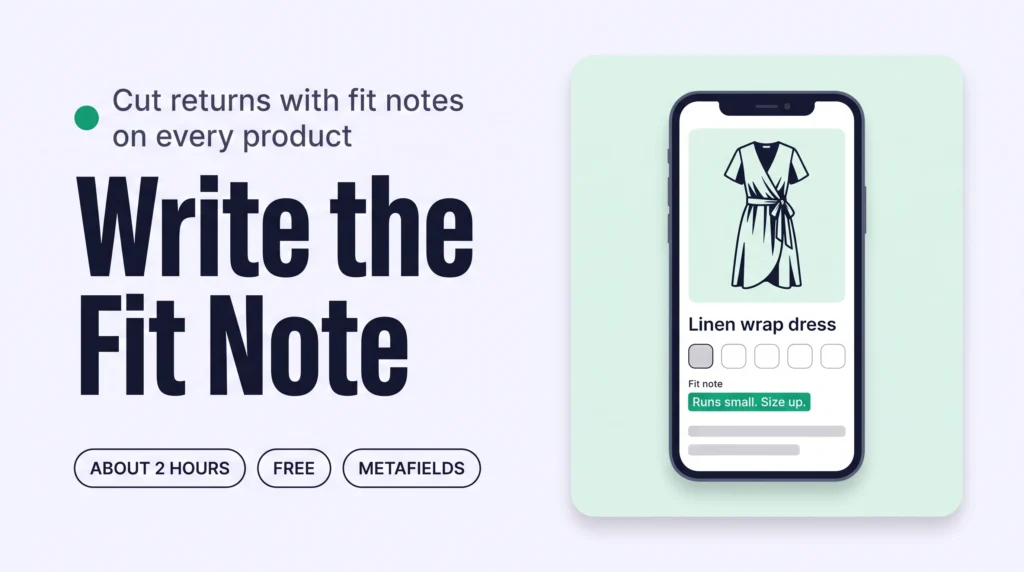
A fit note is one short line saying how a piece fits: runs small, true to size or runs large. Draft notes with Sidekick or Claude from your own fit facts, approve them in a table, save them in a Shopify metafield and show them beside the size selector. Shoppers pick the right size, so fewer orders return.
How to Build a Personal Outfit Around Every Product to Grow Order Value
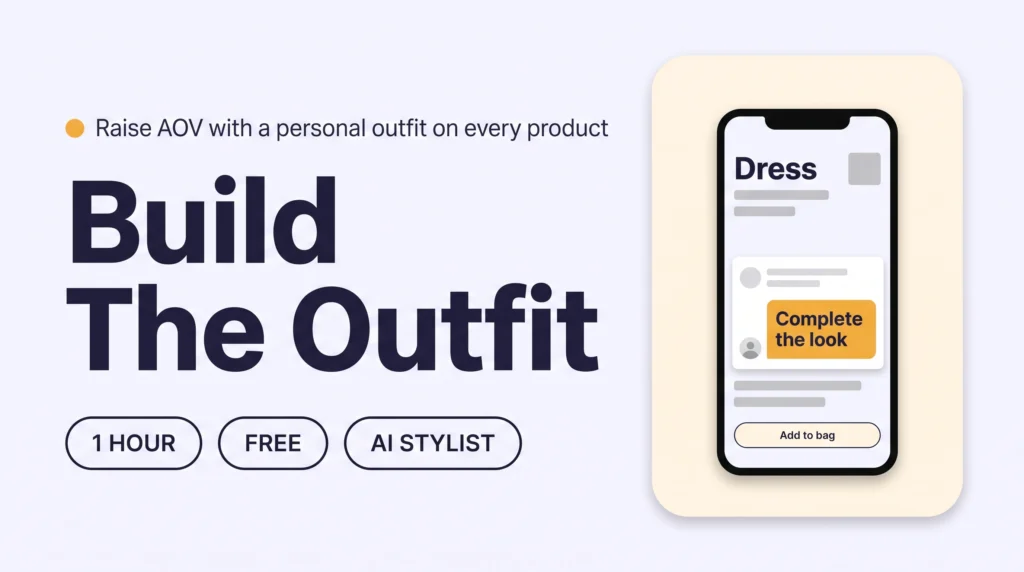
Add a personal outfit built around the exact product a shopper is viewing, powered by an AI stylist that reads that one product and your whole catalogue. A static “Complete the look” block shows the same set to everyone; a personal AI stylist builds a different outfit for every shopper and every product.
How to Shop the Look on Shopify and Raise Average Order Value
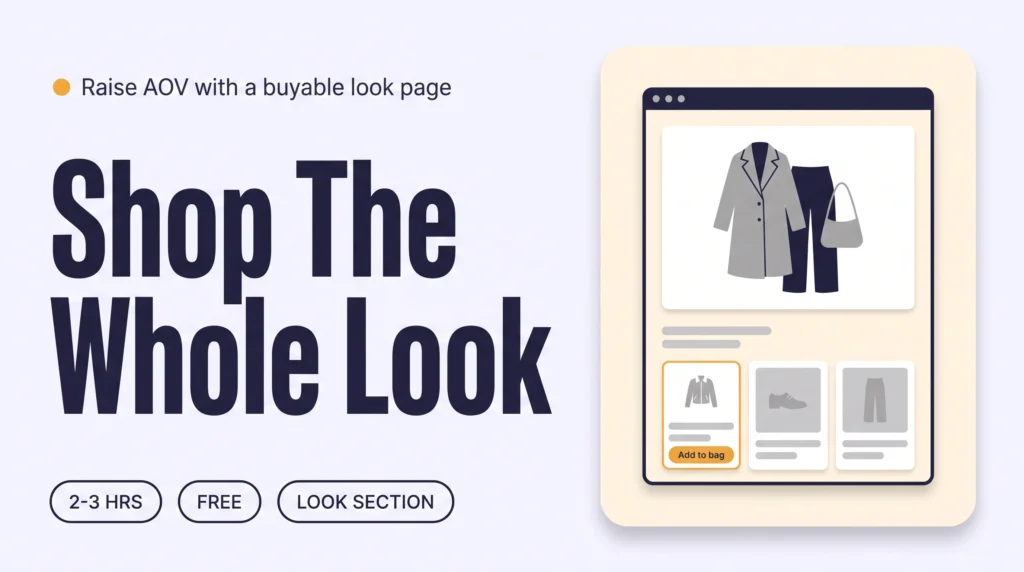
A buyable look turns a styled outfit photo into something a shopper can purchase in one visit: every piece priced, in stock, and added to the bag from the same image, on the product page too. Shopify’s native Complete the look section does this with no app, or add one for hotspot tagging and a bundle discount.
How to Add Complete the Look on Shopify to Raise Average Order Value
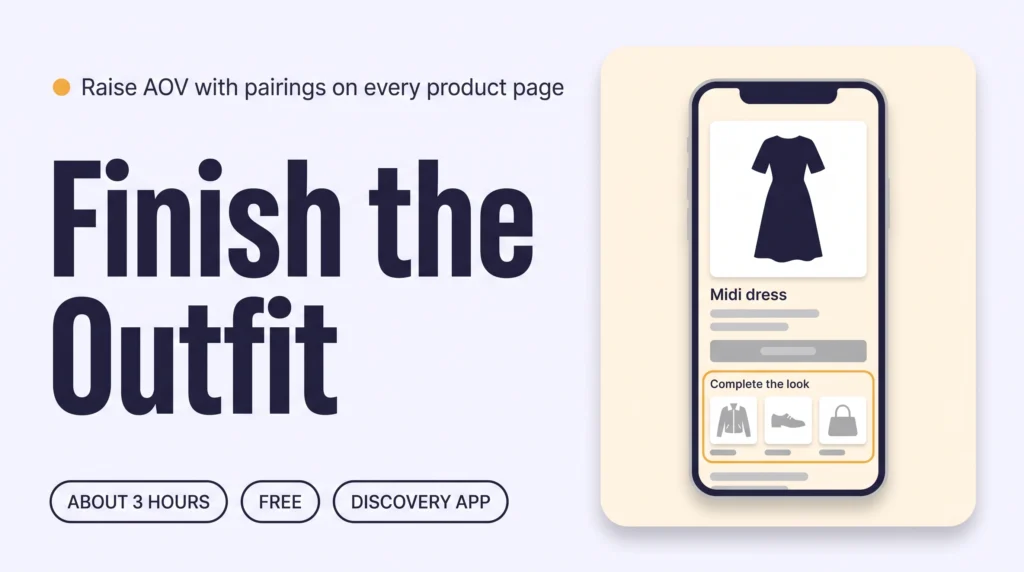
Complete the look on Shopify means every product page suggests the pieces that finish the outfit. Pick two to four pairings for each best seller, add them as Complementary products in the Search & Discovery app, and show the block on your product page. Shoppers then add more pieces per order, which raises AOV.
How to Add a Size Guide for Each Piece on Shopify to Cut Returns
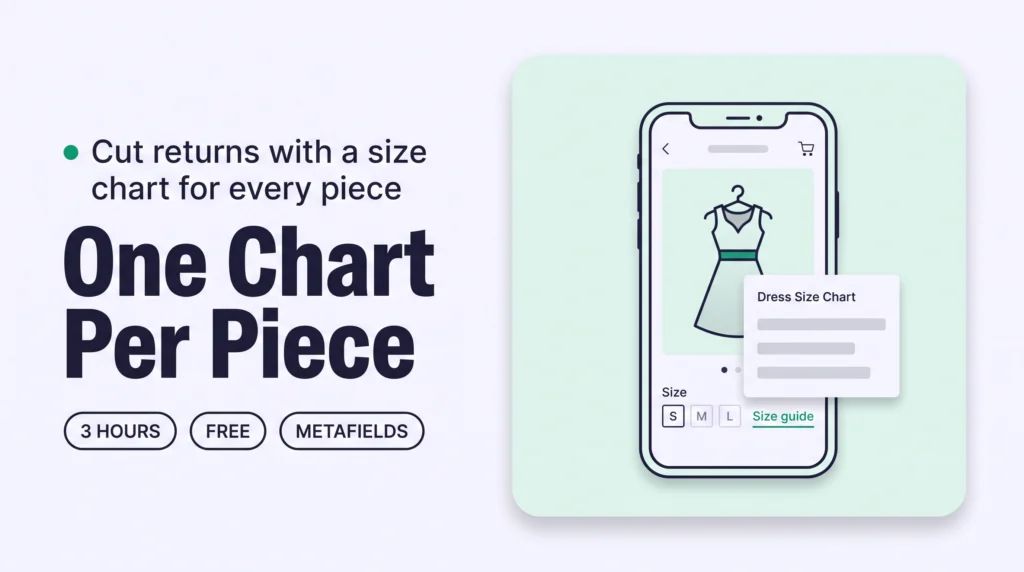
A size guide for this piece means giving each garment type its own size chart, not one generic chart stretched across the whole store. Create a page-reference metafield in Shopify, write one chart per garment category with real measurements, then use an AI agent to assign the right chart to every product so shoppers see accurate sizing before they buy.
How to Describe Fabric and Feel on Shopify Product Pages to Lift Conversion
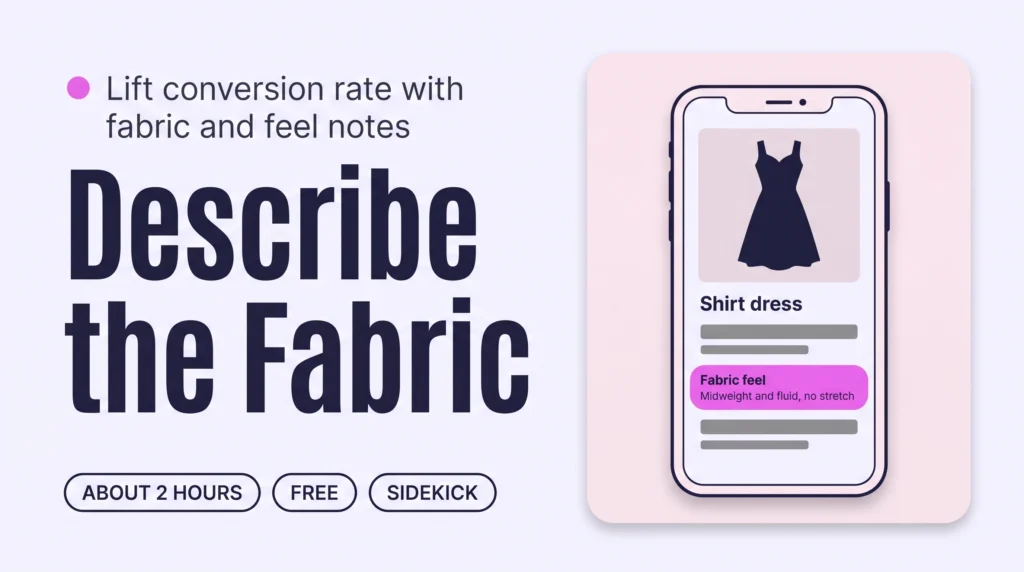
Add three short details to every Shopify product page: fabric composition, how the fabric feels and how to care for it. Have Sidekick or Claude draft them for your 20 best sellers from your own notes, approve them in a table, then show them in a collapsible row on each product page. Shoppers buy with less doubt.
How to Add Styling Tips to Shopify Product Pages to Lift Conversion
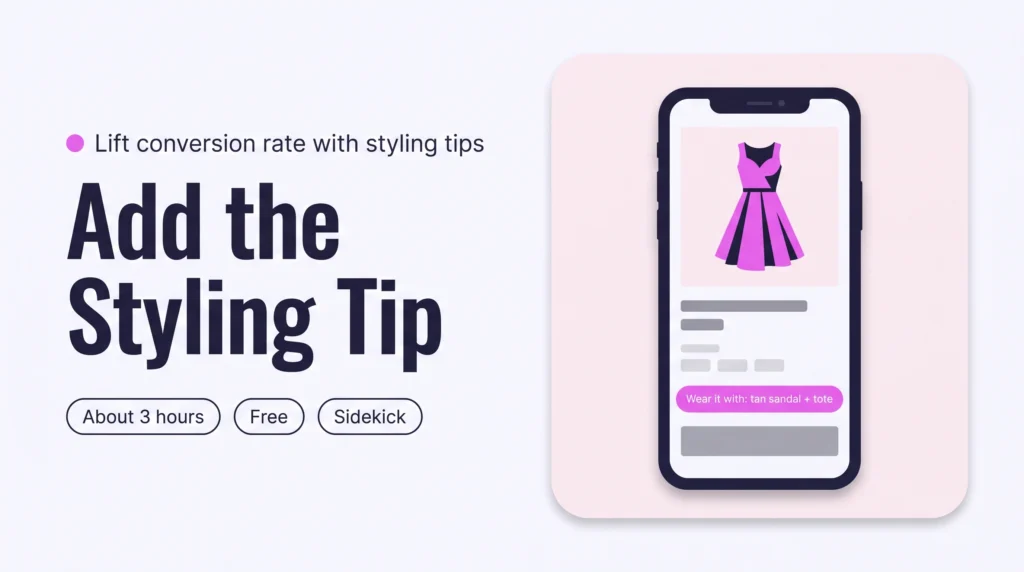
Add a short styling tip to each Shopify product page: two pieces to wear it with and one line on how to wear it. Have Sidekick or Claude draft the tips for 20 products, approve them in a table, then show them in a theme block. Shoppers lose their last doubt, so conversion rises.
How to Name Shopify Fashion Products So AI and Google Can Find Them
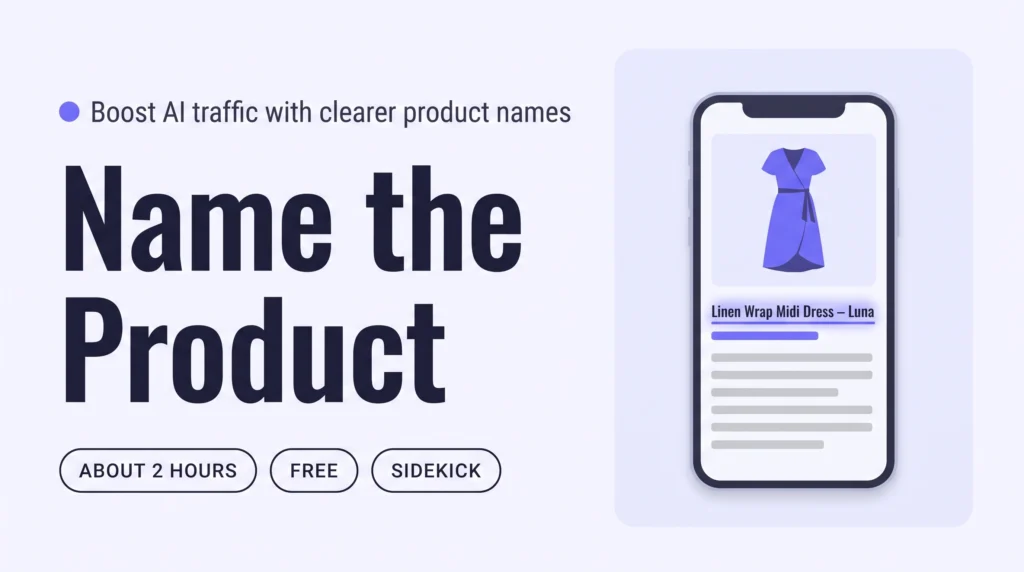
Name each Shopify product for what it is: the product type first, then one or two details shoppers search for, such as fabric or fit. Have Sidekick or Claude propose titles for your 20 newest products, approve them in a table, then repeat weekly with Shopify Flow. AI assistants and Google can then match your clothes to real searches.
On-Model Product Photos for Shopify: The Angles and Video That Convert
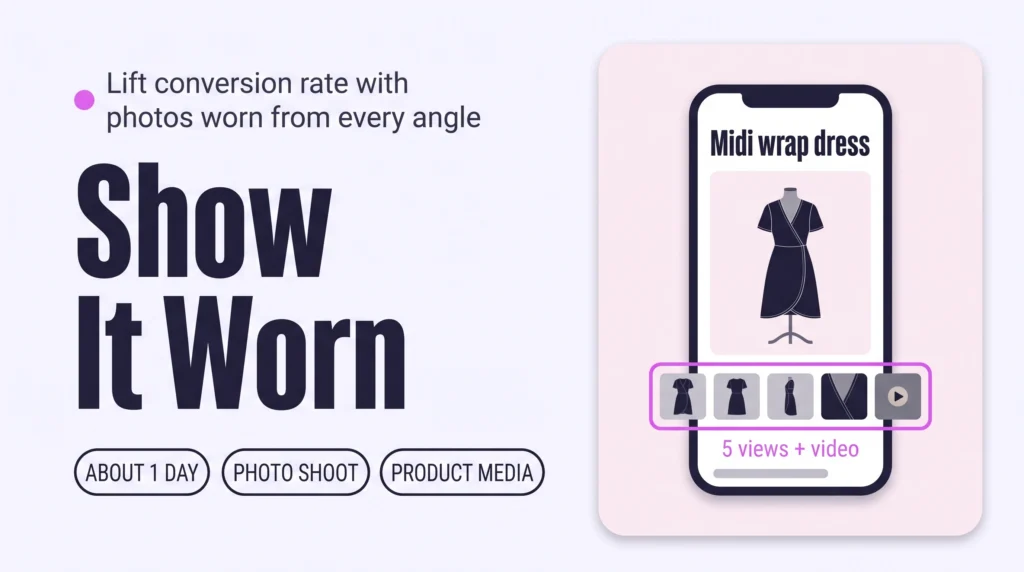
Show every Shopify product worn on a real model: an unstyled front photo, then back, side and detail photos, plus one short video. Shoot the set for your best sellers first, upload it in each product’s Media section, and put the worn front photo first. Shoppers judge fit themselves and buy with less doubt.
How to Give Every Shopper Personalized Outfit Recommendations on Shopify
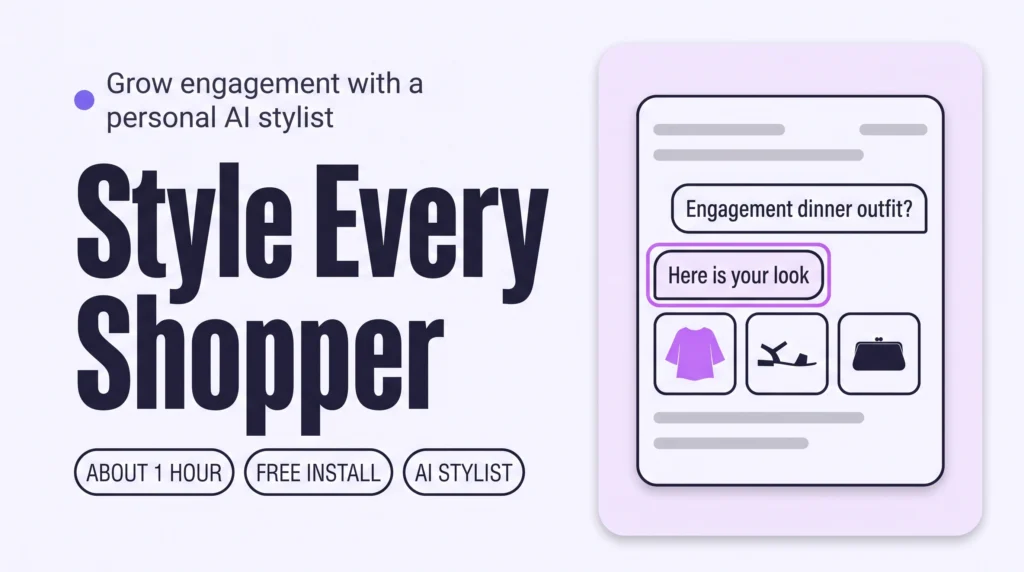
Give every shopper personalized outfit recommendations by adding a personal AI stylist to your Shopify store. It asks about the occasion, body and taste, then builds outfits from your own catalogue. Test it privately before going live. Shoppers explore whole looks instead of single items, so engagement grows.
How to Write Shopify Collection Descriptions That Bring AI Traffic
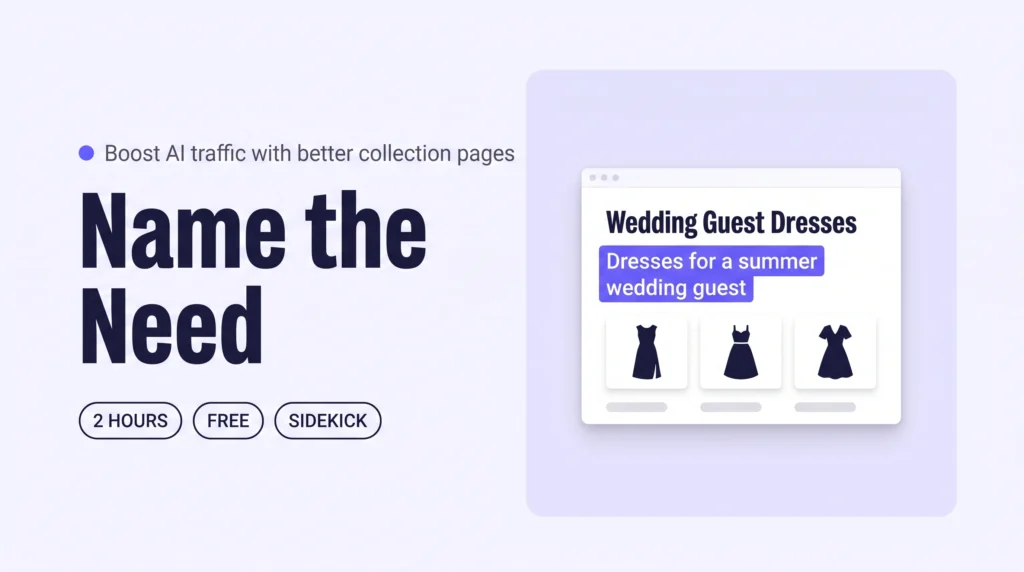
Write a short description for each Shopify collection that names the need it serves, such as clothes for a wedding guest. Have Sidekick or Claude draft descriptions for your top collections, approve them in a table, then add a Flow email for new collections. AI assistants can then match your collections to “what to wear to…” questions.
How to Write Styling Guides on Shopify That Get Your Brand Cited by AI
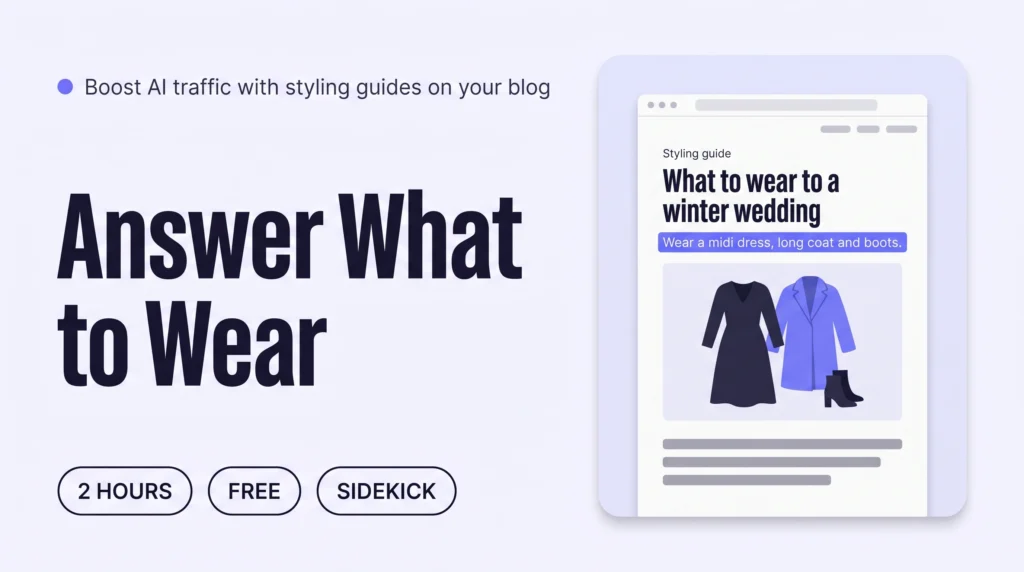
Write three to five styling guides on your Shopify blog, each answering one “what to wear to…” question with a clear outfit, the reasons and links to your own pieces. Draft them with Sidekick or Claude, then edit every line. AI assistants can then cite your brand when shoppers ask what to wear.
How to Describe Your Fashion Brand’s Style So AI Recommends You on Shopify
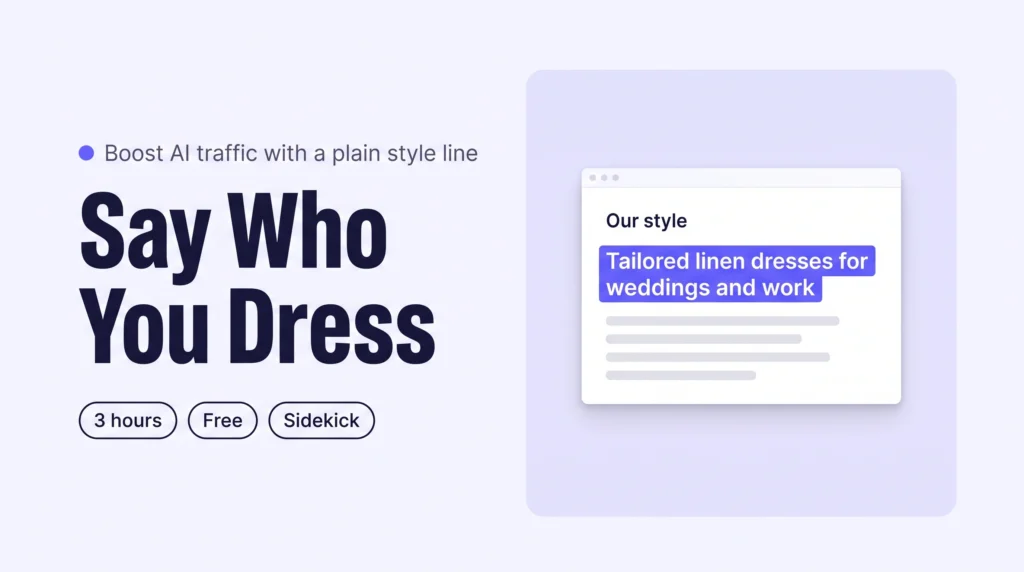
Write your brand’s style in one plain sentence: who you dress, for which moments, in which pieces. Publish it on a Shopify Our style page, then repeat it on your homepage listing, Shopify Knowledge Base and social profiles. AI assistants can then describe your brand correctly and recommend it.
How to Build a Shoppable Lookbook on Shopify That Keeps Shoppers Exploring
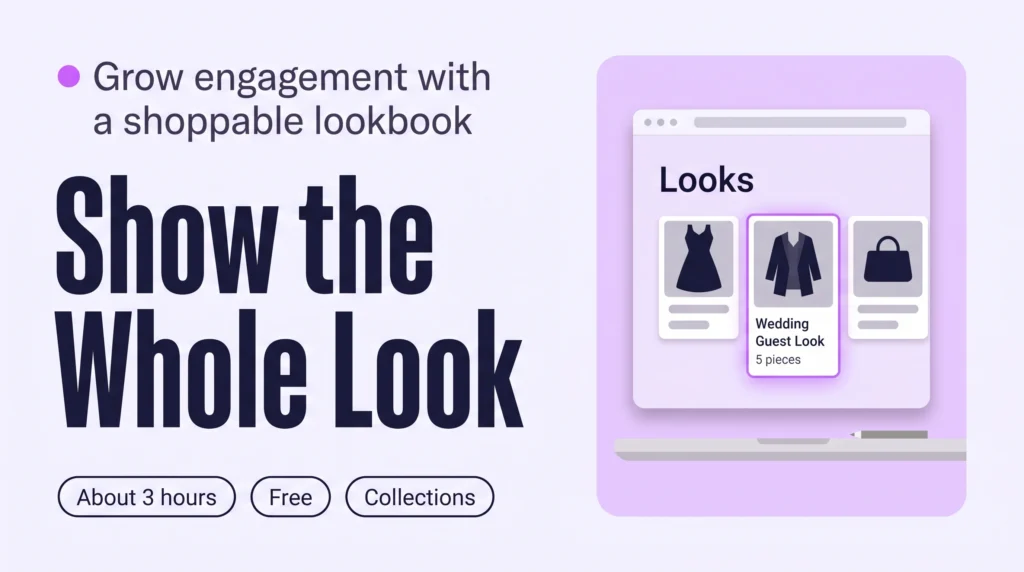
A shoppable lookbook on Shopify is a set of styled outfits, each one a collection of pieces a shopper can open and buy. Create one collection per look, add the pieces by hand, then link the looks from your menu and homepage. Shoppers then browse whole outfits instead of single products, which grows Engagement.
How to Add Styling Filters (Fit, Length, Occasion) to Shopify Collections
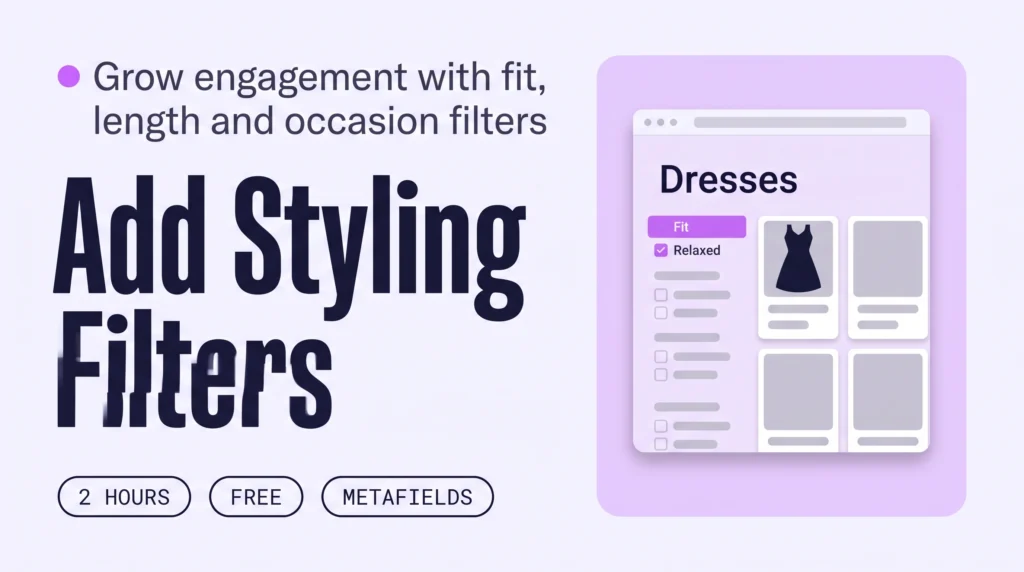
Add three styling filters, Fit, Length and Occasion, to your Shopify collection pages. Create a metafield for each, have Sidekick or Claude fill them in for 20 products at a time, then switch them on in the free Search & Discovery app. Shoppers narrow by how a piece fits and when it is worn, so they browse more.
How to Create Curated Collections on Shopify (and Keep Shoppers Browsing)
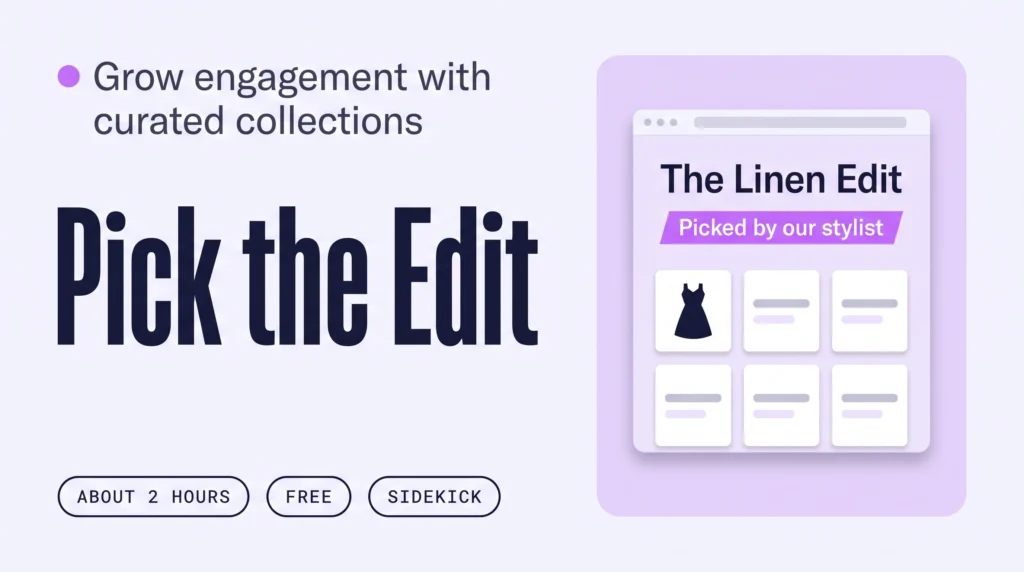
A style edit is a small curated Shopify collection with a stylist’s point of view, such as The Wedding Guest Edit. Pick six edits, have Sidekick propose the pieces, approve them in a table, then add each edit to your menu and homepage. Shoppers then browse by outfit idea, which grows Engagement.
Answer “Will This Suit Me?” on Shopify Product Pages to Lift Conversion
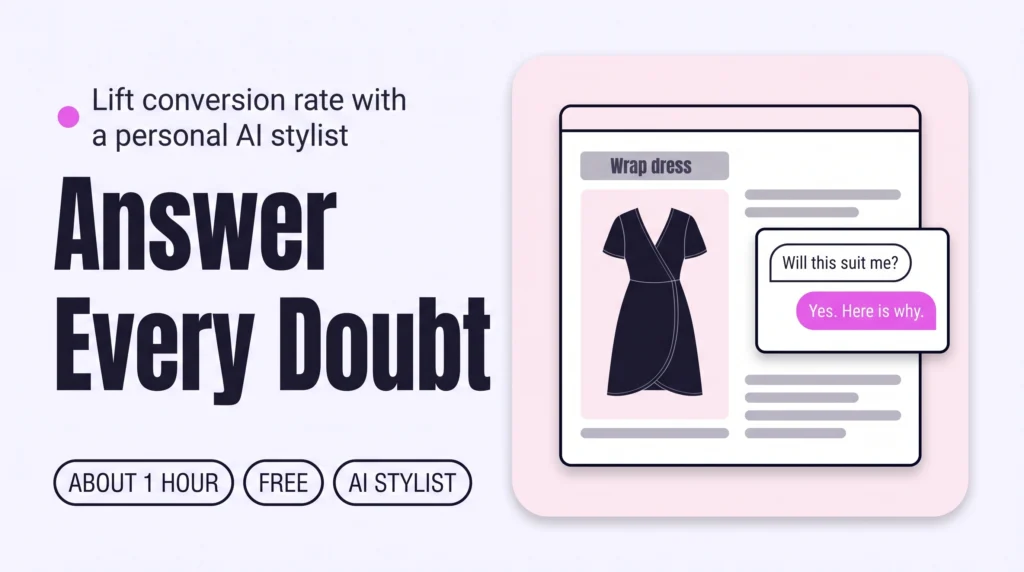
Answer “will this suit me?” on every Shopify product page by installing a personal AI stylist from the Shopify App Store. It advises one shopper at a time, using your own catalogue. Test it privately on your best sellers before going live. Shoppers buy with less doubt, so conversion rate grows.
How to Show Clothes on Different Body Types on Shopify to Raise Conversion
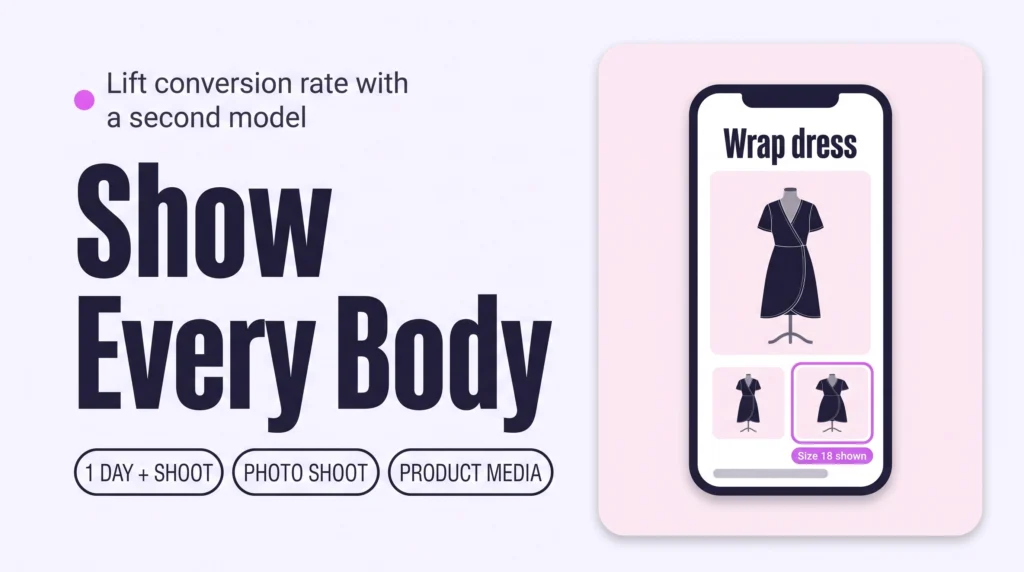
Show each piece on more than one body. Add a second model in a different size to your best sellers’ product media, collect customer photos with a reviews app, or add a virtual try-on preview. Label each photo with the size worn. Shoppers can then picture the fit on themselves, which lifts conversion.