

At a glance
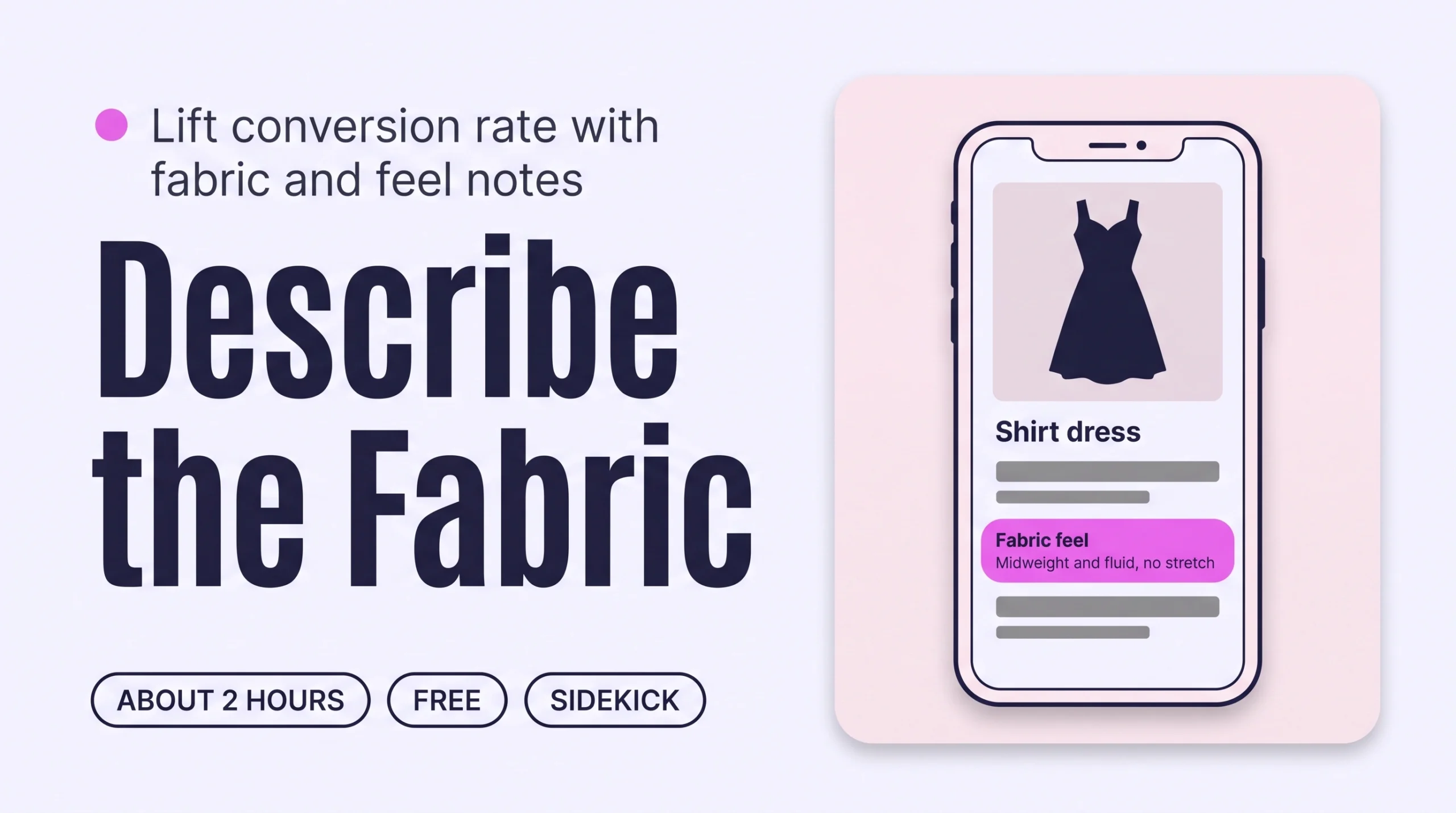
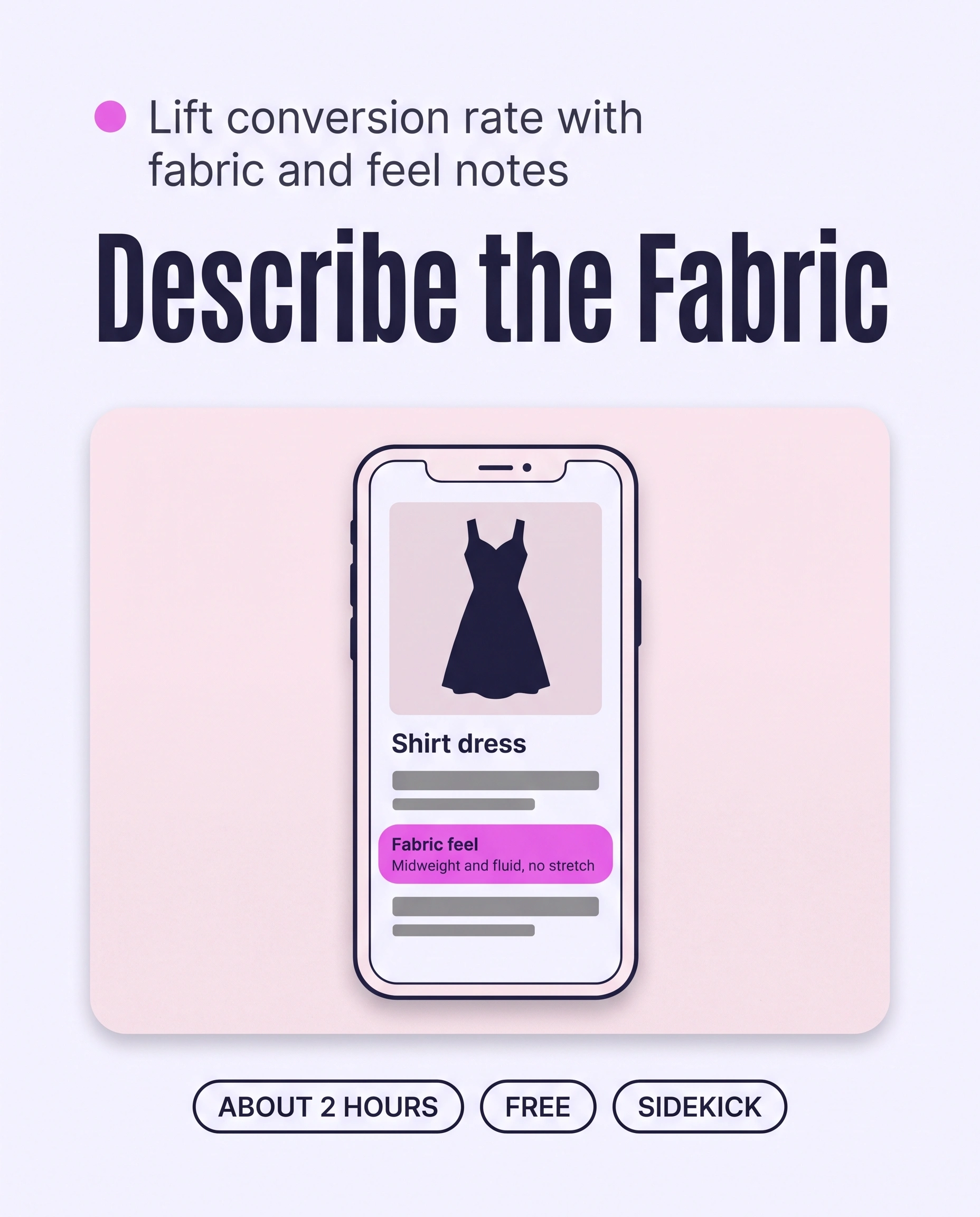
Add three short details to every Shopify product page: fabric composition, how the fabric feels and how to care for it. Have Sidekick or Claude draft them for your 20 best sellers from your own notes, approve them in a table, then show them in a collapsible row on each product page. Shoppers buy with less doubt.
Time: about 2 hours
Cost: free
Developer: not needed
A shopper opens a dress page and cannot tell whether the fabric will feel scratchy, thick or see-through, so she tries another brand.
Fabric and feel is the set of plain details on a product page that say what a piece is made of, how it feels and how to care for it. This guide is about those details, and it grows Conversion Rate: the share of visitors who buy.
To show how a piece looks on different bodies, read How to Show Clothes on Different Body Types on Shopify to Raise Conversion.
Part of Grow Your Shopify Fashion Store with Styling: Salesperson to Stylist, our guide to turning a Shopify fashion store from a salesperson into a stylist.
In this guide
A salesperson
lists the fabric name and hopes that is enough.
A stylist
says how the fabric feels, hangs and wears, so she can picture it.
Why does describing fabric and feel raise conversion?
Describing fabric and feel raises conversion because shoppers cannot touch the cloth, so the page has to answer what their hands would.
Online apparel shoppers cannot feel a fabric or try on a fit, so they decide with incomplete information (Baymard Institute, 2026). A page that names only the colour and the size leaves the fabric question open.
43%
In Baymard’s survey of 1,922 US online shoppers, 43% said they look for quality and durability over time in customer reviews.
Source: Baymard Institute, 2026, Apparel & Accessories quantitative UX insights
63%
Asked what would most improve confidence that a garment was well made, 5,208 respondents gave material information and proof of performance over time 63% of first-place answers combined.
Source: just-style, 2026, Samsara Eco consumer survey
Samsara Eco commissioned the second survey and ran it in its own online community, so treat it as a signal, not a benchmark. Both findings point to the same gap: shoppers want fabric facts before they buy.
What does a good fabric-and-feel note look like?
A good note gives the composition, one sentence on how the fabric feels and wears, and the care, using only facts you can stand behind.
Keep the feel sentence to 12 to 20 words. Name the weight, the stretch and the drape in plain words, and use one fixed set of words across the catalogue. Copy the composition from your care label, because textile labelling rules differ by country.
This illustrative before and after uses an imagined shirt dress, not a real store:
| Detail | Before | After |
|---|---|---|
| Fabric | Viscose blend | 70% viscose, 30% linen |
| Feel | Nothing | Midweight and fluid, soft against the skin, with no stretch. It creases lightly. |
| Care | Nothing | Machine wash cold on a gentle cycle. Hang to dry. |
Not worth it if
Stores that sell one fabric across a small range, such as all-cotton basics, can write one shared note and skip the agent and the Flow.
How do I check my store in two minutes?
Open five best sellers on your phone and check whether each page gives composition, feel and care without a trip through the reviews.
- Open five best sellers. On your phone, open five best-selling product pages on your live store.
- Find the composition. Look for the fabric percentages. Are they on the page, without opening the reviews?
- Read for the feel. Can you tell the weight, whether it stretches and whether it is see-through?
- Look for the care. Check that washing and drying instructions appear on the page.
Check this on your store with the free Styling Score
Bots walk your store like a shopper. You get a score out of 100, a tier and a report.
How do I add fabric and feel with an AI agent?
An AI agent can draft fabric and feel for 20 products in minutes, and you approve every row before it is written.
Use Shopify Sidekick inside your admin, or Claude or ChatGPT connected to your store. An agent cannot touch the fabric. It can only organise the facts you give it, so paste your care labels or supplier notes, and tell it to write MISSING when a fact is absent. All three follow the same five steps.
Back up before you change anything
Export a CSV first: Products › Export. Before any theme layout change, work on a duplicate theme. A connected AI tool cannot edit your live theme.
- ReadYour 20 best sellers and your fabric notes
- ProposeA table of composition, feel and care
- ApproveYou edit the table and reply apply
- WriteOnly the approved rows
- VerifyOpen five products on a phone
First create the three fields once. Metafields store each detail in its own field, so your theme can show it in a consistent place instead of inside the description (Shopify Help Center, 2026).
- Open the product metafields. In your Shopify admin, go to
Settings › Metafields and metaobjects, then click Product metafields. - Add Care guide. Click Add definition, enter
Care guide, click the suggested standard definition, then click Save. Shopify advises using a standard definition whenever one exists (Shopify Help Center, 2026). - Add the other two. Repeat for
Fabric compositionandFabric feel. If Shopify suggests a matching standard definition, use it. Otherwise choose a single line text type, and save each one.
Shopify may also show a Fabric category metafield on apparel products. It offers preset entries (Shopify Help Center, 2026), so keep the three fields above for composition, feel and care. Copy the prompt that matches your tool.
Products: [the 20 best sellers in the collection Dresses]
Fabric notes: [PASTE CARE LABELS OR SUPPLIER NOTES, ONE PRODUCT PER LINE]

For each product, fill three product metafields.
1. Fabric composition: copy the percentages exactly from my notes or the product description, for example "70% viscose, 30% linen". If they are not there, write MISSING. Never guess.
2. Fabric feel: one sentence of 12 to 20 words that names the weight (lightweight, midweight or heavyweight), the stretch (no stretch, slight stretch or stretchy) and the drape (fluid, soft or structured). Put a star (*) after any word you inferred from the composition instead of my notes.
3. Care guide: copy the washing and drying instructions from my notes. If they are not there, write MISSING.

Write in my brand voice. Two examples of my own sentences:
- "[YOUR EXAMPLE 1]"
- "[YOUR EXAMPLE 2]"

Change only these three metafields. Never touch prices, inventory or discounts. Do not delete any product, media or metafield value.
When I reply "apply", write each approved row, and remove the tag needs-fabric-details from those products if they have it.

Show me a table first: product, fabric composition, fabric feel, care guide, source of each fact.
Do not change anything until I reply "apply".
Export a CSV backup first. The prompt changes nothing until you reply apply.
Using the Shopify connector, read [the 20 best sellers in the collection Dresses] in my Shopify store.
Fabric notes: [PASTE CARE LABELS OR SUPPLIER NOTES, ONE PRODUCT PER LINE]

For each product, fill three product metafields.
1. Fabric composition: copy the percentages exactly from my notes or the product description, for example "70% viscose, 30% linen". If they are not there, write MISSING. Never guess.
2. Fabric feel: one sentence of 12 to 20 words that names the weight (lightweight, midweight or heavyweight), the stretch (no stretch, slight stretch or stretchy) and the drape (fluid, soft or structured). Put a star (*) after any word you inferred from the composition instead of my notes.
3. Care guide: copy the washing and drying instructions from my notes. If they are not there, write MISSING.

Write in my brand voice. Two examples of my own sentences:
- "[YOUR EXAMPLE 1]"
- "[YOUR EXAMPLE 2]"

Change only these three metafields. Never touch prices, inventory or discounts. Do not delete any product, media or metafield value.
When I reply "apply", update the approved products one at a time, writing only the three metafields, and remove the tag needs-fabric-details from each product if it has it. Tell me which products are done.

Show me a table first: product, fabric composition, fabric feel, care guide, source of each fact.
Do not change anything until I reply "apply".
Mention Shopify by name so the assistant uses the connector. Export a CSV backup first.
- Run it on 3 products first. Open Sidekick from any page in your Shopify admin, paste the prompt and read the table.
- Touch-test every starred word. Hold the garment and change any feel word the fabric does not support.
- Edit the table, then reply apply. Sidekick presents changes for your review before applying them, but read every row.
- Run the next batch. Repeat with the rest of your 20, then move on to showing the fields on the page.
Start with your best sellers
Run the prompt on your 20 best sellers first. They carry the most traffic, so they repay the effort fastest.
A connected AI tool reaches metafields through the Shopify Admin API, and Shopify says results vary more for those changes, so check what was written in your admin. It also changes items one at a time, so keep batches to 20 (Shopify Help Center, 2026). Data you share with Claude or ChatGPT is handled under that provider’s terms.
How do I add fabric and feel by hand, if I prefer?
By hand, you type the composition, feel and care into each product’s metafields, or fill them in a table with the bulk editor.
- Open the product. Go to
Productsand open a product. In Product metafields, click Fabric composition and type the percentages from the care label (Shopify Help Center, 2026). - Add the feel and the care. Fill Fabric feel and Care guide the same way, then click Save.
For many products, use the bulk editor. Go to Products, tick the products, click Edit products then Columns, and choose your three metafields. Type into the table and click Save. In Microsoft Edge, long URLs can cause errors, so use Chrome, Firefox or Safari (Shopify Help Center, 2026).
How do I show fabric and feel on the product page?
You show the three fields by adding one collapsible row per field to your product template in the theme editor.
Theme layout is still done by hand. Names can differ by theme, so check your theme’s documentation if a block has a different name.
- Work on a copy. Duplicate your theme and open the copy, so your live store does not change while you test.
- Open the product template. From
Online Store, click Edit theme. Use the drop-down at the top to choose Products › Default product. - Add a collapsible row. In the Product information section, click Add block › Collapsible row, and enter a heading such as Feel.
- Connect the field. Next to the row content, click the Connect dynamic source icon and choose Fabric feel. Repeat for Fabric composition and Care guide.
- Save and check five products on your phone. Confirm each row shows the right text.
A row appears only on products that have a value, so one template works for every product (Shopify Help Center, 2026). If your theme does not support dynamic sources, ask your theme’s developer or a Shopify Partner (Shopify Help Center, 2026). To filter collections by fabric, read How to Add Styling Filters (Fit, Length, Occasion) to Shopify Collections.
How do I keep fabric details up to date as new products arrive?
Shopify Flow can tag every new product, and a weekly run fills in its fabric and feel.
Shopify Flow is a free app on the Basic, Grow, Advanced and Plus plans (Shopify Help Center, 2026).
- Tag new products. Open
Apps › Flowand create a workflow. Choose the trigger Product added to store and the action Add product tags, enterneeds-fabric-details, then turn the workflow on. Tags are case sensitive (Shopify Help Center, 2026). - Or ask Sidekick to build it. Paste the prompt below into Sidekick, review the workflow it builds, turn it on and test it with a new product.
Create a workflow that starts when a product is added to the store and adds the product tag needs-fabric-details.Sidekick builds the workflow for you to review. Turn it on yourself and test it.
- Run it weekly. Save the Sidekick prompt above as a skill:
Sidekick › plus icon › Skills › New Skill. Once a week, run it with “/” and the skill’s shortcut, and change the product line to “Products: up to 20 products tagged needs-fabric-details” (Shopify Help Center, 2026).
Use the fabric-and-feel prompt above for the weekly run, review each batch the same way, and let it remove the tag from every product you approve.
Which apps can help?
Start with Sidekick and the theme editor, add Flow to keep it current, and use an app only for a spreadsheet or for customer photos.
| App | What it does | Price | Checked | Best for |
|---|---|---|---|---|
| Shopify Sidekick | Drafts fabric notes and builds Flow workflows from a description | Built into the Shopify admin | Oct 19, 2026 | Keeping everything in one place |
| Shopify Flow | Tags new products so none are missed | Free on Basic, Grow, Advanced and Plus | Oct 19, 2026 | Keeping details current |
| Matrixify | Bulk metafield updates from Excel, CSV or Google Sheets | Free for up to 10 products per file; Basic $20/month | Oct 19, 2026 | Large catalogues edited in a spreadsheet |
| Judge.me Product Reviews | Collects photo and video reviews, so shoppers see fabric on real customers | Free plan; Awesome $15/month, 15-day free trial | Oct 19, 2026 | Real-customer proof of how a fabric wears |
The personal layer
Can every shopper find out how a fabric feels on her?
A fabric note gives every shopper the same facts. It cannot tell one shopper whether a linen blend will feel too warm for her in July, or how it will sit on her. A personal AI stylist can, because it answers one shopper at a time from your own catalogue.
iWAND is an AI stylist for independent fashion brands on Shopify. It gives every shopper a personal stylist, with outfits, styling advice, try-on and size help built on the brand’s own catalogue.
iWAND is our product. Free to install; iWAND charges 5% only on the sales it makes.
Read: Answer “Will This Suit Me?” on Shopify Product Pages to Lift Conversion
How long does it take and what does it cost?
Fabric and feel for your first 20 best sellers takes about 2 hours with an AI agent, and Sidekick makes it free.
These times are estimates for a first batch, not measured results.
| Route | Time | Cost | Skills needed |
|---|---|---|---|
| By hand | About 8 minutes per product; about 3.5 hours for 20, including set-up | Free | Shopify admin and your care labels |
| With an AI agent | About 2 hours for 20 products, including set-up, the touch test and your review | Free with Sidekick; your own plan if you use Claude or ChatGPT | Reading a table, approving rows |
| With an app | About 1 hour to set up, plus writing the notes | $0 to $20 a month | Working in a spreadsheet |
How do I know it’s fixed?
The fix is working when your best sellers show composition, feel and care, and conversion on them rises over about 30 days.
Run the free Styling Score again once your best sellers carry the three details, and check the CVR-04 card for this factor.
Check this on your store with the free Styling Score
Bots walk your store like a shopper. You get a score out of 100, a tier and a report.
Then compare conversion on the updated products with similar products you have not changed. Use Analytics › Reports in your Shopify admin and wait 30 days. Also count how many “is it see-through?” questions reach your inbox before and after.
Where does this fit in Conversion Rate?
Conversion Rate has five factors, and this guide covers the fourth.
- CVR-01See it worn, from every anglePhotos and video from every angle.
- CVR-02Personalized styling adviceAdvice for one shopper.
- CVR-03See it on a body like mineThe piece on bodies like hers.
- CVR-04Fabric and feelWhat the fabric is and how it feels.You are here
- CVR-05How to style itStyling notes on the product page.
Part of Grow Your Shopify Fashion Store with Styling: Salesperson to Stylist, our guide to turning a Shopify fashion store from a salesperson into a stylist.
What else do founders ask about fabric and feel?
Founders most often ask these six questions.
What should I say about how a fabric feels?
Say the weight, the stretch and the drape in one sentence of 12 to 20 words, such as midweight, no stretch and a soft, fluid drape. Use plain words a shopper would use, and check each one against the real garment. Avoid vague praise like premium, because it gives a shopper nothing she can picture.
Do I need to list the fabric composition on every product?
Yes, for every garment. Copy the percentages from your care label, for example 70% viscose and 30% linen, and never guess. Textile labelling rules differ by country, so match your own label and local rules. Start with your 20 best sellers, then work through the rest of the catalogue.
Do I need to give the fabric weight in grams?
No. Plain words such as lightweight, midweight and heavyweight are enough for most shoppers. If your supplier gives a weight in grams per square metre, you can add it to the feel line, for example 180 GSM. Only add numbers that come from your supplier or from your own measurement.
Can AI describe how my fabric feels?
Only partly. An AI agent can organise facts from your care labels and suggest feel words from the composition, but it cannot touch the fabric. Mark every inferred word, touch-test the garment and edit the line yourself. Approve every row before it is written, so a wrong guess never reaches your product page.
Where should fabric details go on a product page?
Put them in the product information area, as collapsible rows or short text near the title, so shoppers find them without scrolling through reviews. In the theme editor, connect each metafield to a collapsible row in the Product information section. A row appears only on products that have a value for that field.
Can AI do this for each shopper?
Yes. A personal AI stylist answers one shopper at a time from your own catalogue, so it can answer her own question about a fabric. iWAND is one. iWAND is our product: free to install, and iWAND charges 5% only on the sales it makes. A written fabric note still helps every shopper who never asks.
Sources
- Baymard Institute. Apparel & Accessories Quantitative UX: 3 High-Level Takeaways from 40+ Charts. June 12, 2026. https://baymard.com/research-articles/apparel-and-accessories-quantitative-ux-insights-2026
- just-style. Survey finds garment failures drive brand switching (Samsara Eco consumer survey, 22 July to 23 August 2026). October 13, 2026. https://www.just-style.com/newsletters/samsara-eco-garment-brand
- Shopify Help Center. Metafields. Checked Oct 19, 2026. https://help.shopify.com/en/manual/custom-data/metafields
- Shopify Help Center. Adding metafield definitions. Checked Oct 19, 2026. https://help.shopify.com/en/manual/custom-data/metafields/metafield-definitions
- Shopify Help Center. Adding product care instructions using metafields. Checked Oct 19, 2026. https://help.shopify.com/en/manual/custom-data/metafields/using-metafields
- Shopify Help Center. Add category metafields. Checked Oct 19, 2026. https://help.shopify.com/en/manual/custom-data/metafields/category-metafields/add-category-metafields
- Shopify Help Center. Editing metafields in bulk. Checked Oct 19, 2026. https://help.shopify.com/en/manual/custom-data/metafields/bulk-edit-metafields
- Shopify Help Center. Displaying metafields on your online store. Checked Oct 19, 2026. https://help.shopify.com/en/manual/custom-data/metafields/displaying-metafields-on-your-online-store
- Shopify Help Center. Sidekick. Checked Oct 19, 2026. https://help.shopify.com/en/manual/ai-powered-tools/sidekick
- Shopify Help Center. Using skills with Sidekick. Checked Oct 19, 2026. https://help.shopify.com/en/manual/ai-powered-tools/sidekick/skills
- Shopify Help Center. Shopify connector for Claude. Checked Oct 19, 2026. https://help.shopify.com/en/manual/ai-powered-tools/connecting-ai-tools/shopify-connector-for-claude
- Shopify Help Center. Shopify Flow. Checked Oct 19, 2026. https://help.shopify.com/en/manual/shopify-flow
- Shopify Help Center. Add product tags (Flow action). Checked Oct 19, 2026. https://help.shopify.com/en/manual/shopify-flow/reference/actions/add-product-tags
- Shopify App Store. Listings for Shopify Flow · Matrixify · Judge.me. Checked Oct 19, 2026.
Conversion Rate
Check every Conversion Rate factor on your store
The free Styling Score walks all five Conversion Rate factors and shows where your store stands.
Master pillar
From a salesperson into a stylist
Part of Grow Your Shopify Fashion Store with Styling: Salesperson to Stylist, our guide to turning a Shopify fashion store from a salesperson into a stylist.