
How to Name Shopify Fashion Products So AI and Google Can Find Them
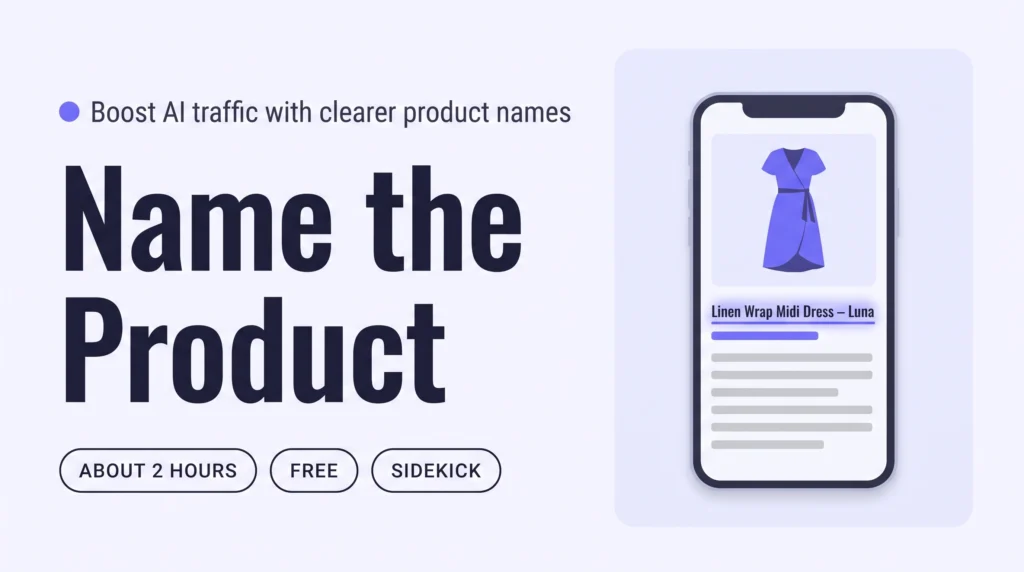
Name each Shopify product for what it is: the product type first, then one or two details shoppers search for, such as fabric or fit. Have Sidekick or Claude propose titles for your 20 newest products, approve them in a table, then repeat weekly with Shopify Flow. AI assistants and Google can then match your clothes to real searches.
How to Write Shopify Collection Descriptions That Bring AI Traffic
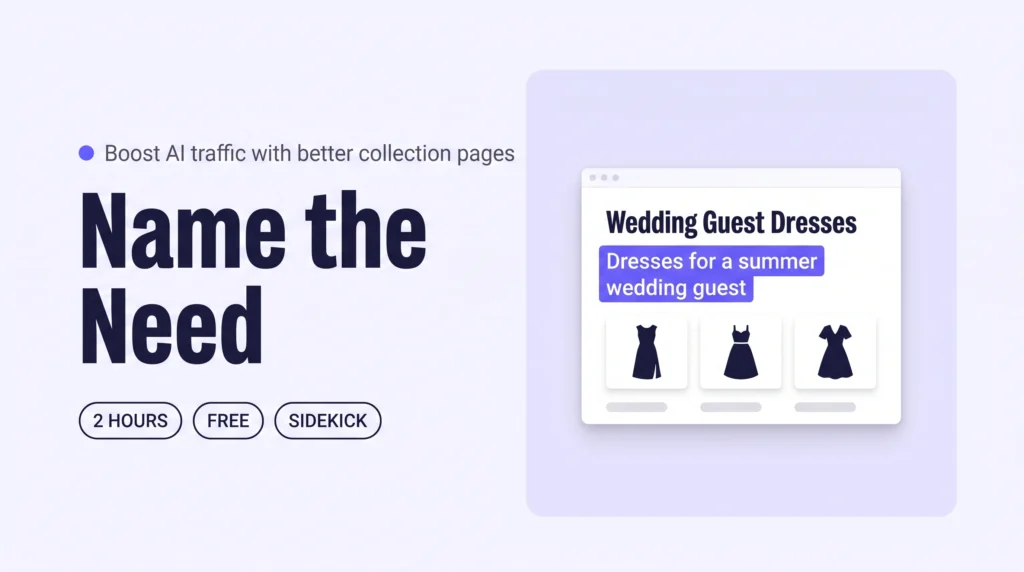
Write a short description for each Shopify collection that names the need it serves, such as clothes for a wedding guest. Have Sidekick or Claude draft descriptions for your top collections, approve them in a table, then add a Flow email for new collections. AI assistants can then match your collections to “what to wear to…” questions.
How to Write Styling Guides on Shopify That Get Your Brand Cited by AI
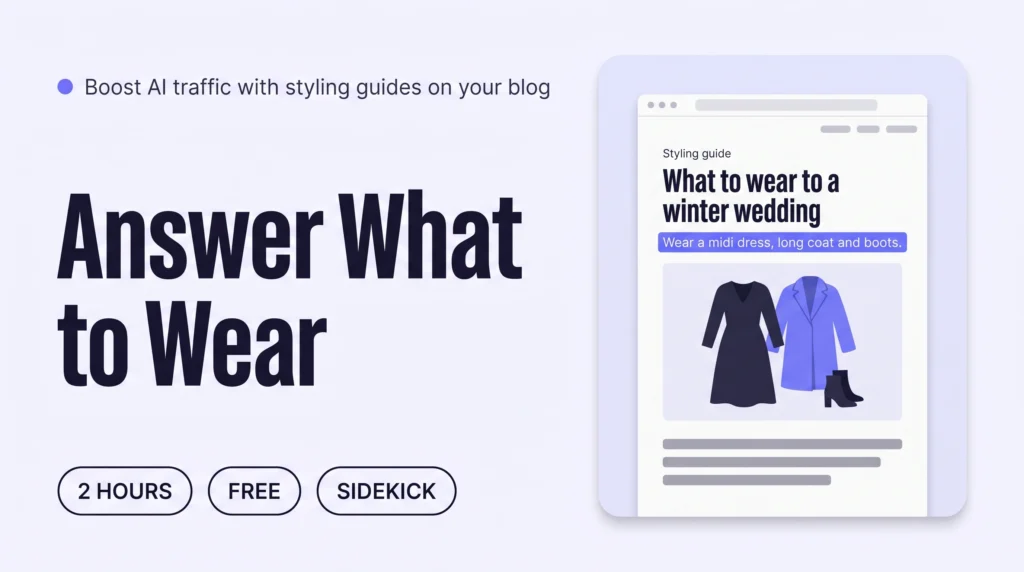
Write three to five styling guides on your Shopify blog, each answering one “what to wear to…” question with a clear outfit, the reasons and links to your own pieces. Draft them with Sidekick or Claude, then edit every line. AI assistants can then cite your brand when shoppers ask what to wear.
How to Describe Your Fashion Brand’s Style So AI Recommends You on Shopify
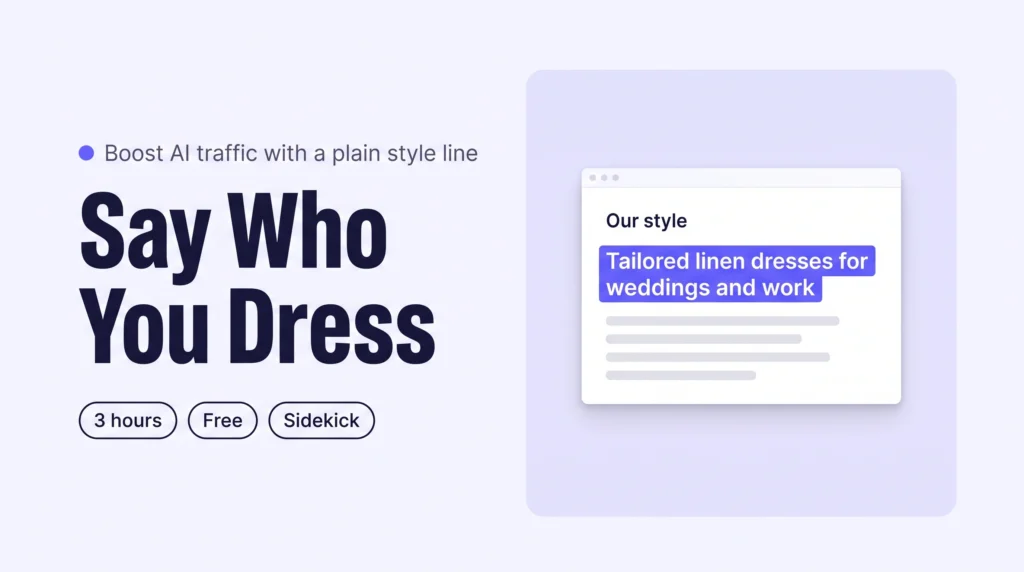
Write your brand’s style in one plain sentence: who you dress, for which moments, in which pieces. Publish it on a Shopify Our style page, then repeat it on your homepage listing, Shopify Knowledge Base and social profiles. AI assistants can then describe your brand correctly and recommend it.
How to Write Shopify Descriptions That Get Your Clothes Recommended by AI
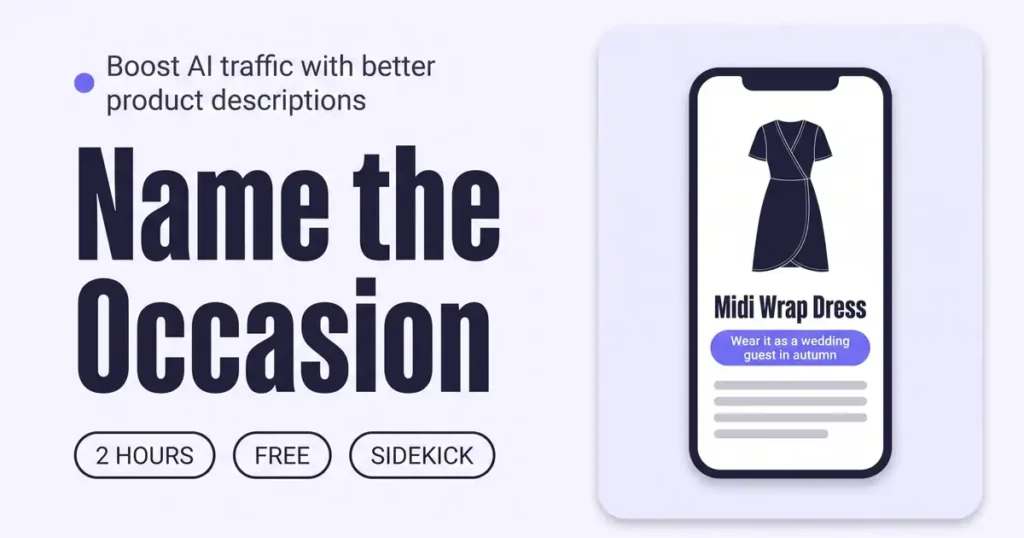
Add one occasion line to the start of each Shopify product description, saying when and where the piece is worn. Have Sidekick or Claude draft lines for your newest 20 products, approve them in a table, then repeat weekly with Shopify Flow. AI assistants can then match your clothes to “what to wear to…” questions and send more visits.