
How to Give Every Shopper Personalized Outfit Recommendations on Shopify
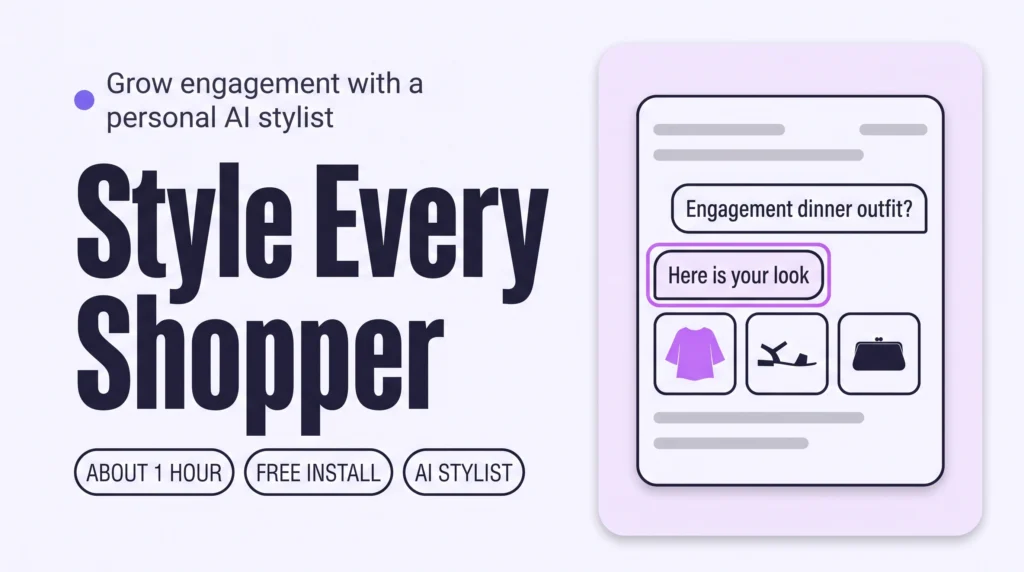
Give every shopper personalized outfit recommendations by adding a personal AI stylist to your Shopify store. It asks about the occasion, body and taste, then builds outfits from your own catalogue. Test it privately before going live. Shoppers explore whole looks instead of single items, so engagement grows.
How to Build a Shoppable Lookbook on Shopify That Keeps Shoppers Exploring
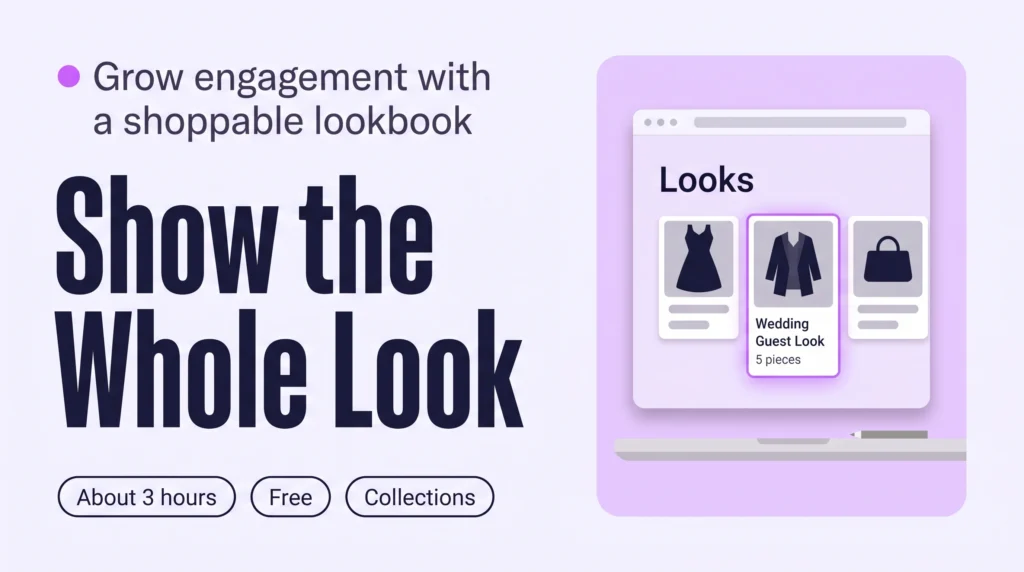
A shoppable lookbook on Shopify is a set of styled outfits, each one a collection of pieces a shopper can open and buy. Create one collection per look, add the pieces by hand, then link the looks from your menu and homepage. Shoppers then browse whole outfits instead of single products, which grows Engagement.
How to Add Styling Filters (Fit, Length, Occasion) to Shopify Collections
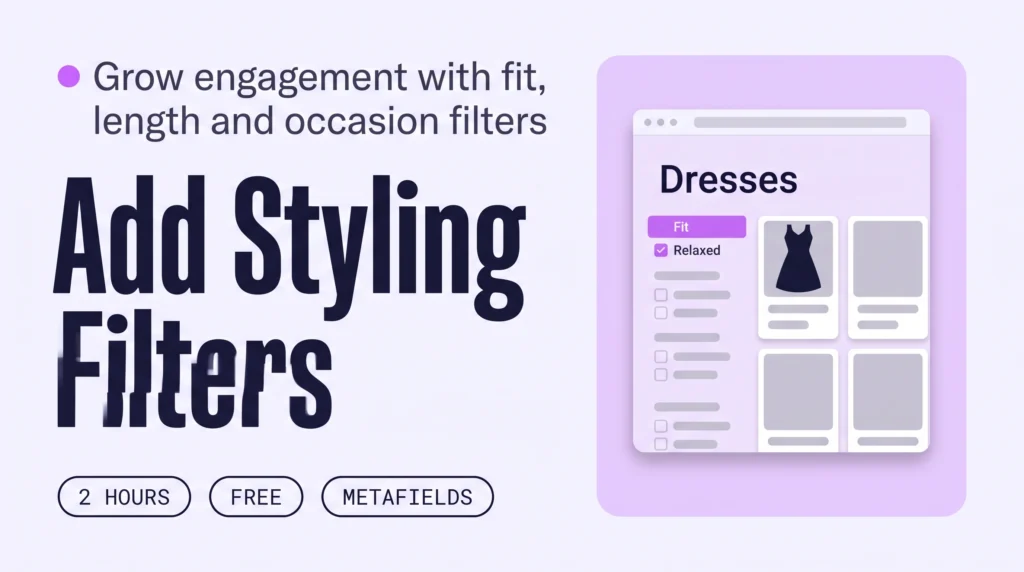
Add three styling filters, Fit, Length and Occasion, to your Shopify collection pages. Create a metafield for each, have Sidekick or Claude fill them in for 20 products at a time, then switch them on in the free Search & Discovery app. Shoppers narrow by how a piece fits and when it is worn, so they browse more.
How to Create Curated Collections on Shopify (and Keep Shoppers Browsing)
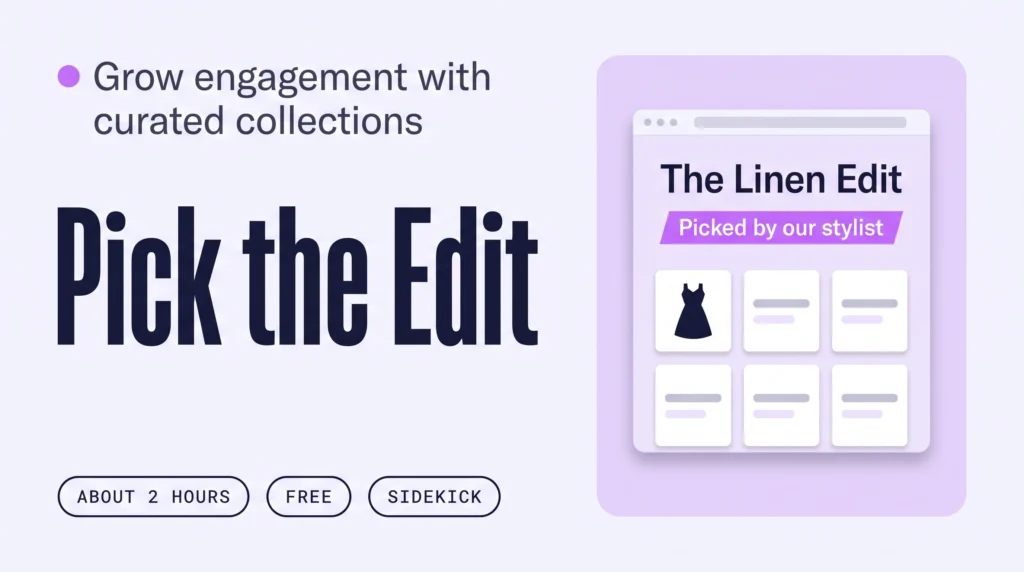
A style edit is a small curated Shopify collection with a stylist’s point of view, such as The Wedding Guest Edit. Pick six edits, have Sidekick propose the pieces, approve them in a table, then add each edit to your menu and homepage. Shoppers then browse by outfit idea, which grows Engagement.
How to Add Shop by Occasion to Shopify (and Keep Shoppers Exploring)
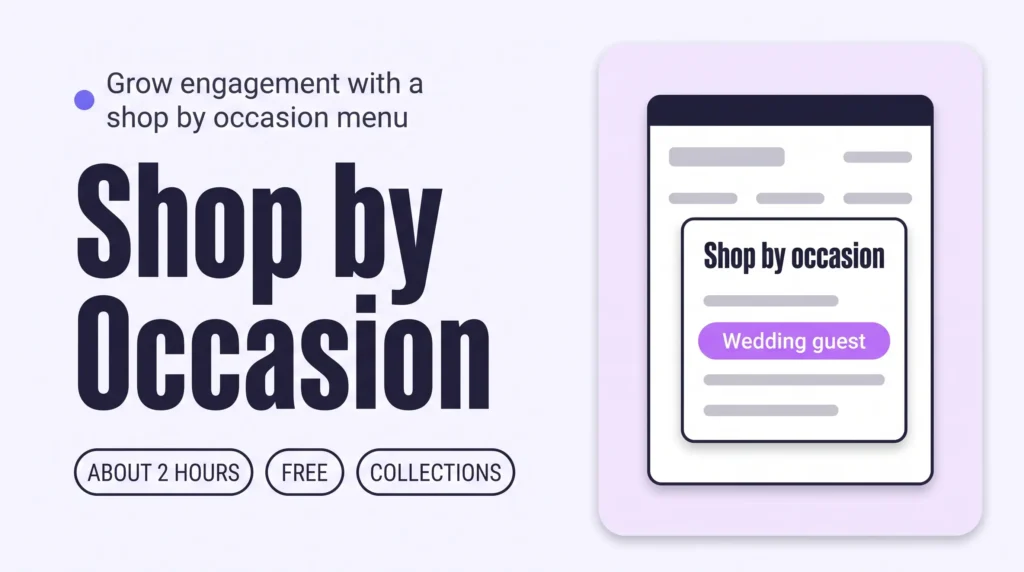
Shop by occasion adds a menu path that starts from what a shopper is dressing for. Tag products with occasions using Sidekick, build one smart collection per occasion in Shopify, and add them to your menu and homepage. More browsing follows: shoppers explore looks, not single items.
Why Shoppers Leave Your Shopify Fashion Homepage (3 Fixes)
About half of the sessions on an online store never reach a product page. A Shopify fashion homepage loses new visitors when it doesn’t answer three questions in order: what do you sell, where do I go, and what do you have for me. Here is how real stores answer each one, mostly with free Shopify tools.
How to Increase Engagement on a Shopify Fashion Store
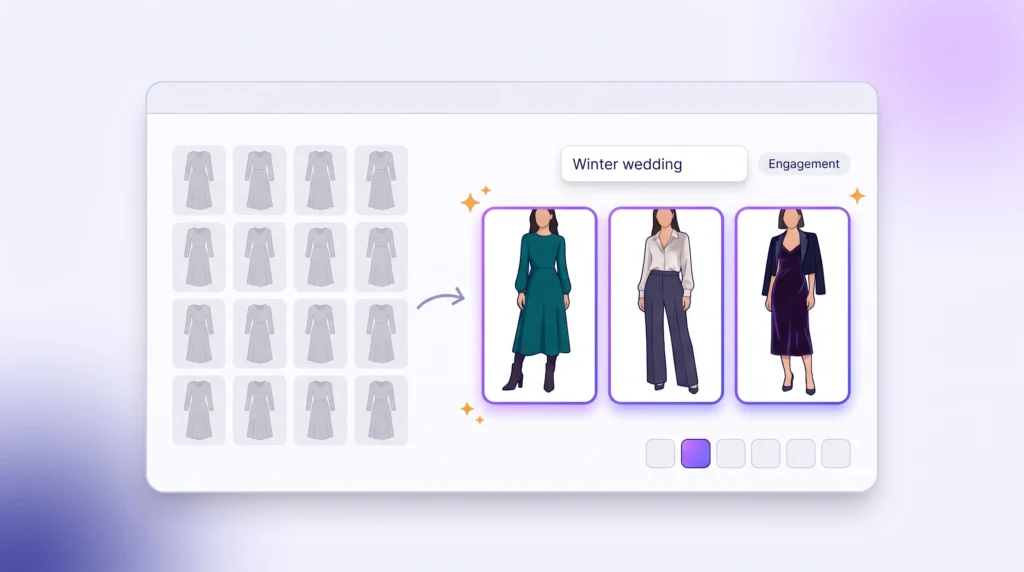
To increase engagement on a Shopify fashion store, let shoppers start from what they are dressing for instead of a grid of everything. Add shop-by-occasion paths, style edits, shoppable looks and styling filters, then personal outfit advice. In Contentsquare’s 2025 benchmark, 53% of visitors left after one page; each fix gives them a reason to open the next.