

At a glance
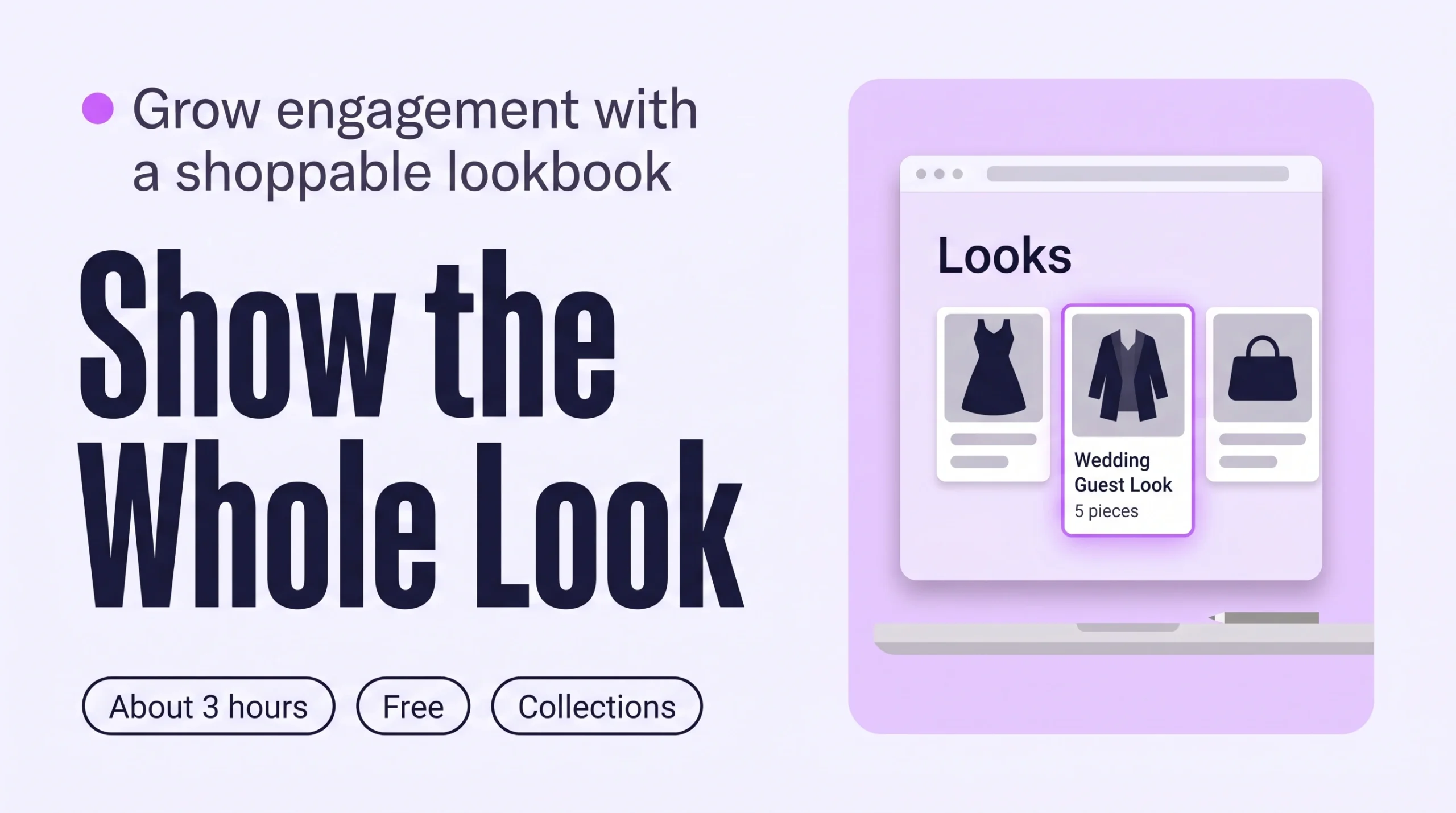
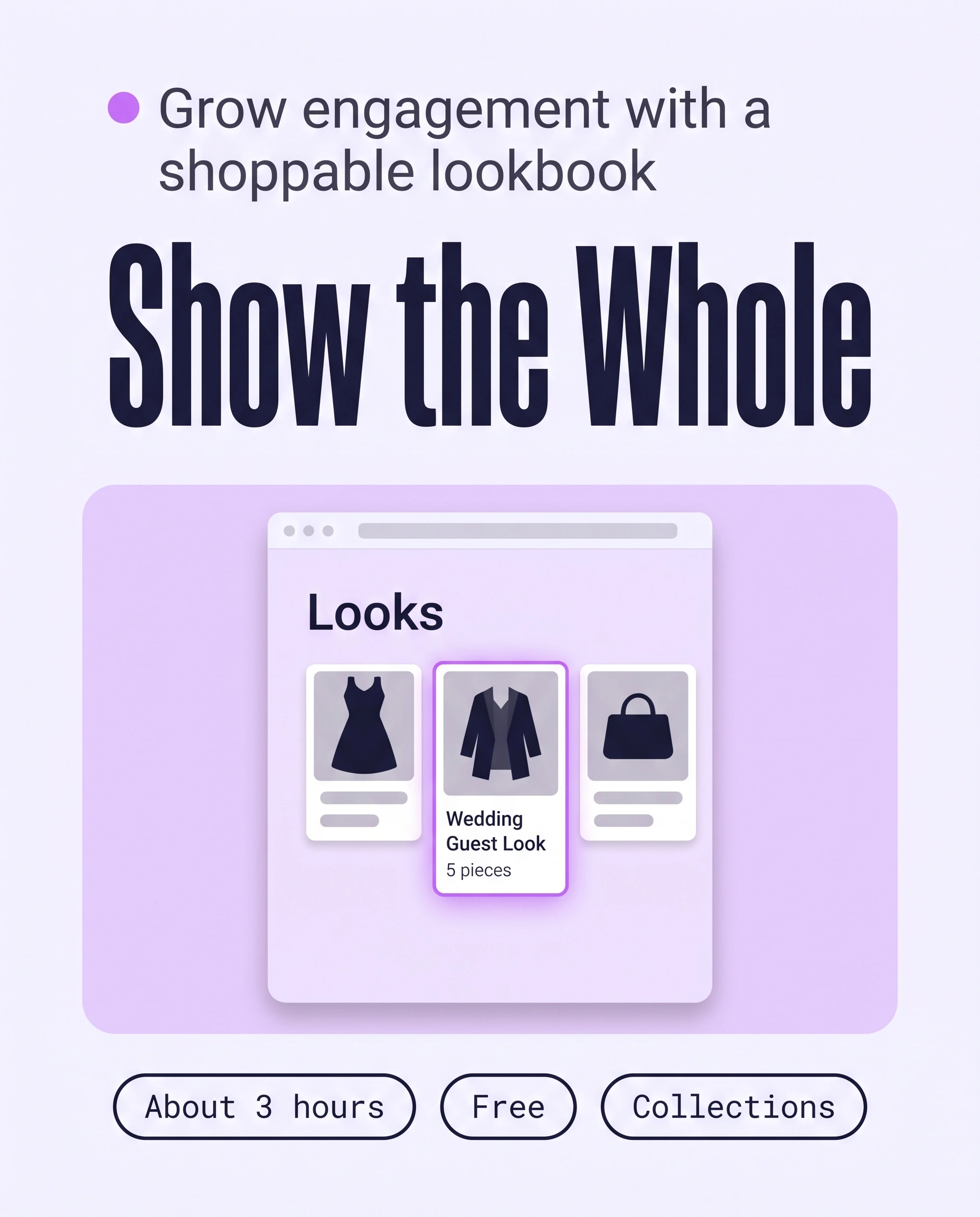
A shoppable lookbook on Shopify is a set of styled outfits, each one a collection of pieces a shopper can open and buy. Create one collection per look, add the pieces by hand, then link the looks from your menu and homepage. Shoppers then browse whole outfits instead of single products, which grows Engagement.
Time: about 3 hours
Cost: free
Developer: not needed
A shopper lands on a dress and wonders what to wear with it. Without an outfit to look at, she usually leaves.
A shoppable lookbook is a set of styled outfits where every piece is a product the shopper can open and buy. It grows Engagement, the stage that counts product views, pages per session and time on site.
This guide is about keeping shoppers exploring. To sell the whole outfit from a look and raise order value, read Shop the Look on Shopify: How to Sell the Whole Outfit and Raise Order Value. The look pages are built once, here.
Part of Grow Your Shopify Fashion Store with Styling: Salesperson to Stylist, our guide to turning a Shopify fashion store from a salesperson into a stylist.
In this guide
A salesperson
shows one product at a time and leaves shoppers to imagine the outfit.
A stylist
shows the whole outfit first and lets shoppers open every piece in it.
Why does a shoppable lookbook grow Engagement?
A shoppable lookbook grows Engagement because every look gives shoppers a reason to open several products, not one, and to keep browsing.
A look answers “what would I wear this with?” before the shopper asks, so each look page leads to several product pages.
64%
Of leading ecommerce sites give shoppers no direct access to the products featured in their inspirational images, so the shopper who wants the look cannot find it.
Source: Baymard Institute, 2026, Homepage and Category Navigation UX best practices
Most
US digital shoppers said they find ideas for fashion purchases by browsing their favourite retailers’ stores and websites, in a survey of 1,000 shoppers.
Source: Statista with Bizrate Insights, 2024, Inspiration sources for online shoppers’ fashion purchases in the U.S.
What does a finished shoppable lookbook look like?
A finished shoppable lookbook has several looks, each one easy to find from the menu and homepage, with every piece in the look linked to its product page.
- Easy to find: a “Looks” menu link and a homepage section.
- Many looks: enough outfits to browse, across your categories.
- Linked pieces: every item opens its product page and is in stock.
How do I check my store in two minutes?
You can check your shoppable looks in two minutes by opening your store on a phone and trying to reach one full outfit.
- Find the looks on your phoneLook for a “Looks” link or a homepage section.
- Open one look and tap each pieceEvery piece should open its product page, in stock.
- Count the looksFewer than three means shoppers run out of outfits.
Check this on your store with the free Styling Score
Bots walk your store like a shopper. You get a score out of 100, a tier and a report.
How do I build a shoppable lookbook by hand in Shopify?
You build a shoppable lookbook by hand in Shopify with one collection per look, each holding the pieces of one outfit, in about three hours for six looks.
A look is a Shopify collection. Collections already link to product pages, so you need no app and no code.
Work on a duplicate theme for layout changes
Before you change the homepage layout, duplicate your theme (Online Store › Themes) and edit the copy. Before an agent creates collections, export a CSV backup (Products › Export).
How do I create the look collections?
- Choose six looksFor example Wedding Guest, Workwear, Weekend, Date Night, Holiday and Everyday. Each look is three to five pieces you already sell.
- Create the collectionGo to
Products › Collections, click Add collection, and enter a title such as “Wedding Guest Look” and a two-sentence description in your brand’s voice. - Add a featured imageUpload your best on-model photo of the full outfit.
- Add the pieces by handIn the Products source, choose the pieces yourself and use no conditions, so the look stays as you styled it. Older admins show this as Collection type: Manual.
- Set the orderUnder Collection items, open Default sort, choose Manually, and drag the hero piece to the top.
- Check availabilityKeep the Online Store sales channel on, or the collection cannot be linked from your menu.
- Repeat for the other five looksDuplicate a finished collection, then swap the pieces and the image.
How do I add the looks to my menu and homepage?
- Add a “Looks” menu itemGo to
Content › Menus, open your main menu, click Add menu item, and name it “Looks”. - Nest the six looks under itAdd each look collection and drag it below “Looks”. Shopify supports up to two nested levels; use one.
- Add the homepage sectionOpen
Online Store › Themes › Customizeon your duplicate theme, add a Collection list section and choose the six looks. Section names and limits depend on your theme. - Publish and test on a phonePublish the theme copy, then tap through one look on your phone.
How do I build a shoppable lookbook faster with an AI agent?
An AI agent proposes complete looks from your catalogue in minutes, and you approve each one before it creates any collection.
Deciding which pieces belong together is the slow part. The agent follows five steps, so nothing is created until you say so.
- ReadThe 40 newest products across your categories
- ProposeA table of looks, nothing created
- ApproveYou edit the table and say apply
- WriteOne collection per approved look
- VerifyOpen each look on a phone
Use Sidekick in your Shopify admin, or connect your store to Claude or ChatGPT and approve access first. Add “Use my connected Shopify store.” as the first line. A connected tool cannot edit your live theme, so the menu and homepage stay by hand.
Look at the 40 newest products across my categories [Dresses, Tops, Outerwear].
Propose 6 looks of 3 to 5 pieces each. Use these look names only:
Wedding Guest, Workwear, Weekend, Date Night, Holiday, Everyday.
Each look must have one piece from at least two categories.
Use only products that are active and in stock.
Write a two-sentence description for each look in my brand voice. Examples of my voice:
"[Example sentence 1]"
"[Example sentence 2]"
Show me a table: look name, the pieces, one-line reason, description.
Do not create anything until I reply "apply".
When I reply "apply", create one manual collection per approved look, with the pieces I approved, sorted manually.
Do not change prices, inventory or discounts. Do not delete anything.
Show me a table first. The prompt creates nothing until you reply apply.
Edit the table before you apply
Swap any pair you would not wear together, and make each look’s hero piece a best seller.
How do I keep my shoppable lookbook up to date?
You keep a shoppable lookbook up to date by checking, once a week, that every piece in every look is still active and in stock.
A sold-out piece frustrates the shopper who wanted the outfit. This check only reads your store.
- Save the weekly check as a Sidekick skillOpen Sidekick, click the plus icon, choose Skills then New Skill, and paste the prompt below. Run it weekly with / and its name.
- Swap what it findsReplace a sold-out piece with a similar one in the collection.
- Optional: email alertsIn the free Shopify Flow app, use the Product variant out of stock trigger with Send internal email. Inventory tracking must be on.
Check my look collections: [Wedding Guest Look, Workwear Look, Weekend Look, Date Night Look, Holiday Look, Everyday Look].
List every product in them that is archived, in draft, or out of stock in any variant.
Show me a table: look, product, problem.
Do not change anything. Do not touch prices, inventory or discounts.
This prompt reads only. It changes nothing in your store.
The Flow email fires for every variant that sells out, not only look pieces, so expect many emails. Shopify Flow is free on the Basic, Grow, Advanced and Plus plans.
Which apps can help you build a shoppable lookbook?
Native Shopify collections cover the whole job for free, and a photo-hotspot app adds clickable product dots on a lookbook image.
| Option | What it does | Price (checked Oct 15, 2026) | Best for |
|---|---|---|---|
| Shopify collections, menus and theme editor | One collection per look | Included in your plan | Most stores |
| Advanced Shop the look (Polar Bear Commerce) | Hotspots on an image, each linked to a product | Free | Image-led looks |
| SG: Shoppable Lookbook Gallery (Mascot Software Technologies) | Tags products on gallery images | $3 per month, free trial available | A tagged-image gallery |
The personal layer
Looks are the same for every shopper.
A shoppable lookbook shows every shopper the same six outfits. It cannot style one shopper around the jacket she already owns or the wedding she is dressing for. A personal AI stylist can, because it answers one shopper at a time from your own catalogue.
iWAND is an AI stylist for independent fashion brands on Shopify. It gives every shopper a personal stylist, with outfits, styling advice, try-on and size help built on the brand’s own catalogue.
iWAND is our product. Free to install; iWAND charges 5% only on the sales it makes.
Read: Grow Your Shopify Fashion Store with Styling: Salesperson to Stylist
How long does it take and what does it cost?
Building six looks takes about three hours by hand and about two hours with an AI agent, and none of the options needs a developer.
| Way | Time | Cost | Skills |
|---|---|---|---|
| By hand | About 3 hours for six looks | Free | Shopify admin basics |
| With an AI agent | About 2 hours | Free with Sidekick | Reviewing a table |
| With an app | About 2 hours, plus photos | Free to $3 per month | Tagging products on images |
Not worth it if
Your store sells one piece type, such as knitwear only, or fewer than about 30 products. One collection of best sellers is enough, and a lookbook adds little.
How do I know my shoppable looks are fixed?
Your shoppable looks are fixed when the Styling Score shows ENG-02 as Done, and shoppers reach a full outfit in two taps from the homepage.
Run the Styling Score again after you publish the menu and homepage section. In Shopify analytics, watch pages per session and visits to your look collections for 30 days before and after launch.
Check this on your store with the free Styling Score
Bots walk your store like a shopper. You get a score out of 100, a tier and a report.
Where does this fit in Engagement?
- ENG-01Shop by occasionStart from the moment, not the product type.
- ENG-02Shoppable looksLooks shoppers can browse and buy from.You are here
- ENG-03Personalized outfit recommendationsOutfits chosen for one shopper.
- ENG-04Style editsCurated collections that read like a stylist’s picks.
- ENG-05Styling filtersFit, length and occasion filters on collections.
Read next: How to Add Shop by Occasion to Your Shopify Store · Grow Your Shopify Fashion Store with Styling: Salesperson to Stylist
What else do founders ask about shoppable lookbooks?
How many looks should I create?
Start with six, spread across your two or three categories. Give each look three to five pieces, with pieces from at least two categories so shoppers browse more than one rack. Add more once shoppers use the first six, such as a holiday look before the season.
Do I need an app to build a shoppable lookbook?
No. Collections, menus and the theme editor are built into Shopify and cover the whole job. An app only adds clickable hotspots on a lookbook photo. The optional stock-alert email uses Shopify Flow, which is free on the Basic, Grow, Advanced and Plus plans.
How long until shoppers browse more?
Nobody can promise a date or a lift. Compare pages per session and visits to your look collections for the 30 days before and after launch, and judge the trend over several weeks. Smaller stores may need longer before a clear pattern appears.
Can AI do this for each shopper?
Yes, with a personal AI stylist. A lookbook shows every shopper the same outfits, while a personal AI stylist builds an outfit for one shopper from your own catalogue. iWAND is one; iWAND is our product. Free to install; iWAND charges 5% only on the sales it makes.
Sources
- Baymard Institute. Homepage and Category Navigation UX 2026: 10 Pitfalls and Best Practices. Updated Oct 13, 2026. https://baymard.com/research-articles/ecommerce-navigation-best-practice
- Statista Research Department, with Bizrate Insights. Inspiration sources for online shoppers’ fashion purchases in the U.S. in 2024. Published Mar 24, 2025. https://www.statista.com/statistics/1607750/digital-shopper-fashion-purchase-inspiration-us/
- Shopify Help Center. Creating collections and adding products. Checked Oct 15, 2026. https://help.shopify.com/en/manual/products/collections/create-collection
- Shopify Help Center. Adding menu links for your collections. Checked Oct 15, 2026. https://help.shopify.com/en/manual/products/collections/make-collections-findable
- Shopify Help Center. Changing the sort order and layout of collections. Checked Oct 15, 2026. https://help.shopify.com/en/manual/products/collections/collection-layout
- Shopify Help Center. Creating drop-down menus. Checked Oct 15, 2026. https://help.shopify.com/en/manual/online-store/menus-and-links/drop-down-menus
- Shopify Help Center. Sidekick skills. Checked Oct 15, 2026. https://help.shopify.com/en/manual/ai-powered-tools/sidekick/skills
- Shopify Help Center. Shopify connector for Claude. Checked Oct 15, 2026. https://help.shopify.com/en/manual/ai-powered-tools/connecting-ai-tools/shopify-connector-for-claude
- Shopify Help Center. Shopify Flow, and the Product variant out of stock trigger. Checked Oct 15, 2026. https://help.shopify.com/en/manual/shopify-flow/reference/triggers/variant-out-of-stock
- Shopify App Store. Advanced Shop the look, and SG: Shoppable Lookbook Gallery. Checked Oct 15, 2026. https://apps.shopify.com/shop-the-look-2
Engagement
Check every Engagement factor on your store
The free Styling Score walks all five factors and shows which are Done, Halfway or Not yet.
Master pillar
From a salesperson into a stylist
Part of Grow Your Shopify Fashion Store with Styling: Salesperson to Stylist, our guide to turning a Shopify fashion store from a salesperson into a stylist.