

At a glance
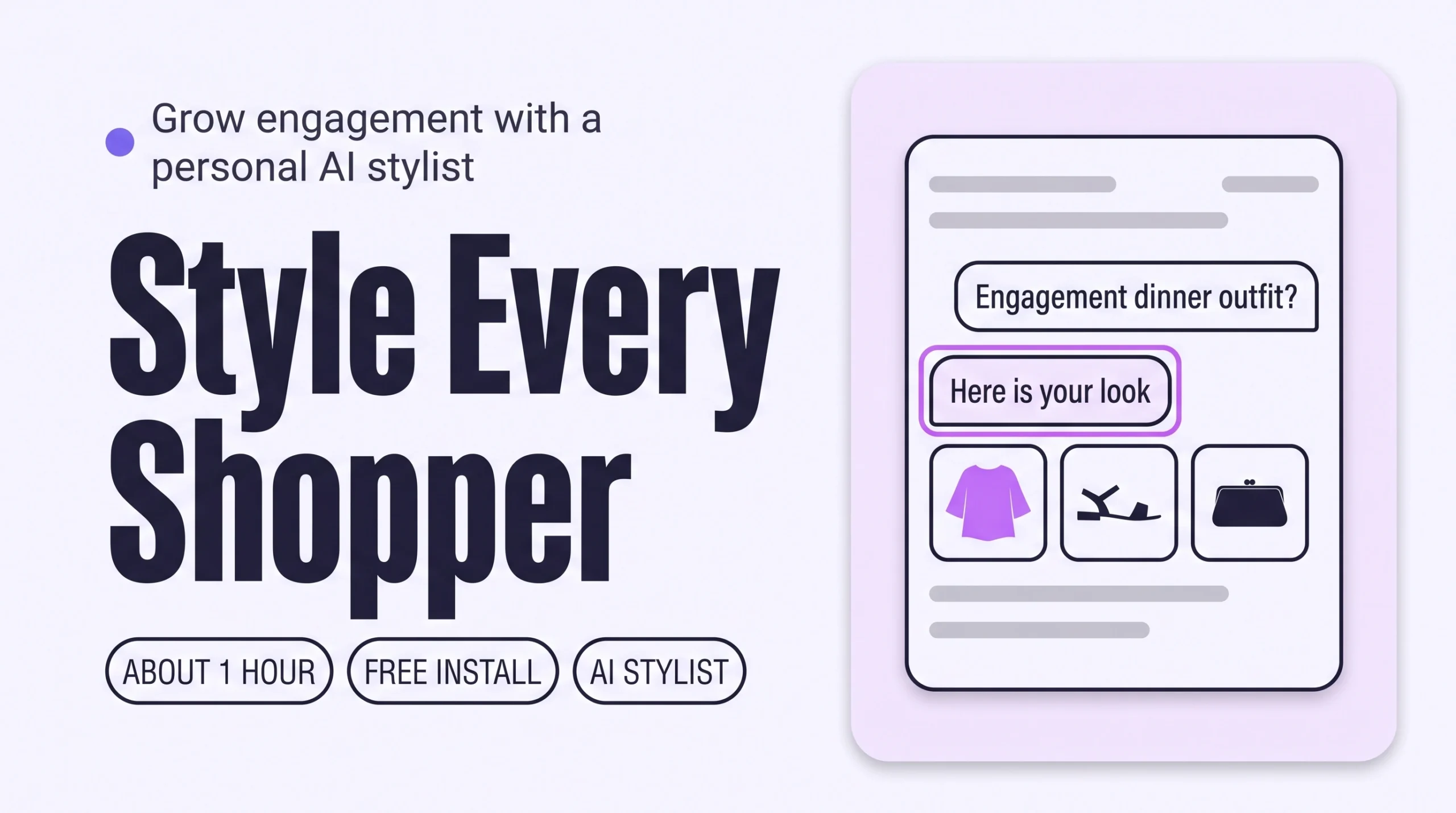
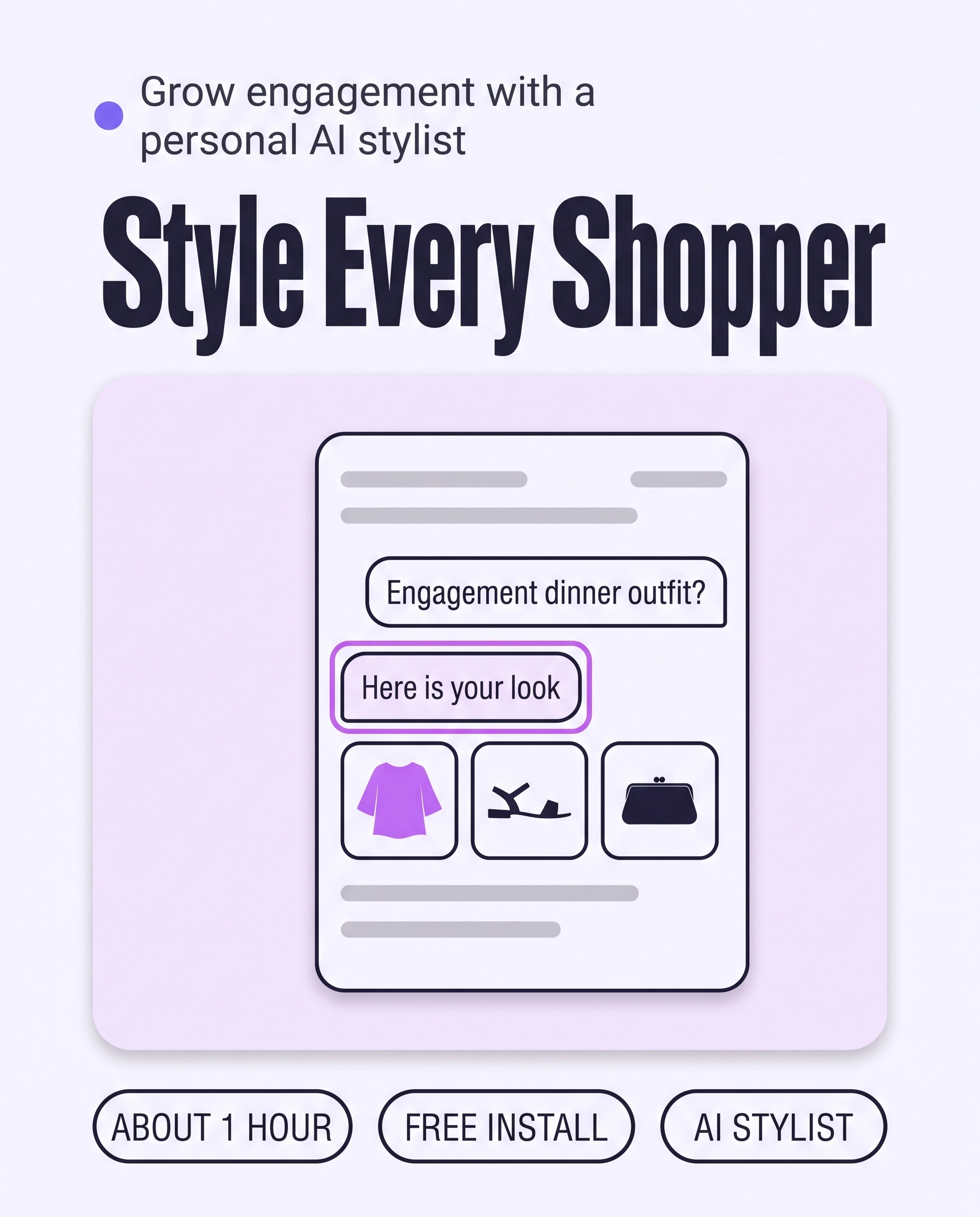
Give every shopper personalized outfit recommendations by adding a personal AI stylist to your Shopify store. It asks about the occasion, body and taste, then builds outfits from your own catalogue. Test it privately before going live. Shoppers explore whole looks instead of single items, so engagement grows.
Time: about 1 hour
Cost: free to install
Developer: not needed
A shopper opens your store the evening before a friend’s engagement dinner. She has one skirt she loves and no idea what to wear with it. A menu of product types shows her every top you sell and leaves the styling to her.
Personalized outfit recommendations are outfits built from your own catalogue for one shopper, based on what she says about the occasion, her body, her taste and what she already owns. This guide is about Engagement, which counts product views, pages per session and time on site. A shopper who is shown looks made for her has more reasons to open the next piece.
This guide covers the exploring moment. Three more personal styling guides cover the later moments: How to Answer “Will This Suit Me?” on Every Shopify Product Page, How to Build a Personal Outfit Around Every Product to Grow Order Value and How to Give Personal Size and Fit Advice Before Checkout to Cut Returns.
Part of Grow Your Shopify Fashion Store with Styling: Salesperson to Stylist, our guide to turning a Shopify fashion store from a salesperson into a stylist.
In this guide
A salesperson
shows every shopper the same shelves and waits.
A stylist
asks what she is dressing for and builds the outfit.
Why do personalized outfit recommendations grow Engagement?
Personalized outfit recommendations grow Engagement because a shopper shown looks made for her has a reason to keep exploring.
Engagement is where a Shopify fashion store starts to sell more. Every extra piece a shopper opens is another chance to sell it.
Most stores recommend by product. Shopify generates related products from purchase history, product descriptions and related collections, and merchants can choose up to 10 complementary products by hand (Shopify Help Center, 2026). Both start from the product, not from the shopper.
71%
In McKinsey’s Next in Personalization research, 71% of consumers said they expect companies to deliver personalized interactions, and 76% said they get frustrated when it does not happen.
Source: McKinsey, 2021, The value of getting personalization right—or wrong—is multiplying
35%+
More than 35% of fashion and luxury executives report already using generative AI in areas such as online customer service, consumer search or product discovery.
Source: McKinsey and The Business of Fashion, 2025, The State of Fashion 2026: When the rules change
McKinsey’s 71% comes from 2021 and covers consumers in general, not fashion shoppers alone. It still shows the bar: a shopper expects a store to treat her as an individual. The same State of Fashion report notes that some shoppers already use AI agents as style and wardrobe consultants. Shoppers who want a stylist will find one somewhere, and your own store is the place to offer it.
How do I check my store in two minutes?
Use your store on a phone like a shopper, and see whether anything responds to what she is dressing for.
- Pick one occasionChoose a moment you sell for, such as a wedding guest in June.
- Look for a way to say itOn your homepage, a collection page and a product page, look for anything that lets a shopper tell the store what she is dressing for, such as a quiz, a chat or a stylist.
- Ask for an outfit, then change the occasionOpen a best seller and look for suggestions of what to wear with it. If the picks stay the same when the occasion changes, your store is showing every shopper the same shelves.
Check this on your store with the free Styling Score
Bots walk your store like a shopper. You get a score out of 100, a tier and a report.
What would a stylist do for one shopper?
A stylist, not a salesperson, asks three or four questions first, then shows one complete outfit with a reason for each piece.
In a boutique, a stylist starts with the shopper, not the rail. This example uses an imagined shopper and imagined pieces, not a real customer or a real store.
- What are you dressing for? A friend’s engagement dinner on Saturday.
- What do you already own and love? A pleated midi skirt in forest green.
- How do you like clothes to fit? Relaxed through the waist, nothing tight.
- What colours do you reach for? Neutrals, with one warm accent.
Her answer is one outfit of three pieces from the boutique’s own rails: a cream silk-blend shirt that falls loose at the waist, tan block-heel sandals and a small brown clutch that picks up her warm accent. Each piece comes with one line on why it works.
Those reasons make a shopper trust the outfit and open the next piece. A menu of product types cannot ask these questions. A personal AI stylist can ask them one shopper at a time, at any hour.
What are my options, from by hand to AI?
You have three ways to give shoppers personal outfit advice: by hand, with apps, or with a personal AI stylist built on your catalogue.
Each way trades personal attention against reach, so start with what your team can answer at 2 a.m.
By hand: a person styles each shopper
A team member on chat, booked styling calls or a styling inbox gives the most personal advice. The limit is hours: nobody answers at 2 a.m., and one stylist can only help one shopper at a time.
With apps: quizzes and rules
A quiz app asks a few questions and shows the products you mapped to each answer. Shopify’s free Search & Discovery app shows related products and up to 10 complementary products per product (Shopify App Store, 2026). Both work at any hour, but the picks follow rules you set, not the shopper’s own words.
With a personal AI stylist on your catalogue
A personal AI stylist talks to one shopper at a time, in her words, and builds outfits from your catalogue at any hour. Its limit is the catalogue itself: it can only recommend pieces your catalogue describes well.
| Option | Personal to the shopper? | Built on your catalogue? | Available at 2 a.m.? | Cost | Set-up time |
|---|---|---|---|---|---|
| By hand: chat, calls or inbox | Yes, one shopper at a time | Yes | No, only when staff are online | Staff time | Same day |
| Quiz or rules-based app | Partly: a few answers or fixed rules | Yes, once you map products | Yes | Varies; check each app listing | A few hours to map products |
| Shopify related and complementary products | No: starts from the product | Yes | Yes | Free | Related: automatic. Complementary: chosen by hand per product |
| Personal AI stylist (iWAND) | Yes, built from each shopper’s own answers | Yes | Yes | Free to install; iWAND charges 5% only on the sales it makes | About 1 hour |
These set-up times are estimates for a first set-up, not measured results.
Not worth it if
Stores with a very small catalogue, or only one category with nothing to pair, can answer shoppers by chat or inbox instead. An outfit needs pieces from at least two categories that combine.
What does it look like with iWAND?
iWAND is our product.
With iWAND, a shopper tells a stylist what she is dressing for and gets complete outfits from your catalogue, shown on a model with virtual try-on.
iWAND is an AI stylist for independent fashion brands on Shopify. It gives every shopper a personal stylist, with outfits, styling advice, try-on and size help built on the brand’s own catalogue.
Four iWAND agents do the exploring work in this guide:
- Style asks the shopper about her occasion, body shape and taste, then builds head-to-toe outfits and shows them with virtual try-on.
- Pair takes a photo of a piece she already owns and pairs it with matching pieces from your catalogue.
- Find turns a look she describes in her own words into matching pieces.
- Snap reads an inspiration photo, identifies each item in it and surfaces similar pieces from your catalogue.
A typical flow runs like this. The shopper opens the stylist and says she needs an outfit for an engagement dinner. Style asks how she likes clothes to fit, then returns a look made of pieces from your store, rendered on a model. She opens the pieces she likes and keeps browsing.
See it as a shopper before you decide: try it as a shopper on the demo store. To see how the agents work together, read How iWAND works.
Free to install; iWAND charges 5% only on the sales it makes. Judge it on your own catalogue, not on a demo, because a stylist can only recommend what your catalogue describes well.
How do I set up a personal AI stylist on Shopify?
Setting up iWAND on Shopify takes five steps: install, let it learn your catalogue, design it, test it as a shopper, and go live.
Test before shoppers see it
Use the test mode in your Shopify admin to chat with your stylist before you activate it. Because it adds a stylist to your storefront, duplicate your live theme first: go to Online Store › Themes, open the actions menu on your live theme and click Duplicate.
- Install from the Shopify App StoreOpen the listing and click Install. The app is free to install, and the listing shows the languages it supports, so check yours first. Install iWAND from the Shopify App Store.
- Let it learn your catalogueiWAND scans your live inventory, builds your stylist from it and keeps new arrivals and inventory changes in sync automatically.
- Design your stylistCustomize the layout and appearance to match your brand, and switch each agent on or off. For this guide, keep Style, Pair, Find and Snap on.
- Test it as a shopperChat with your stylist inside the admin panel before going live. Paste the five test prompts below and read each answer the way your shopper would.
I need an outfit for a friend's engagement dinner on Saturday.
I love this skirt I already own. What goes with it from your store?
Something relaxed for a weekend away. I don't like tight tops.
I want a look like the one in this photo (upload a photo you like).
Make the first outfit dressier for the evening.
Change the occasion in a prompt and check that the outfits change. Read every answer as your shopper would.
- Go live, then check on your phoneActivate the stylist on your storefront, open the live store on a phone and run the same prompts again.
See iWAND style your own catalogue: free private preview
Preview iWAND on your own catalogue first, then decide whether to go live.
How do I measure whether it works?
Measure it by comparing shoppers who used the stylist with shoppers who did not, over a full buying cycle and at least 30 days.
- Compare the two groupsThe iWAND dashboard compares shoppers who talk to your stylist with your normal store flow. It also tracks conversion, AOV and revenue lift, and lists every shopper conversation.
- Watch Engagement in your own analyticsIn Google Analytics 4, watch engagement rate: the share of sessions that last longer than 10 seconds, have a key event or have 2 or more page views (Google Analytics Help). In Shopify, open
Analytics, pick a date range and use the comparison menu to compare periods (Shopify Help Center, 2026). - Track returns, not only salesCompare the return rate on orders from stylist shoppers with your other orders. A rise in sales with a rise in returns means the advice is not landing.
Shopify changed how it measures sessions between September 21 and 23, 2026, so sessions and conversion rate before and after that rollout are not directly comparable (Shopify Help Center, 2026). Start your baseline period after September 23, 2026.
How long does it take and what does it cost?
A personal AI stylist takes about 1 hour to set up and test, and iWAND is free to install.
These times are estimates for a first set-up, not measured results.
| Way | Time | Cost | Skills needed |
|---|---|---|---|
| By hand: chat, calls or inbox | Staff hours every week, only while someone is online | Staff time | Styling and customer chat |
| With an app: quiz or rules | A few hours to map products to answers | Varies; check each app listing | Mapping products to answers |
| With a personal AI stylist (iWAND) | About 1 hour to install, test and go live | Free to install; iWAND charges 5% only on the sales it makes | Testing as a shopper, choosing which agents to show |
How do I know it’s fixed?
The fix is working when shoppers open the stylist, browse more looks and your Engagement numbers rise over 30 days.
Run the free Styling Score again once the stylist is live, and read the ENG-03 card to see what the report found on your live store.
Then watch three numbers for at least 30 days: engagement rate and pages per session in your analytics, and the number of stylist conversations in the iWAND dashboard. Nobody can promise a date or a result, so judge the trend, not a single day.
Where does this fit in Engagement?
Engagement has five factors, and this guide covers the third.
- ENG-01Shop by occasionStart from the moment, not the product type.
- ENG-02Shoppable looksLooks shoppers can browse and buy from.
- ENG-03Personalized outfit recommendationsOutfits chosen for one shopper.You are here
- ENG-04Style editsCurated collections that read like a stylist’s picks.
- ENG-05Styling filtersFit, length and occasion filters on collections.
Part of Grow Your Shopify Fashion Store with Styling: Salesperson to Stylist, our guide to turning a Shopify fashion store from a salesperson into a stylist.
What else do founders ask about personalized outfit recommendations?
Founders most often ask these five questions.
Can AI give each shopper personalized outfit recommendations?
Yes. A personal AI stylist asks one shopper about her occasion, body and taste, then builds outfits from your own catalogue. iWAND is one, and iWAND is our product. Free to install; iWAND charges 5% only on the sales it makes. Quiz apps and rules-based widgets personalize less, because they follow rules you set.
How are outfit recommendations different from “you may also like” widgets?
A widget starts from a product and shows similar or complementary items. Shopify generates related products from purchase history, product descriptions and related collections, and you can choose up to 10 complementary products by hand. An outfit recommendation starts from the shopper: her occasion, her body and what she owns. It then combines pieces from different categories into one look.
Do I need a developer to add a personal AI stylist?
No. iWAND installs from the Shopify App Store, scans your catalogue and launches with no code, and a test mode in your admin lets you try it first. Because it adds a stylist to your storefront, duplicate your live theme before you start and test as a shopper before activating it. Check that your storefront language is listed.
How do I stop an AI stylist recommending the wrong things?
Test it before shoppers do. Chat with your stylist in the admin test mode using prompts about your real occasions, then change the occasion and check that the outfits change. After launch, read the shopper conversations in the iWAND dashboard each week, and switch off any agent you do not want shoppers to use.
How long until I see more engagement?
Give it at least 30 days, or one full buying cycle for your store. Compare engagement rate and pages per session before and after launch, and compare shoppers who used the stylist with those who did not. Shopify changed how it measures sessions on September 21 to 23, 2026, so start your baseline after that date.
Sources
- McKinsey. The value of getting personalization right—or wrong—is multiplying. November 12, 2021. https://www.mckinsey.com/capabilities/growth-marketing-and-sales/our-insights/the-value-of-getting-personalization-right-or-wrong-is-multiplying
- McKinsey and The Business of Fashion. The State of Fashion 2026: When the rules change. November 17, 2025. https://www.mckinsey.com/industries/retail/our-insights/state-of-fashion
- Shopify Help Center. Customize product recommendations with Shopify Search & Discovery. Checked Oct 15, 2026. https://help.shopify.com/en/manual/online-store/storefront-search/search-and-discovery-recommendations
- Shopify Help Center. Using the Analytics overview dashboard. Checked Oct 15, 2026. https://help.shopify.com/en/manual/reports-and-analytics/shopify-reports/overview-dashboard/using-the-overview-dashboard
- Shopify Help Center. Duplicating themes. Checked Oct 15, 2026. https://help.shopify.com/en/manual/online-store/themes/managing-themes/duplicating-themes
- Google Analytics Help. Engagement rate and bounce rate in Google Analytics 4. Checked Oct 15, 2026. https://support.google.com/analytics/answer/12195621
- Shopify App Store. Listings for iWAND: AI Stylist & Try-On · Shopify Search & Discovery. Checked Oct 15, 2026.
- iWAND. Website and demo store: agents, set-up steps and dashboard. Checked Oct 15, 2026. https://iwand.style · https://demo.iwand.style
See iWAND style your own catalogue: free private preview
See your own catalogue styled by iWAND before shoppers do. You decide whether to go live.
Check this on your store with the free Styling Score
Bots walk your store like a shopper. You get a score out of 100, a tier and a report.