

At a glance
To increase engagement on a Shopify fashion store, let shoppers start from what they are dressing for instead of a grid of everything. Add shop-by-occasion paths, style edits, shoppable looks and styling filters, then personal outfit advice. In Contentsquare’s 2025 benchmark, 53% of visitors left after one page; each fix gives them a reason to open the next.
Measures: visits past the first page
Benchmark: 53% leave after one page
Guides: 6
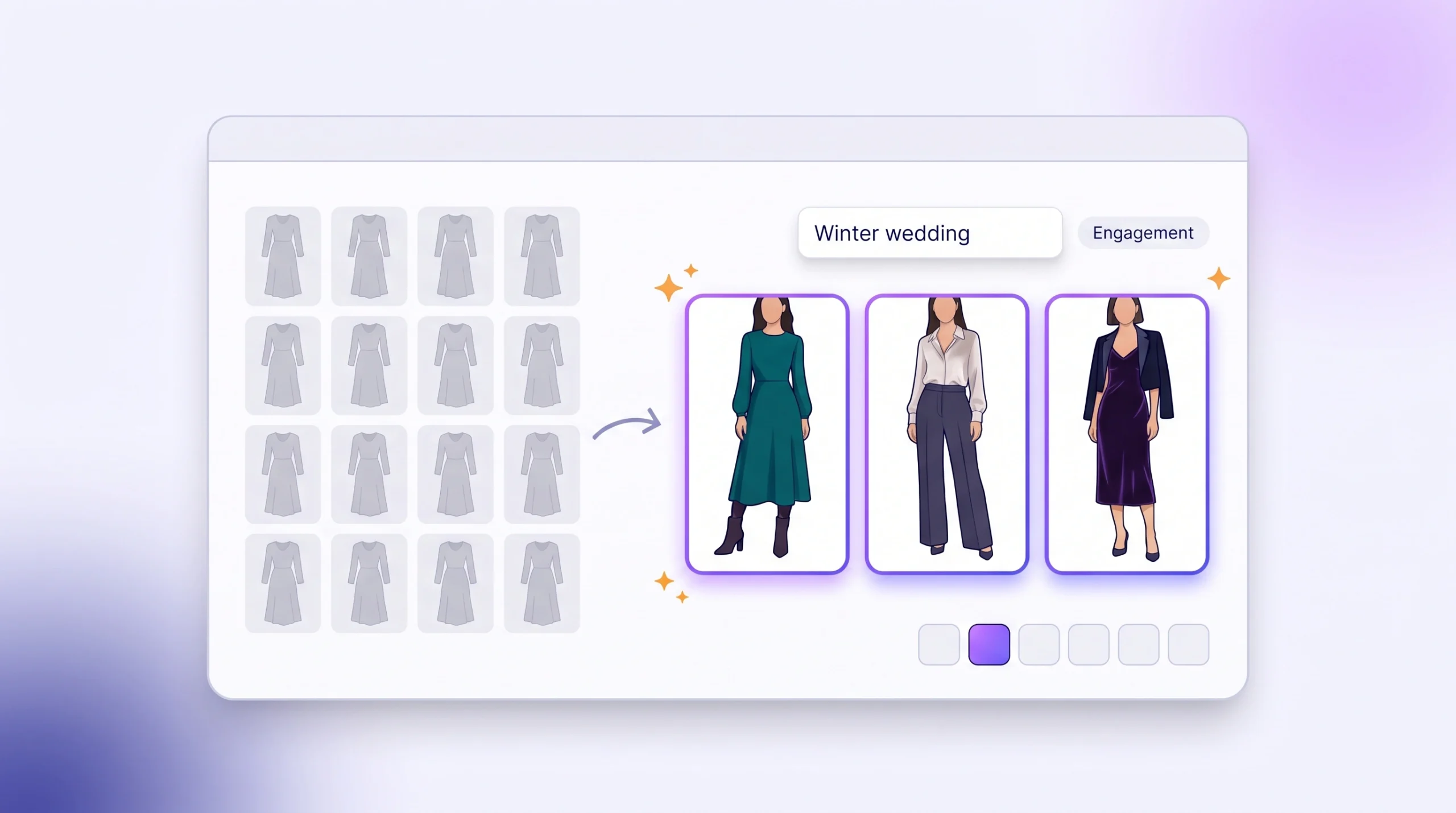
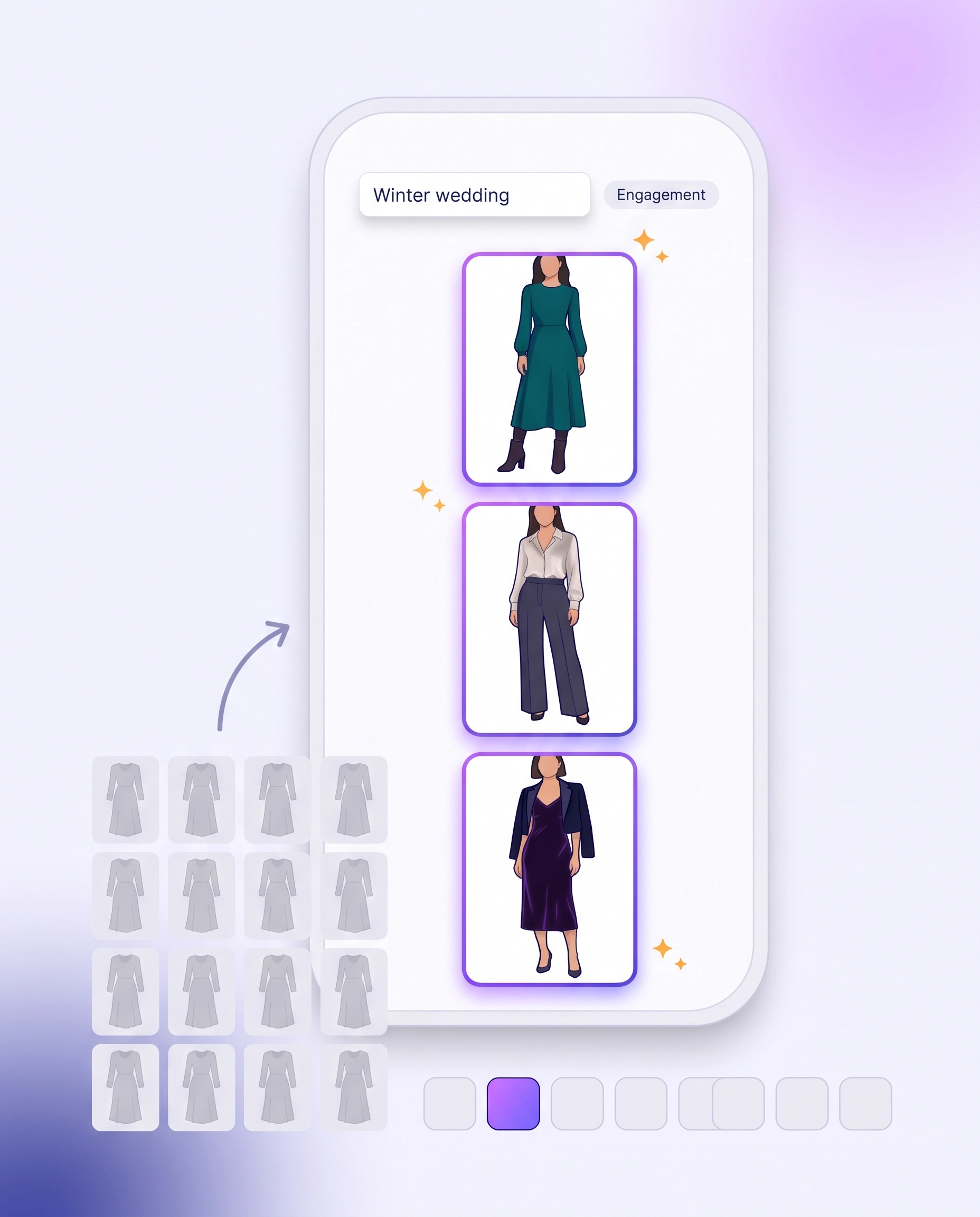
It is a Tuesday evening, and she has a winter wedding in February. She opens your store, taps Dresses and gets two hundred pieces: sundresses beside evening gowns, linen beside velvet. Nothing asks what she is dressing for. A few seconds later she is gone, and your analytics records one more single-page visit.
Engagement is how far shoppers explore beyond the page they land on: opening products, looks and collections instead of leaving. It is the second of six stages in a Shopify fashion store, between AI Traffic, where shoppers arrive, and Conversion Rate, where they buy.
This hub covers what to measure, what a good number looks like, why shoppers leave after one page, and the six guides that keep them exploring, most of them with Shopify’s own tools.
Part of Grow Your Shopify Fashion Store with Styling: Salesperson to Stylist, our guide to the six stages of a Shopify fashion store.
In this guide
A salesperson
shows a grid of everything and waits for her to search.
A stylist
asks what she is dressing for and shows a few looks that fit.
What is engagement for a Shopify fashion store?
Engagement is the share of visits in which a shopper explores past the page she landed on, by opening products, looks or collections instead of leaving.
A shopper who never opens a second page never sees the piece she would have bought. Every later stage, from conversion rate to order value, starts from the visits that get past this point.
Four numbers describe it. Pick one as your main number and keep the others as checks.
| Number | What it tells you | Where to find it |
|---|---|---|
| Engagement rate | The share of visits that last longer than 10 seconds, include a key event or view 2 or more pages | Google Analytics 4 |
| Bounce rate | The opposite: the share of visits that were not engaged | Google Analytics 4 |
| Product page reach | The share of visits that open at least one product page | A funnel exploration in Google Analytics 4 |
| Sessions by landing page | Which pages shoppers arrive on, so you know where to fix first | Shopify Analytics reports |
What is a good engagement rate for a fashion store?
About half of visits ending on the first page is normal across ecommerce, so the useful target is beating your own starting point, not an industry average.
53%
of visitors left a site after viewing a single page, in a benchmark of 90 billion sessions across 6,000 websites.
Source: Contentsquare, 2025, Digital Experience Benchmarks
Contentsquare names slow-loading content as a key cause of those single-page exits, so check your page speed before you blame the layout. Two more benchmarks give a fashion view and a product page view.
| Benchmark | Figure | Source | Year |
|---|---|---|---|
| Visitors who leave after one page, all sectors | 53% | Contentsquare | 2025 |
| Visits that reach a product page, all ecommerce | 50% | OptiMonk | 2025 |
| Bounce rate, UK fashion, clothing and accessories stores | 43.94% in September 2026, against 39.47% a year earlier | IRP Commerce | 2026 |
OptiMonk notes that a product page reach below 50% usually points to the store’s navigation or homepage layout. That is the part of engagement you control directly.
Shopify changed how it counts sessions
Shopify rolled out a new session measurement from September 21 to 23, 2026, so sessions and conversion rate before and after are not directly comparable. Start your baseline after September 23, 2026.
Why do shoppers leave a fashion store after one page?
Shoppers leave after one page when the page answers a product category but not what they came for, so the styling work falls on them.
The page shows everything, not a few right things
In the study that named choice overload, 30% of shoppers who saw a display of 6 jams bought one, against 3% of those who saw 24 (Iyengar and Lepper, 2000). Later research is more careful. A meta-analysis of 99 comparisons found that more choice hurts mainly when the products are complex, the decision is hard, the shopper is unsure what she wants and she wants to decide quickly (Chernev, Böckenholt and Goodman, 2015).
Clothes meet all four. A dress has to suit her body, the occasion and what she already owns, so a grid of two hundred hands her the styling work, and many shoppers leave rather than do it.
Search and filters can’t read how she describes clothes
Shoppers describe moments and outcomes: a modest dress for a garden party, something that makes her look taller. Keyword search looks for those words in your product data, and filters only cover the attributes you tagged. Baymard Institute’s 2026 benchmark rates 56% of ecommerce sites mediocre or worse on search, and nearly 50% of sites give shoppers no good way to recover from a no-results page.
Product lists struggle too: 58% of desktop sites and 78% of mobile sites score poor to mediocre on product list and filtering UX, in a review of more than 170 leading ecommerce sites (Baymard Institute, 2025).
Nothing asks what she is dressing for
In a boutique, the owner asks two or three questions, then pulls out three pieces. Online, that person is missing. Our homepage guide breaks this into three questions every new visitor asks in order: what do you sell, where do I go, and what do you have for me. Layout can answer the first two. The third changes for every shopper.
Which pattern shows up in your analytics?
Each pattern points to a different first fix.
| What you see | What it means | Start with |
|---|---|---|
| New visitors don’t scroll past the second screen of the homepage | She can’t tell what you sell or who it is for | The homepage check |
| Visitors scroll a collection and leave without opening a product | The grid is too big to choose from | Shop by occasion or style edits |
| Visitors open a product, go back, open another, go back | The grid gives too little to judge a piece before clicking | Styling filters |
| Searches for an occasion or a fit return nothing useful | Search can’t read her words | Styling filters or personalized outfit recommendations |
| Short visits that open single products but never a whole look | Nothing shows her how pieces go together | A shoppable lookbook |
Check your Engagement factors with the free Styling Score
Bots walk your store like a shopper. You get a score out of 100, a tier and a report that shows which Engagement factors are done.
Which fixes raise engagement?
Six guides cover this stage: start with the homepage check, then add one way to shop by the moment, and add personal outfit advice when you want every shopper to get her own answer.
Each numbered guide is one Engagement factor in the free Styling Score. DIY styling guides use Shopify’s own tools; the AI styling guide adds a personal AI stylist.
- STARTWhy Shoppers Leave Your Shopify Fashion Homepage (3 Fixes)Check that your first screens say what you sell and where to go.DIY styling
- ENG-01How to Add Shop by Occasion to Shopify (and Keep Shoppers Exploring)Tag pieces by occasion and give each occasion its own collection.DIY styling
- ENG-02How to Build a Shoppable Lookbook on Shopify That Keeps Shoppers ExploringTurn each styled outfit into a collection shoppers can open and buy.DIY styling
- ENG-03How to Give Every Shopper Personalized Outfit Recommendations on ShopifyAdd a personal AI stylist that builds outfits from what she tells it.AI styling
- ENG-04How to Create Curated Collections on Shopify (and Keep Shoppers Browsing)Build small style edits, such as a wedding-guest edit, with a stylist’s point of view.DIY styling
- ENG-05How to Add Styling Filters (Fit, Length, Occasion) to Shopify CollectionsLet shoppers narrow a collection by how a piece fits and when it is worn.DIY styling
Which fix should I start with?
Match the fix to how your shoppers think, and pick one before you add the next.
| Fix | Best when your shopper | Effort | Main tools |
|---|---|---|---|
| Homepage check | Lands on the homepage and leaves | Low: a 10-minute check, then one change | Google Analytics 4, Microsoft Clarity, theme editor |
| Shop by occasion | Thinks in events: a wedding, a trip, work | Low: tags and smart collections | Sidekick, Shopify collections |
| Shoppable lookbook | Wants to see whole outfits | Medium: one collection per look, built by hand | Shopify collections, theme editor |
| Personalized outfit recommendations | Needs advice for her own body and occasion | Low: about 1 hour to set up and test | A personal AI stylist app |
| Style edits | Likes a stylist’s point of view | Medium: six edits, each chosen and approved | Sidekick, Shopify collections |
| Styling filters | Knows what she wants and filters to find it | Medium: three metafields filled for every product | Metafields, Sidekick or Claude, Search & Discovery |
Can better search and filters fix this on their own?
No: filters narrow your catalogue by things a shopper can name, and the hard part of choosing clothes is the part she can’t name.
A filter can return a red dress in size 10. It cannot return a dress that makes a shopper who is five foot two look taller, or a top that works with the boots she already owns. And when she changes her mind, a search for “no sleeveless” can return sleeveless dresses, because the bar matches the word and ignores the “no”.
Merchants keep trying to solve choice paralysis by adding another filter. A filter is a question the shopper has to answer. A stylist is a question they want to answer.
Bagher Ahmadi, co-founder and CEO of iWAND, 2026
| Approach | Starts from | Handles “something for a winter wedding”? | Handles “the same, but with sleeves”? |
|---|---|---|---|
| Keyword search | The words she types | Only if your products use those words | No: she starts a new search |
| Filters | The attributes you tagged | Partly, if you added an occasion filter | Only by changing the filters again |
| Shopify related and complementary products | The product she is viewing | No: it needs a product first | No |
| Curated collections and style edits | A merchandiser’s picks, the same for everyone | Yes, if you built that edit in advance | No: the edit is fixed |
| Quiz app | A few fixed questions | Partly: answers lead to products you mapped | No |
| Personal AI stylist | What she says, in her own words | Yes: it turns the occasion into pieces from your catalogue | Yes: she asks for the change |
The DIY guides above teach your filters and collections to speak the shopper’s language. A personal AI stylist covers what layout can’t: an answer that changes for every shopper.
What does a personal AI stylist add?
iWAND is our product.
iWAND is an AI stylist for independent fashion brands on Shopify. Its styling agents give every shopper personal outfit, fit and styling advice from the brand’s own catalogue. It is free to install, and brands pay 5% only on sales iWAND makes.
For engagement, five agents do the exploring work:
- Style asks what she is dressing for, how she likes clothes to fit and what she likes, then builds head-to-toe outfits.
- Pair takes a photo of a piece she already owns and finds what goes with it in your catalogue.
- Find turns a look she describes in her own words into matching pieces.
- Snap reads an inspiration photo and surfaces similar pieces from your catalogue.
- Refine changes one thing about a look, such as adding sleeves, and keeps the rest.
Try-On then shows the outfit on a model, so she can judge the look before she opens each piece. Judge it on your own catalogue, not on a demo: a stylist can only recommend what your product data describes well.
How do I measure engagement in Shopify?
Pick one number, record it for 30 days before you change anything, then compare the 30 days after each fix.
- Set your baselineIn Google Analytics 4, note your engagement rate for the last 30 days. Use dates after September 23, 2026, when Shopify finished changing how it counts sessions.
- Build a homepage-to-product funnelIn Google Analytics 4, open
Exploreand create a funnel exploration with two steps: a homepage view, then a product page view. Limit it to new visitors. The drop between the steps is your own product page reach. - Find the pages that matter mostIn Shopify, open
Analytics › Reportsand the sessions by landing page report. Fix the pages most shoppers arrive on first. - Watch what shoppers do on those pagesInstall the free Microsoft Clarity. Its scroll map shows whether shoppers get past the second screen, and its click map shows whether clicks reach products or stay on the menu.
- Change one thing, then compareMake one fix, wait 30 days and compare with your own starting point. In Shopify Analytics, use the comparison menu and pick Previous period.
Where does engagement fit in the six stages?
Engagement is the second of six stages: it turns a visit into a browse, so Conversion Rate has a shopper to work with.
- AI TrafficVisits from AI assistants · 5 guides
- EngagementShoppers exploring looks · 6 guides
- Conversion RateShare of visits that buy · 5 guides
- AOVAverage order value · 3 guides
- ReturnReturn rate · 4 guides
- Repeat PurchaseRepeat purchases · guides coming
What else do founders ask about engagement?
Founders most often ask these six questions.
What is a normal bounce rate for a fashion ecommerce store?
In UK market data from IRP Commerce, fashion, clothing and accessories stores had a 43.94% bounce rate in September 2026, against 39.47% a year earlier. Across all sectors, Contentsquare found that 53% of visitors left after one page (2025). Track your own rate over time, because it moves with your traffic mix.
Does a high bounce rate mean my traffic is bad?
Not usually. Contentsquare names slow-loading content as a key cause of single-page exits, and a page that shows everything without asking what she needs loses shoppers who were a good fit. Check page speed first, then whether your first screens say what you sell and offer a way to shop by occasion, before you change your ads.
Should I add more filters to my collection pages?
Add the right ones, not more. Baymard Institute found that 51% of sites don’t offer all five essential filter types: price, rating, colour, size and brand. For fashion, add styling filters such as fit, length and occasion. Filters still can’t tell a shopper which piece suits her; that needs styling advice.
Why does my Shopify search say “no results” for products I sell?
Keyword search matches the words in your product data, not their meaning. A search for “modest dress for a garden party” fails if no product uses those words. Baymard Institute found that nearly 50% of sites give shoppers no good way to recover from a no-results page. Write occasion and fit into your product data, and show alternatives on the no-results page.
Will occasion collections or an AI stylist replace my existing collections?
No. Occasion collections and style edits are extra collections, so your existing collections and their URLs stay as they are. A personal AI stylist works alongside your theme, search and menus: it adds a way to ask for advice and does not remove the grid.
Do I need an app to raise engagement?
Not for most fixes. Shop by occasion, shoppable lookbooks, style edits and styling filters use Shopify’s own collections, metafields and the free Search and Discovery app. Giving every shopper her own outfit advice needs a personal AI stylist app.
Sources
- Contentsquare. 2025 Digital Experience Benchmarks. January 28, 2025. contentsquare.com
- OptiMonk. 2026 Industry Conversion Rate Benchmarks You Need to Know. October 30, 2025. optimonk.com
- IRP Commerce. Fashion Clothing & Accessories ecommerce market data. September 2026. Checked Oct 27, 2026. irpcommerce.com
- Baymard Institute. E-Commerce Search Usability: Report & Benchmark. Updated April 29, 2026. baymard.com
- Baymard Institute. Research on no-results pages. Updated February 18, 2025. baymard.com
- Baymard Institute. The current state of product list and filtering UX. Updated September 9, 2025. baymard.com
- Iyengar, S. S. and Lepper, M. R. When choice is demotivating: Can one desire too much of a good thing? Journal of Personality and Social Psychology, 2000. business.columbia.edu
- Chernev, A., Böckenholt, U. and Goodman, J. Choice overload: A conceptual review and meta-analysis. Journal of Consumer Psychology, 2015. sciencedirect.com
- Google Analytics Help. Engagement rate and bounce rate. Checked Oct 27, 2026. support.google.com
- Shopify Help Center. Using the Analytics overview dashboard. Checked Oct 27, 2026. help.shopify.com
Free Styling Score
See which Engagement factors your store is missing
The free Styling Score walks your store like a shopper and shows which styling factors are Done, Halfway or Not yet, stage by stage.
Next stage
Turn exploring into buying
Shoppers who explore still need an answer to the doubt that stops the order. The Conversion Rate guides show how to give it on the product page.