

At a glance
Write a short description for each Shopify collection that names the need it serves, such as clothes for a wedding guest. Have Sidekick or Claude draft descriptions for your top collections, approve them in a table, then add a Flow email for new collections. AI assistants can then match your collections to “what to wear to…” questions.
Time: about 2 hours
Cost: free
Developer: not needed
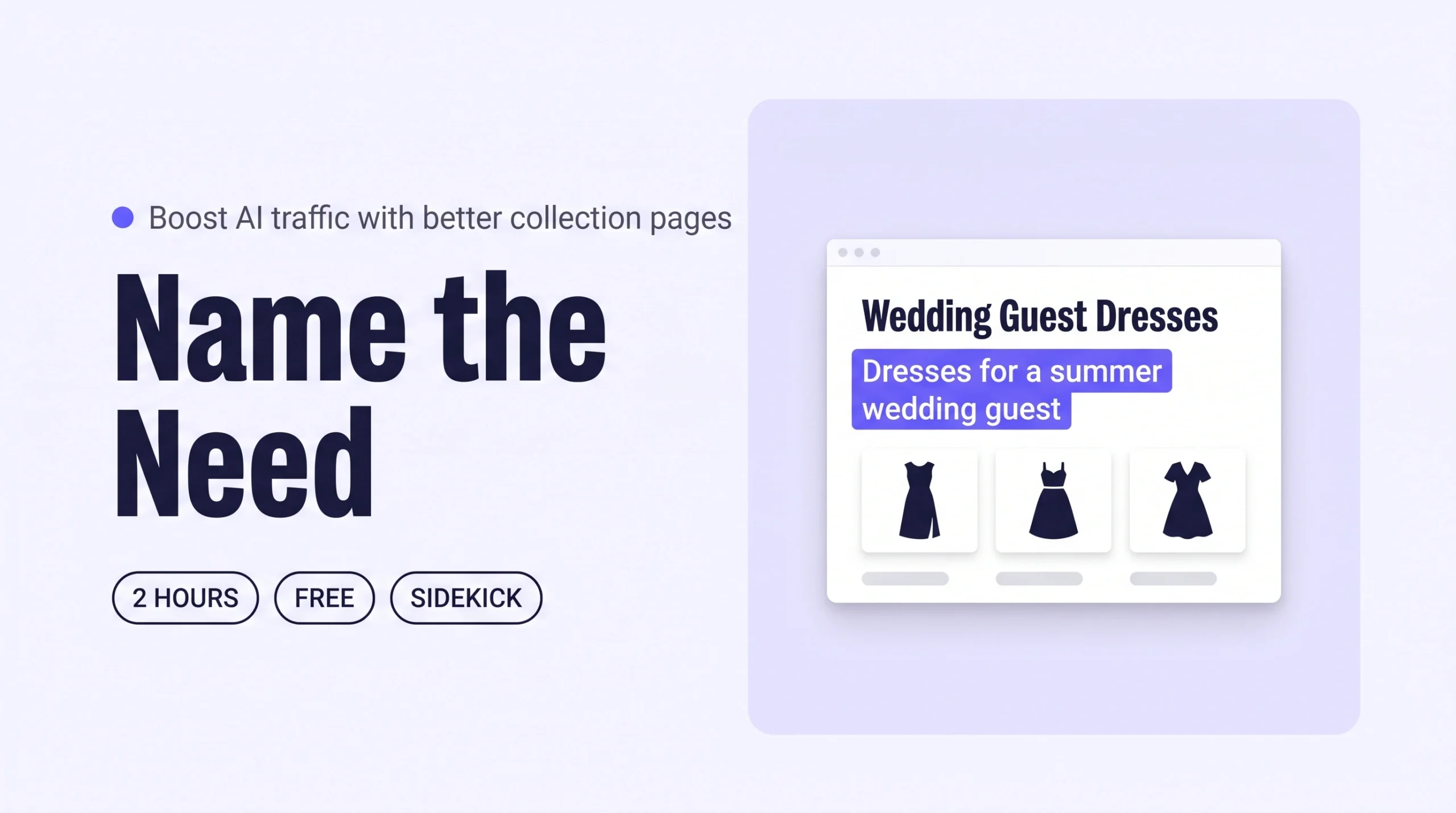
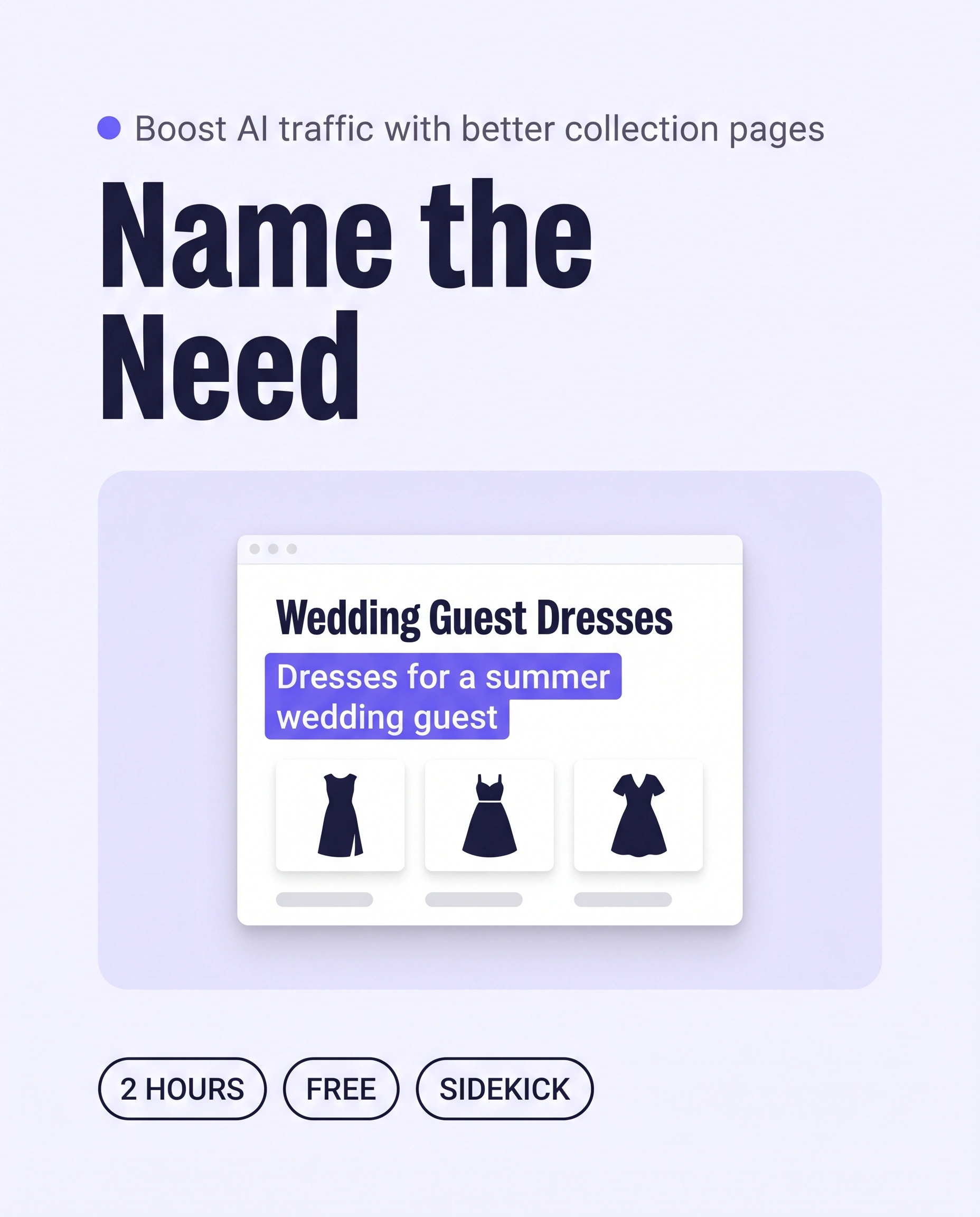
A shopper asks an AI assistant where to find a dress for a summer wedding. Your Dresses collection page holds the right pieces, but it is only a title and a grid, so the assistant has little to match to the shopper’s need.
A need-first collection page is a collection page whose title and opening description name the moment a shopper is dressing for, not only the product type. This guide covers AI Traffic: visits from AI assistants and search. It makes your Shopify collection pages easy to match to “what to wear to…” questions.
This guide is about collection pages. To put the same occasion words into individual product pages, read How to Write Product Descriptions That Get Your Clothes Recommended by AI.
Part of Grow Your Shopify Fashion Store with Styling: Salesperson to Stylist, our guide to turning a Shopify fashion store from a salesperson into a stylist.
In this guide
A salesperson
labels the page Dresses and lets the grid do the talking.
A stylist
tells the shopper which moment the collection is for.
Why do collection descriptions bring AI traffic?
Collection descriptions help because shoppers ask AI assistants for clothes by need, and one collection page can name that need for many products.
AI Traffic is the number of visits that come from AI assistants and search. A collection page is often the first page a shopper sees from an AI answer, because it gathers many pieces for one need.
A page titled Dresses with no text gives an assistant only a product type. A description that names the moment, the pieces and the facts gives it something to quote. Assistants read the text on the page, so the page needs words.
74%
Adobe scored US retail category pages 74% for AI readability, which means roughly a quarter of their content has not been optimized for AI models.
Source: Adobe, 2026, analysis of AI visibility across US retail pages
67%
Baymard rated 67% of mobile sites’ homepage and category navigation as “mediocre” to “poor”, so many collection entry pages leave shoppers guessing.
Source: Baymard Institute, 2025, Homepage & Category Navigation benchmark
What does a need-first collection page look like?
A need-first collection page opens with one description of 80 to 150 words that names the need, the pieces it gathers and the facts a shopper checks.
Use a fixed list of needs so every collection reads the same way: wedding guest, workwear, holiday, party, date night and everyday. The first sentence names one or two of them. The rest gives facts you already know.
| Before | After |
|---|---|
| Dresses. Browse all our dresses. | Dresses for a wedding guest, a garden party or a smart dinner. This collection gathers our crepe midi and satin slip styles in sage, navy and blush, cut for daytime ceremonies and evening receptions. Choose a midi length when the invitation says daytime or garden, and satin when it says black tie optional. Every dress is sized 6 to 20, and each page lists the model’s height and the size she wears. Shopping for the office instead? See our workwear dresses. |
This example is illustrative. Replace the colours, sizes and fabrics with the facts of your own range.
What should a collection description include?
- The need or occasion in the first sentence.
- The pieces it gathers: fabric, colour, length and size range.
- One styling decision, such as when to choose a midi over a mini.
- A link to the neighbouring collection for a different need.
Not worth it if
Stores with fewer than five collections can write each description by hand in under an hour. Skip the agent and the Flow step, and use the hand-written steps below.
How do I check my collection pages in two minutes?
Open your three biggest collection pages on a phone and read only the first screen, because that is the text an assistant and a shopper meet first.
- Open your biggest collectionOn your phone, go to the collection page, such as Dresses, and stay on the first screen.
- Read the first sentenceAsk whether it names a moment, such as a wedding guest, or only a product type.
- Look for factsCheck for fabric, colour, length and sizes in the first 100 words.
- Ask an AI assistantType “Where can I find a dress for a summer wedding from independent brands?” and see whether your brand appears. Results vary, so treat this as a signal, not a score.
Check this on your store with the free Styling Score
Bots walk your store like a shopper. You get a score out of 100, a tier and a report.
How do I write collection descriptions with an AI agent?
Ask Sidekick or Claude to draft a need-first description for each collection, review the proposals in a table, and apply only the rows you approve.
Sidekick works inside the Shopify admin and can edit collections. It updates page titles and meta descriptions only on the product form, so you paste collection SEO text yourself. Every run follows the same five steps.
- ReadThree to ten collections at a time
- ProposeA table of descriptions, nothing written
- ApproveYou edit the table and say apply
- WriteOnly the approved descriptions
- VerifyOpen three collections on a phone
Save the current text before you change anything
Paste each collection’s current description, page title and meta description into a spreadsheet. Run the first batch on three collections, and check them on a phone before you do the rest.
- Save the current textCopy each description and its SEO fields into a spreadsheet.
Products › Collections - Pick three collectionsStart with the collections that bring the most visits, such as Dresses.
- Paste a promptCopy the prompt below into Sidekick, or use the Claude or ChatGPT version if you work there.
Look at these collections: [@Dresses, @Tops, @Knitwear].
For each one, write a collection description of 80 to 120 words.
The first sentence must name the need it serves, from this list only:
wedding guest, workwear, holiday, party, date night, everyday.
Then say which pieces the collection gathers, using facts from the products only: fabric, colour, length and size range. Do not invent facts.
Match our brand voice. Two examples of how we write:
1. [PASTE A SENTENCE IN YOUR BRAND VOICE]
2. [PASTE ANOTHER SENTENCE IN YOUR BRAND VOICE]
Also suggest a page title under 60 characters and a meta description of 140 to 160 characters for each collection. I will paste those myself.
Change only collection descriptions. Do not touch products, prices, inventory, discounts, URL handles or sort order.
Show me a table first: collection, current description, proposed description, page title, meta description, one-line reason.
Do not change anything until I reply "apply".
Save the current text first. The prompt changes nothing until you reply apply.
Use the Shopify connector. Read these collections: [Dresses, Tops, Knitwear] and the first 20 products in each.
For each collection, write a description of 80 to 120 words.
The first sentence must name the need it serves, from this list only:
wedding guest, workwear, holiday, party, date night, everyday.
Then say which pieces the collection gathers, using facts from the products only: fabric, colour, length and size range. Do not invent facts.
Match our brand voice. Two examples of how we write:
1. [PASTE A SENTENCE IN YOUR BRAND VOICE]
2. [PASTE ANOTHER SENTENCE IN YOUR BRAND VOICE]
Also suggest a page title under 60 characters and a meta description of 140 to 160 characters.
Never change prices, inventory, discounts, URL handles, products or sort order.
Show me a table first: collection, current description, proposed description, page title, meta description, one-line reason.
Do not change anything until I reply "apply". After I reply, update only the approved descriptions, one collection at a time, and tell me which are done.
Access is limited by your own staff permissions. If your connector cannot edit collections, paste the approved text by hand.
- Review the tableEdit any row you disagree with. Remove any fact that is not true of your range.
- Reply applySidekick or Claude then writes only the approved descriptions.
- Paste the SEO textOpen each collection and edit its search listing.
Products › Collections › [collection] › Search engine listing › Edit - Open three collections on your phoneCheck that the first screen reads naturally, then run the remaining collections in batches of ten.
Add your own words
Two real sentences in your brand voice make the drafts sound like you. Replace any line that could describe every dress, such as “perfect for any occasion”.
How do I write a collection description by hand?
Write a collection description by hand in about 20 minutes per collection: open the collection, name the need first, add facts, then save and check on a phone.
- Open the collection
Products › Collections, then click the collection. - Check the titleRename it only if it names the product type and nothing else. Leave the URL handle alone so old links keep working.
- Write 80 to 150 wordsName the need in the first sentence, then the pieces, fabrics, colours and sizes.
- Edit the search listingAdd a page title under 60 characters and a meta description of 140 to 160 characters.
Search engine listing › Edit - Add alt text to the collection imageDescribe what it shows and why it matters, such as “Sage satin midi dress for a wedding guest”.
- Save and check on a phoneOpen the live collection and read the first screen.
How do I keep collection descriptions up to date?
Keep collection descriptions current by letting Shopify Flow email you when a collection is created, then running a saved Sidekick prompt once a week.
Shopify Flow’s Collection created trigger has no action that tags a collection, so the workflow sends you a reminder instead. You can build it in Flow or ask Sidekick to build it.
- Open Flow
Apps › Flow › Create workflow - Choose the triggerSelect Collection created.
- Add the actionSelect Send internal email. Write “New collection needs a need-first description” and add the collection title.
- Test it, then turn it onCreate a test collection and check the email arrives.
To let Sidekick build it, paste this. Sidekick builds workflows on desktop only, and the workflow stays off until you turn it on.
Create a workflow that starts when a collection is created and sends an internal email to me saying the new collection needs a need-first description.Review the workflow, test it, then turn it on yourself.
- Save your main prompt as a skillIn Sidekick, open the plus icon, then Skills, then New Skill, and paste the Sidekick prompt from above.
- Run it once a weekType “/” and pick the skill. Change the first line to the collections whose description is empty or shorter than 40 words.
- Approve and applyReview the table as before. Nothing changes until you reply apply.
Which apps can help with collection descriptions?
Start with Shopify’s own tools, because most stores can finish this guide with Sidekick and Flow alone.
| Option | What it does | Price | Checked | Best for |
|---|---|---|---|---|
| Shopify Sidekick | Drafts and edits collection descriptions in the admin and can build Flow workflows | Built into the Shopify admin | Oct 15, 2026 | Most stores |
| Shopify app for Claude | Lets Claude read and update store data within your permissions | Connector is free; needs a Claude plan | Oct 15, 2026 | Founders who already work in Claude |
| Shopify Flow | Emails you when a collection is created | Included on supported Shopify plans | Oct 15, 2026 | Keeping descriptions up to date |
| Matrixify | Edits collections in bulk through Excel, CSV or Google Sheets | Free up to 10 collections per file; Basic $20/month | Oct 15, 2026 | Large catalogues edited in a spreadsheet |
What happens after AI sends the shopper?
After AI sends a shopper to a collection page, Engagement and Conversion Rate decide whether the visit becomes an order.
A clear description gets the shopper to the right page. What keeps her browsing and helps her decide is covered in the Engagement and Conversion Rate guides in Grow Your Shopify Fashion Store with Styling: Salesperson to Stylist. To write the same occasion words into each product, read How to Write Product Descriptions That Get Your Clothes Recommended by AI.
How long does it take and what does it cost?
Writing collection descriptions takes about 2 hours with an AI agent for ten collections, or about 20 minutes per collection by hand.
| Way | Time | Cost | Skills |
|---|---|---|---|
| By hand | About 20 minutes per collection | Free | Writing and basic Shopify admin |
| With an AI agent | About 2 hours for 10 collections | Free in Sidekick; a Claude or ChatGPT plan if you use them | Reviewing a table |
| With an app | About 2 to 3 hours including set-up | Free up to 10 collections per file; Basic $20/month | Spreadsheet editing |
These times are estimates. Your first batch will show how long your catalogue takes.
How do I know it’s fixed?
The AIT-03 card in the Styling Score reflects your collection pages, so run the score again after you change them.
Collection pages should open with the need, name the pieces and give facts. Then watch the visits and orders Shopify attributes to AI assistants in your analytics, compared with the four weeks before. Allow four to six weeks for a clear change.
Check this on your store with the free Styling Score
Bots walk your store like a shopper. You get a score out of 100, a tier and a report.
Where does this fit in AI Traffic?
Collection pages are the third of five AI Traffic factors, which together make a store easy for AI assistants to find and recommend.
- AIT-01Product descriptions name the occasionSay when and where to wear each piece.
- AIT-02Product names say what the item isClear names that match how shoppers ask.
- AIT-03Collection pages explain the need they serveName the need on every collection.You are here
- AIT-04Styling guides on the siteGuides assistants can cite.
- AIT-05The brand’s style in plain wordsDescribe the brand so AI gets it right.
Grow Your Shopify Fashion Store with Styling: Salesperson to Stylist
What else do founders ask about collection descriptions?
How long should a Shopify collection description be?
Aim for 80 to 150 words that open with the need the collection serves. Shopify’s SEO guidance suggests at least 250 words of descriptive text per page, so add more only when you have real facts to give, such as fabric, sizing and care. Padding with filler hurts shoppers more than it helps.
Do collection descriptions help AI assistants recommend my store?
They give assistants text to match to a shopper’s question. A collection page that says it gathers dresses for a summer wedding guest is easier to match than one titled Dresses with only a grid. No one can promise a recommendation, because each assistant chooses its own sources.
Should I rename my collections to include the occasion?
Rename a collection only when its title names the product type and nothing else, and leave the URL handle alone so existing links keep working. Often a clear title plus a need-first opening line does the job. Create a separate occasion collection when many products across categories serve one moment.
Do I need an app to write collection descriptions?
No. Collection descriptions are edited in the Shopify admin, and Sidekick or a Claude connector can draft them for your approval. An app such as Matrixify helps mainly when you manage many collections in a spreadsheet. Most independent fashion stores can finish this guide with Shopify’s own tools.
What should the SEO title and meta description of a collection say?
Write the page title in under 60 characters with the collection name and the need, and the meta description in 140 to 160 characters with one concrete promise. Edit both under Search engine listing on each collection. Keep them true to the page text, so shoppers and search engines see the same story.
How often should I update collection descriptions?
Update a description whenever the range changes in a way a shopper would notice, such as a new season or a new fabric. Run the weekly Sidekick skill on collections with an empty or short description, and review your top five collections once a quarter.
Sources
- Adobe. AI visibility of US retail sites (AI Content Visibility Checker data). 2026. Link
- Baymard Institute. Homepage & Category Navigation ecommerce UX benchmark. 2025. Link
- Shopify Help Center. Sidekick. Checked Oct 15, 2026. Link
- Shopify Help Center. Sidekick skills. Checked Oct 15, 2026. Link
- Shopify Help Center. Shopify connector for Claude. Checked Oct 15, 2026. Link
- Shopify Help Center. Create a Flow workflow. Checked Oct 15, 2026. Link
- Shopify Help Center. Collection created trigger (Flow). Checked Oct 15, 2026. Link
- Shopify Help Center. Adding keywords and SEO to your store. Checked Oct 15, 2026. Link
- Matrixify. Shopify App Store listing and pricing. Checked Oct 15, 2026. Link
AI Traffic
Check every AI Traffic factor on your store
The free Styling Score walks all five factors and shows which are Done, Halfway or Not yet.
Master pillar
From a salesperson into a stylist
Part of Grow Your Shopify Fashion Store with Styling: Salesperson to Stylist, our guide to turning a Shopify fashion store from a salesperson into a stylist.