

At a glance
Answer “will this suit me?” on every Shopify product page by installing a personal AI stylist from the Shopify App Store. It advises one shopper at a time, using your own catalogue. Test it privately on your best sellers before going live. Shoppers buy with less doubt, so conversion rate grows.
Time: about 1 hour
Cost: free to install
Developer: not needed
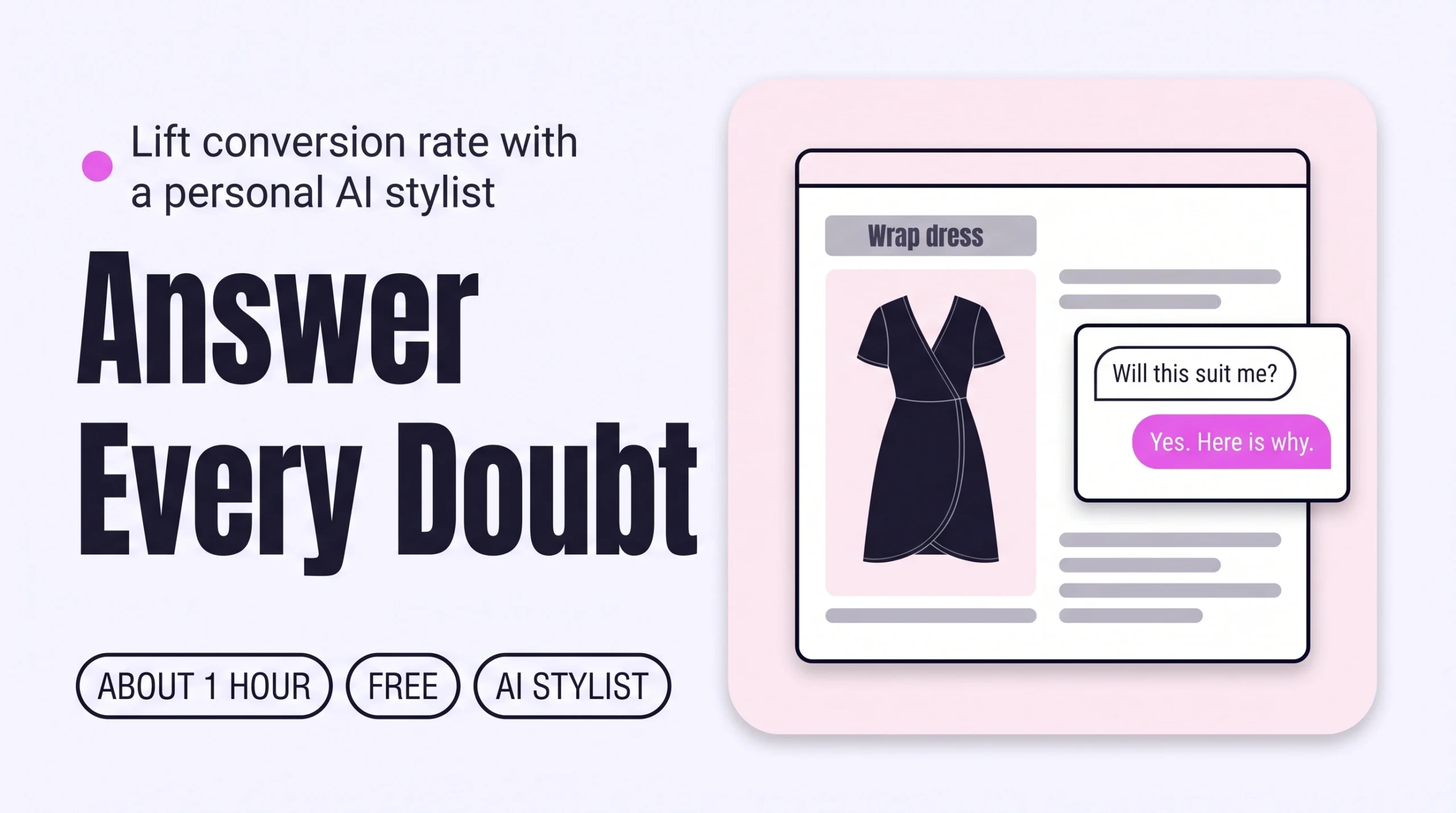
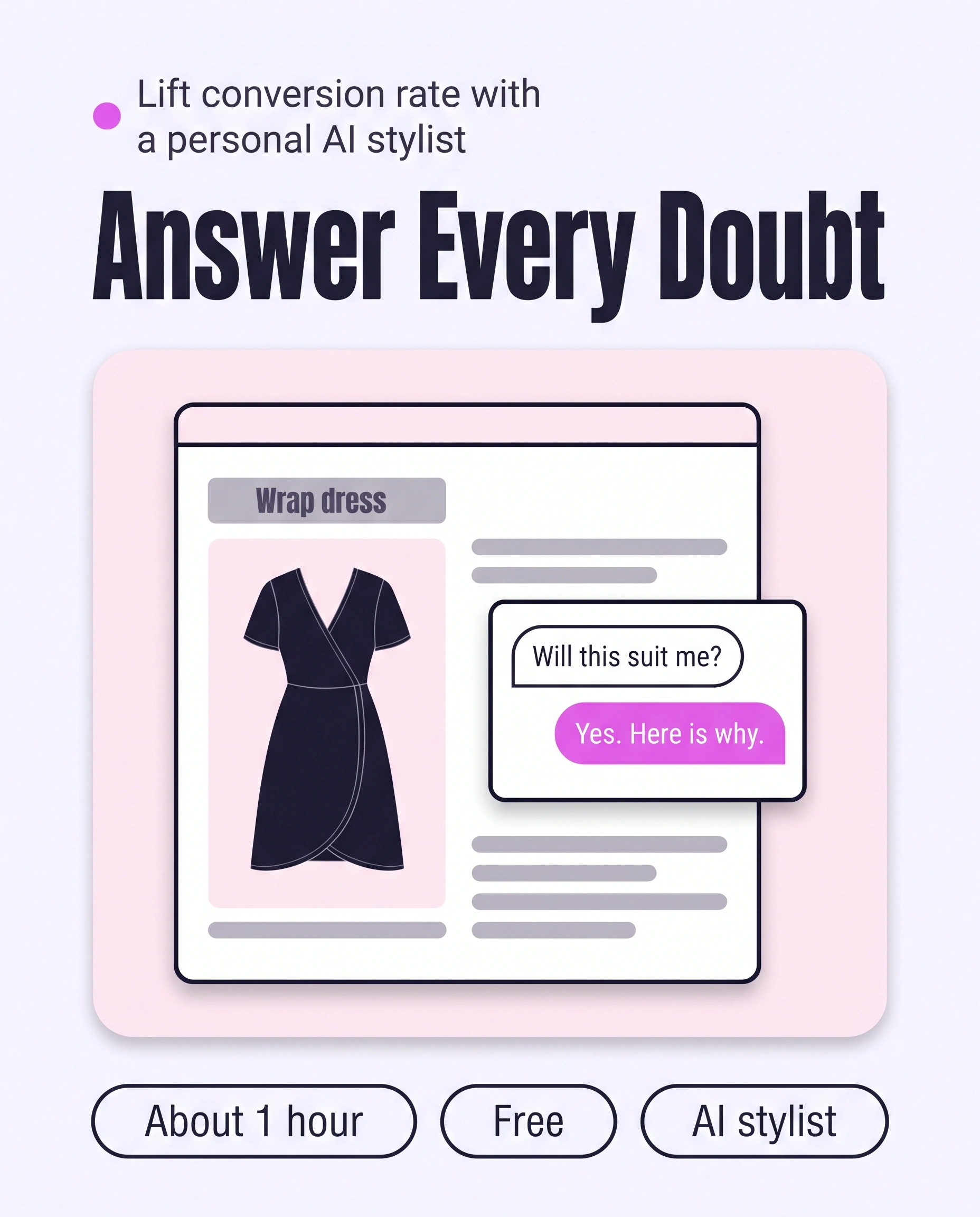
A shopper opens a wrap dress on your store three days before a wedding in June. The photos are lovely. She still cannot tell whether it will suit her, and nobody is there to say, so she closes the tab.
Personalized styling advice is an honest answer to “will this suit me?”, given to one shopper from her own details and your catalogue. This guide is about Conversion Rate, the share of visits that end in an order. A shopper whose doubt is answered on the product page has one less reason to leave.
This guide covers the deciding moment: one piece, one shopper, one doubt. Three more personal styling guides cover the other moments: How to Give Every Shopper Personalized Outfit Recommendations on Shopify for exploring, How to Build a Personal Outfit Around Every Product to Grow Order Value for the outfit, and How to Give Personal Size and Fit Advice Before Checkout to Cut Returns for size.
Part of Grow Your Shopify Fashion Store with Styling: Salesperson to Stylist, our guide to turning a Shopify fashion store from a salesperson into a stylist.
In this guide
A salesperson
says every piece looks great and leaves her to decide.
A stylist
tells her honestly whether it suits her, and why.
Why does personal styling advice grow Conversion Rate?
Personal styling advice grows Conversion Rate because a shopper who hears whether a piece suits her has no doubt left to stop her buying.
Conversion Rate is where a Shopify fashion store turns visits into orders. A product page shows a piece on a model, not on the shopper, so the question “will this suit me?” stays open until she answers it herself or leaves.
59%
In a 2023 Google and Ipsos survey of US adults who had bought clothes online, 59% were dissatisfied with an item because it looked different on them than they expected.
Source: Google/Ipsos, 2023, Virtually try on clothes with a new AI shopping feature
33%
In Rithum’s 2025 survey of more than 6,000 consumers in five countries, 33% had returned a product because it did not match its online description or images.
Source: Rithum, 2025, Global Returns & Profit Impact Report
Both figures come from consumer surveys, not from Shopify store data, so read them as the size of the doubt, not a promise of results. The Google figure dates from 2023 and covers US shoppers.
Photos and descriptions describe the piece. They cannot tell one shopper whether it suits her colouring, her proportions or the day she is dressing for. How to Show Every Piece on Different Bodies to Raise Conversion and How to Add Styling Tips to Product Pages to Raise Conversion cut the doubt for every shopper. This guide handles the doubt only one shopper has.
How do I check my store in two minutes?
Open one best seller on your phone and ask the question a shopper would: will this suit me?
- Pick a best seller and one doubtChoose one piece and one real doubt, such as whether a wrap dress will suit a pear shape for a June wedding.
- Look for an answer on the pageScroll the page for anything that answers that doubt for her: a chat, a stylist, a quiz or a fit note written for her situation.
- Try to get an answer at 11 p.m.If nobody and nothing replies late in the evening, shoppers with this doubt leave without an answer.
Check this on your store with the free Styling Score
Bots walk your store like a shopper. You get a score out of 100, a tier and a report.
What would a stylist do for one shopper?
A stylist, not a salesperson, listens to the doubt, says honestly whether the piece suits her and offers another when it does not.
In a boutique, a stylist starts with the shopper, not the rail. This example uses an imagined shopper and imagined pieces, not a real customer or a real store.
- What is it for? A wedding in June, outdoors, in the afternoon.
- What worries you about this piece? The wrap neckline. She does not like feeling exposed.
- How do you like clothes to sit? Relaxed at the waist, nothing clingy.
- Which colours do you reach for? Warm neutrals, with one rich accent.
Her answer is honest and specific. The wrap ties at the waist, so she can set it to her comfort, and the neckline can be closed with a slip. A fuller sleeve would suit an outdoor ceremony better, so the stylist offers the same dress in a sleeved cut.
A good stylist also says no. If the dress were cut close through the hips, she would say so and point to a relaxed shape from the same collection. That honesty makes the next “yes” believable.
A product page cannot ask these questions. A person can, but only while she is online. A personal AI stylist can ask them one shopper at a time, at any hour.
What are my options, from by hand to AI?
You have three ways to answer “will this suit me?”: by hand, with apps, or with a personal AI stylist built on your catalogue.
Each way trades personal attention against hours of cover, so start with who can answer at 2 a.m.
By hand: a person advises each shopper
A team member on chat, booked styling calls or a styling inbox gives the most personal answers. Shopify Inbox is a free way to add staff chat: in the theme editor, open App embeds, select Online store chat and turn it on (Shopify Help Center, 2026). The path is Online Store › Edit theme › App embeds › Online store chat. You can also set hours of availability and an automatic first reply for when nobody is online.
The limit is hours. One stylist helps one shopper at a time, and nobody answers at 2 a.m.
With apps: Shopify Inbox’s AI associate and quiz apps
Shopify Inbox can also run an AI sales associate that answers shopper questions and helps them find products in your catalogue. Its listing says the agent can personalize replies when buyers sign in with Shop, and that you can run Inbox with or without the agent (Shopify App Store, 2026). Quiz apps such as Octane AI ask a few questions and recommend the products you mapped to each answer. Its listing shows plans from $50 a month and a 14-day free trial (Shopify App Store, 2026). Both work at any hour.
Start with Shopify Inbox if shoppers mostly ask about shipping, policies and product facts. Choose a personal AI stylist when the question is about her: her body, colouring, taste and the occasion.
With a personal AI stylist on your catalogue
A personal AI stylist talks to one shopper at a time, in her own words, and answers from your catalogue at any hour. Its limit is the catalogue itself: it can only advise on pieces your product data describes well.
| Option | Personal to the shopper? | Built on your catalogue? | Available at 2 a.m.? | Cost | Set-up time |
|---|---|---|---|---|---|
| By hand: chat, calls or inbox | Yes, one shopper at a time | Yes | No, only when staff are online | Staff time; Shopify Inbox chat is free | Same day |
| Shopify Inbox with the AI sales associate | Partly: answers each question; can use Shop preferences when a shopper signs in | Yes: learns from your catalogue, policies and store content | Yes | Free, per the app listing | Install, then switch on in the theme editor |
| Quiz app (Octane AI) | Partly: a few answers, then fixed rules | Yes, once you map products | Yes | From $50 a month; 14-day free trial | A few hours to build and map |
| Personal AI stylist (iWAND) | Yes, built from each shopper’s own words | Yes | Yes | Free to install; iWAND charges 5% only on the sales it makes. | About 1 hour |
These set-up times are estimates for a first set-up, not measured results. App prices come from their listings, checked on Oct 16, 2026.
Not worth it if
Brands that make to order, where every order already starts with a conversation, and stores with a very small catalogue can keep advising by chat or email.
What does it look like with iWAND?
iWAND is our product.
With iWAND, a shopper asks whether a piece suits her and gets an honest answer, with try-on, built from your catalogue.
iWAND is an AI stylist for independent fashion brands on Shopify. It gives every shopper a personal stylist, with outfits, styling advice, try-on and size help built on the brand’s own catalogue.
Two iWAND agents do the deciding work in this guide:
- Consult sits on the product page. It answers honestly whether a piece suits her, speaks to concerns such as fabric or fit, and can recommend a better alternative from your catalogue.
- Try-On shows the piece on a model matched to the shopper, so she can see the answer as well as read it.
A typical flow runs like this. The shopper opens a dress and asks the stylist whether it will suit her for a June wedding. Consult answers with reasons and, if the cut is wrong for her, offers another piece from your store. She checks the look with try-on and decides.
See it as a shopper before you decide: try it as a shopper on the demo store. To see how the agents work together, read How iWAND works.
Free to install; iWAND charges 5% only on the sales it makes. Judge it on your own catalogue, not on a demo. A stylist can only advise on what your product data describes well, so clear fabric, fit and styling details make its answers sharper. How to Describe Fabric and Feel So Shoppers Stop Hesitating shows how.
How do I set up a personal AI stylist on Shopify?
Setting up iWAND on Shopify takes five steps: install, let it learn your catalogue, design it, test it as a shopper, and go live.
Test before shoppers see it
Use the test mode in your Shopify admin to chat with your stylist before you activate it. Because it adds a stylist to your storefront, duplicate your live theme first: go to Online Store, open the actions menu on your live theme and click Duplicate.
- Install from the Shopify App StoreOpen the listing and click Install. The app is free to install, and the listing shows the languages it supports, so check yours first. Install iWAND from the Shopify App Store.
- Let it learn your catalogueiWAND scans your live inventory, builds your stylist from it and keeps new arrivals and inventory changes in sync automatically.
- Design your stylistCustomize the layout and appearance to match your brand, and switch each agent on or off. For this guide, keep Consult and Try-On on.
- Test it as a shopperChat with your stylist inside the admin panel before going live. Paste the six test prompts below on a few best sellers and read each answer the way your shopper would.
Will this dress suit me for a June wedding? I am pear-shaped and don't like clingy waists.
Is this too dressy for a daytime office? I would wear it three days a week.
I love warm neutrals. Does this colour work for me, or is there a better one?
I am petite. Will this midi length suit me?
I am not sure about the neckline. What would make this work for me?
Be honest: is there a piece here that would suit me better than this one?
Include one test on a piece that is wrong for the occasion, and check that the stylist says so. Change the occasion or body detail in a prompt and check that the answer changes.
- Go live, then check on your phoneActivate the stylist on your storefront, open a best seller on a phone and run the same prompts again.
See iWAND style your own catalogue: free private preview
Preview iWAND on your own catalogue first, then decide whether to go live.
How do I measure whether it works?
Measure it by comparing shoppers who used the stylist with shoppers who did not, over a full buying cycle and at least 30 days.
- Compare the two groupsThe iWAND dashboard compares shoppers who talk to your stylist with your normal store flow. It shows conversion and AOV lift and lists every shopper conversation.
- Watch conversion in ShopifyIn your Shopify admin, open
Analyticsand watch conversion rate, add to cart rate and reached checkout rate. Use the comparison menu to set your date range against an earlier period (Shopify Help Center, 2026). - Read the questions shoppers askOpen the stylist conversations each week. The doubts shoppers raise most often show which pieces need better photos, fit notes or styling tips.
- Track returns, not only salesCompare the return rate on stylist orders with your other orders. More sales with more returns means the advice is not landing.
Shopify changed how it measures sessions between September 21 and 23, 2026, so sessions and conversion rate before and after that rollout are not directly comparable (Shopify Help Center, 2026). Start your baseline period after September 23, 2026.
How long does it take and what does it cost?
A personal AI stylist takes about 1 hour to set up and test, and iWAND is free to install.
These times are estimates for a first set-up, not measured results.
| Way | Time | Cost | Skills needed |
|---|---|---|---|
| By hand: chat, calls or inbox | Staff hours every week, only while someone is online | Staff time; Shopify Inbox chat is free | Styling and customer chat |
| With an app: Inbox AI associate or quiz | Inbox: install and switch on the same day. Quiz: a few hours to build and map | Inbox: free. Octane AI: from $50 a month | Writing rules, mapping products to answers |
| With a personal AI stylist (iWAND) | About 1 hour to install, test and go live | Free to install; iWAND charges 5% only on the sales it makes. | Testing as a shopper, choosing which agents to show |
How do I know it’s fixed?
The fix is working when shoppers ask the stylist about your pieces and your conversion numbers move over 30 days.
Run the free Styling Score again once the stylist is live, and read the CVR-02 card to see what the report found on your live store.
Then watch three numbers for at least 30 days: conversion rate on your store, orders that come through stylist conversations in the iWAND dashboard, and the return rate on those orders. Nobody can promise a date or a result, so judge the trend, not a single day.
Where does this fit in Conversion Rate?
Conversion Rate has five factors, and this guide covers the second.
- CVR-01See it worn, from every angleWorn photos and video from every angle.
- CVR-02Personalized styling adviceAn honest answer to “will this suit me?” for one shopper.You are here
- CVR-03See it on a body like mineThe same piece shown on different bodies.
- CVR-04Fabric and feelFabric and feel described in plain words.
- CVR-05How to style itStyling notes that say what to wear it with.
Part of Grow Your Shopify Fashion Store with Styling: Salesperson to Stylist, our guide to turning a Shopify fashion store from a salesperson into a stylist.
What else do founders ask about personal styling advice?
Founders most often ask these six questions.
Can AI answer “will this suit me?” for each shopper?
Yes. A personal AI stylist answers one shopper at a time, using what she says about her body, colouring, taste and occasion, plus your catalogue. A good one says when a piece is not right and suggests another. iWAND is one, and iWAND is our product. Free to install; iWAND charges 5% only on the sales it makes.
Why do shoppers still hesitate when product photos are good?
Photos show a piece on a model, not on the shopper. She still has to guess whether it suits her colouring, her proportions and her occasion. In a 2023 Google and Ipsos survey of US adults who shop for clothes online, 59% had been dissatisfied with an item because it looked different on them than expected.
How is “will this suit me?” different from a size question?
A suit question is about style: colour, cut, proportions, occasion and taste. A size question is about measurements and how the piece fits her body. Shoppers often ask both in one breath, but they are two moments. This guide covers the suit question. The guide on personal size and fit advice covers the second.
Do I need a developer to add a personal AI stylist to product pages?
No. iWAND installs from the Shopify App Store, learns your catalogue and launches with no code, and a test mode in your admin lets you chat with it first. Because it adds a stylist to your storefront, duplicate your live theme before you start. Check that your storefront language is listed on the app page.
How do I stop an AI stylist from saying yes to everything?
Test it with pieces that should not get a yes. In the admin test mode, ask about a dress that is wrong for the occasion and check that the stylist says so and offers another piece. After launch, read the shopper conversations each week, and switch off any agent you do not want shoppers to use.
How long until I see a higher conversion rate?
Give it at least 30 days, or one full buying cycle for your store. Compare conversion rate before and after launch, and compare shoppers who used the stylist with those who did not. Shopify changed how it measures sessions on September 21 to 23, 2026, so start your baseline after that date.
Sources
- Google. Virtually try on clothes with a new AI shopping feature. June 14, 2023 (Google/Ipsos online shoppers survey, US, n=1,614, April 28 to 30, 2023). https://blog.google/products-and-platforms/products/shopping/ai-virtual-try-on-google-shopping/
- Rithum (Business Wire). Rithum’s 2025 Global Returns & Profit Impact Report. May 15, 2025. https://www.businesswire.com/news/home/20250515391907/en/Rithums-2025-Global-Returns-Profit-Impact-Report-Uncovers-Consumer-Expectations-and-Strategic-Opportunities-for-Retailers-and-Brands-Struggling-with-Returns-Management
- Shopify Help Center. Customize Shopify Inbox chat settings and appearance. Checked Oct 16, 2026. https://help.shopify.com/en/manual/inbox/chat-settings-and-appearance/settings
- Shopify Help Center. Set up your Shopify Inbox availability and automated first reply. Checked Oct 16, 2026. https://help.shopify.com/en/manual/inbox/chat-settings-and-appearance/availability-and-first-reply
- Shopify Help Center. Using the Analytics overview dashboard. Checked Oct 16, 2026. https://help.shopify.com/en/manual/reports-and-analytics/shopify-reports/overview-dashboard/using-the-overview-dashboard
- Shopify Help Center. Changes to sessions and conversion rate in Shopify Analytics. Checked Oct 16, 2026. https://help.shopify.com/en/manual/reports-and-analytics/discrepancies/session-measurement-update
- Shopify Help Center. Duplicating themes. Checked Oct 16, 2026. https://help.shopify.com/en/manual/online-store/themes/managing-themes/duplicating-themes
- Shopify App Store. Listings for iWAND: AI Stylist & Try-On · Shopify Inbox · Octane AI: Advanced Quiz Maker. Checked Oct 16, 2026.
- iWAND. Website and demo store: agents, set-up steps and dashboard. Checked Oct 16, 2026. https://iwand.style · https://demo.iwand.style
See iWAND style your own catalogue: free private preview
See your own catalogue styled by iWAND before shoppers do. You decide whether to go live.
Check this on your store with the free Styling Score
Bots walk your store like a shopper. You get a score out of 100, a tier and a report.