

At a glance
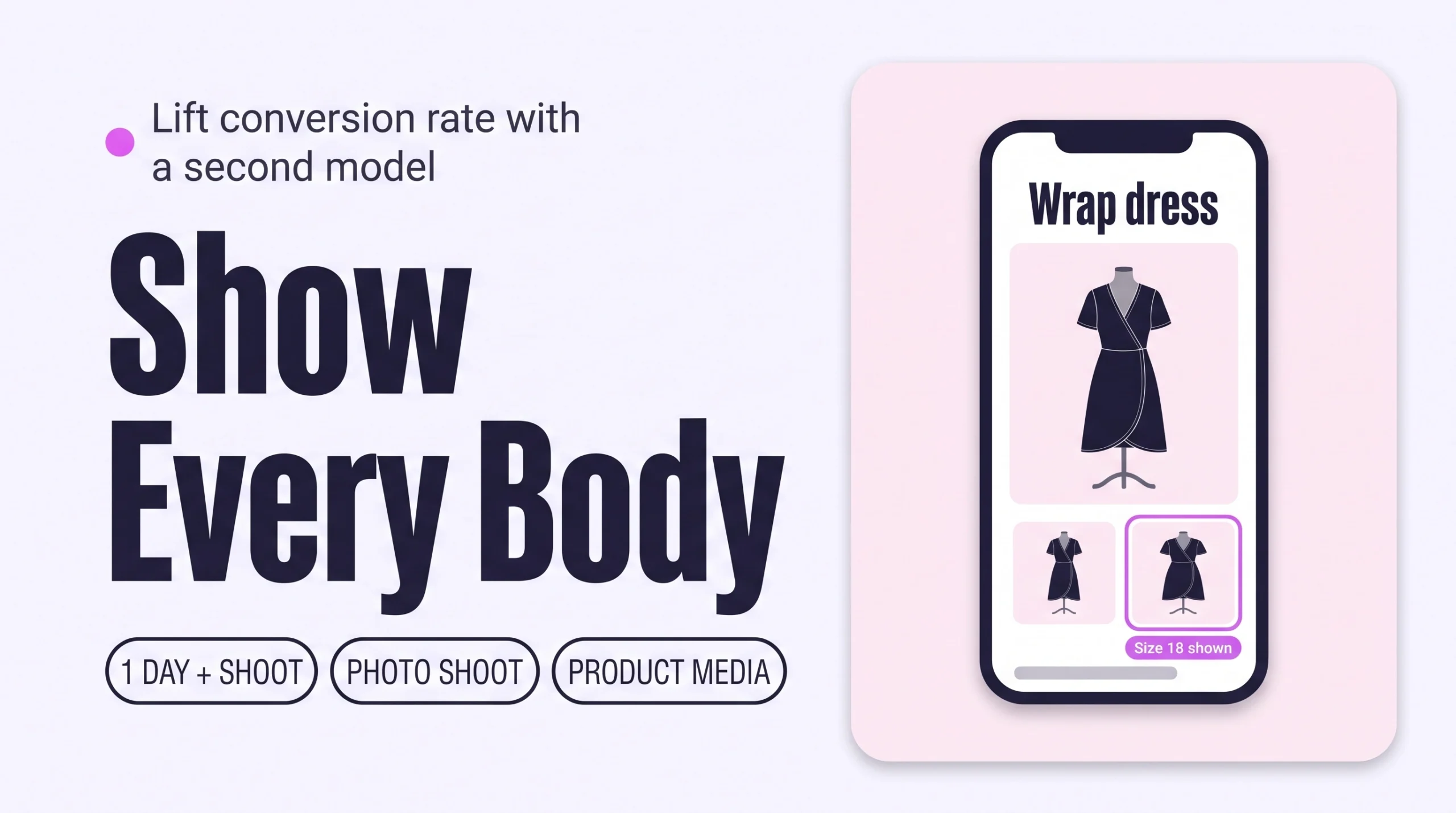
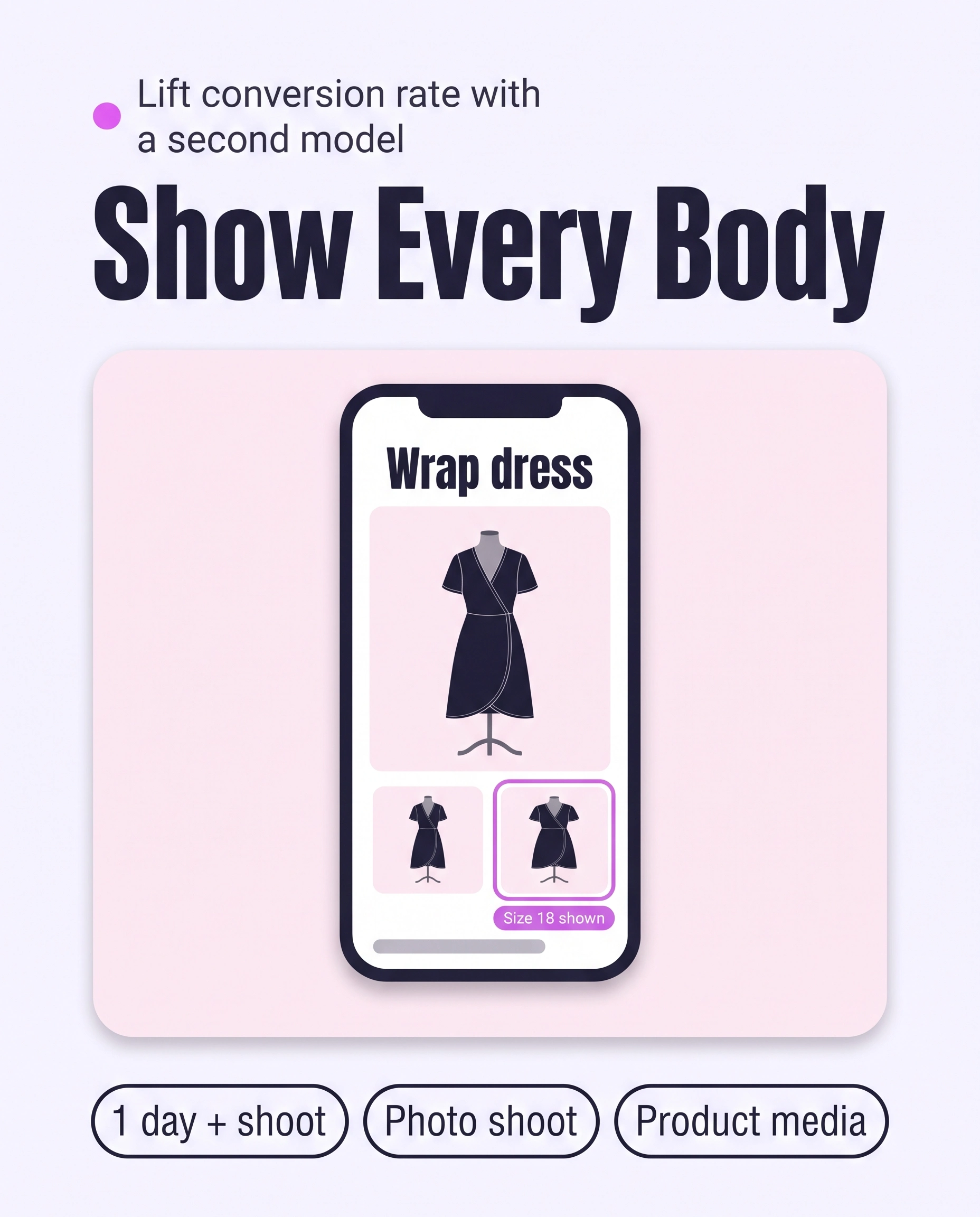
Show each piece on more than one body. Add a second model in a different size to your best sellers’ product media, collect customer photos with a reviews app, or add a virtual try-on preview. Label each photo with the size worn. Shoppers can then picture the fit on themselves, which lifts conversion.
Time: about 1 day, plus the photo shoot
Cost: free to start; shoot or app extra
Developer: not needed
A shopper who wears a size 18 opens a dress page and sees one size 8 model. She cannot tell how it will fit, so she leaves.
Showing clothes on different bodies means giving each shopper a photo or preview of the piece on someone close to her own size and shape. This guide is about that, and it grows Conversion Rate: the share of visitors who buy.
To show model height and the size worn, read How to Show Fit on Real People (Model Size and Fit Reviews) to Cut Returns. To show every angle, read On-Model Product Photos That Convert.
Part of Grow Your Shopify Fashion Store with Styling: Salesperson to Stylist, our guide to turning a Shopify fashion store from a salesperson into a stylist.
In this guide
A salesperson
shows one model and hopes shoppers can picture the rest.
A stylist
shows the piece on bodies like hers, so she can see herself in it.
Why does showing clothes on different bodies raise conversion?
Showing clothes on different bodies raises conversion because it lowers the fit risk a shopper feels when she cannot see herself in the piece.
11
Eleven studies with 5,950 participants found that thin models raise perceived fit risk for larger-size shoppers, and that own-size models reduce it.
Source: Zhang et al., 2025, Journal of the Academy of Marketing Science
Customer photos show the piece on ordinary bodies. The lift below is a correlation, not proof that photos caused the sale.
103.9%
PowerReviews measured a 103.9% conversion lift among visitors who interacted with customer photos and videos, using 2022 data.
Source: PowerReviews, 2023, How UGC impacts conversion
What are the three ways to show a piece on different bodies?
The three ways are a second model in a different size, customer photos, and a virtual try-on preview, and most stores should start with the first.
| Way | What the shopper sees | Best for | Watch out for |
|---|---|---|---|
| A second model | The piece on a model of another size | Best sellers | Needs a shoot |
| Customer photos | Real buyers wearing the piece | Whole catalogue | Needs orders and permission |
| Virtual try-on | A generated preview on her own photo | Shoppers who rarely see their size | A preview is not proof of fit |
Nielsen Norman Group found that shoppers felt more confident when they saw many different people wearing a product. It warned that tools which stretch one garment image over different bodies can mislead (Nielsen Norman Group, 2022).
Not worth it if
Shoes, bags and jewellery can skip this. The study above found a weaker effect for shoes, because body size matters less to their fit. Stores with fewer than 20 pieces can also start with customer photos only.
How do I check my store in two minutes?
Open five best sellers on your phone and check whether each shows more than one body, with the size worn.
- Open five best sellers. On your phone, open five best-selling product pages on your live store.
- Count the bodies. Scroll the gallery. Do you see the piece on at least two different sizes or builds?
- Look for the size worn. Check that each photo says which size the model wears.
- Look for real customers. Check whether any customer photos appear on the page.
Check this on your store with the free Styling Score
Bots walk your store like a shopper. You get a score out of 100, a tier and a report.
How do I show clothes on different bodies by hand in Shopify?
By hand, you add a second model’s photos to each product’s media, order them so the new body comes second, and label each photo with the size worn.
Back up before you change anything
Export a CSV first: Products › Export. Before any theme layout change, work on a duplicate theme.
- Shoot the photos. Photograph your 20 best sellers on a second model in a different size. Note the size worn for every photo.
- Upload the photos. Open the product from
Products. In Media, click Upload new or drag the files in. A product holds up to 250 media items (Shopify Help Center, 2026). - Order the gallery. Drag the second model’s best photo to position two or three. The first item is the featured image.
- Add alt text. Click a media item, choose Add alt text, and write what it shows, such as “Size 18 model wearing the sage wrap dress”. Keep it under 125 characters (Shopify Help Center, 2026).
- Check it on your phone. Swipe the live gallery and confirm the order reads well.
Link photos to variants
A variant can carry only one image. Assign each size variant its own photo, and selecting that size can show that body, depending on your theme (Shopify Help Center, 2026).
How do I add customer photos or a try-on?
Install a reviews app that asks for a photo after delivery, and ask shoppers to include their size. For try-on, install an app and add its button in the theme editor. Label every try-on as a preview, and keep real photos beside it.
How do I organise more bodies faster with an AI agent?
An AI agent cannot photograph a second model, but it can match your photos to products, write the alt text and list which products still need a second body.
Use Sidekick, the Shopify connector for Claude, or the Shopify plugin for ChatGPT. All three follow the same five steps.
- ReadYour shoot notes and 20 products
- ProposeA table of photo, product and alt text
- ApproveYou edit the table and reply apply
- WriteOnly the approved rows
- VerifyOpen five products on a phone
Products: [the 20 best sellers listed in my shoot notes below]
Shoot notes: [FILE NAME, PRODUCT, SIZE WORN, one per line]

For each product, check how many photos on its media gallery show a model.
Write alt text of 125 characters or fewer for each new photo, in this form:
"Size [SIZE] model wearing the [PRODUCT NAME]". Use only the facts in my notes.
Flag every product that has only one model photo.

Never touch prices, inventory or discounts. Do not delete any media.
Show me a table first: product, photo file, size worn, proposed alt text, flag.
Do not change anything until I reply "apply".
Export a CSV backup first. In Claude or ChatGPT, mention Shopify by name so the assistant uses the connector.
- Run it on 3 products first. Paste the prompt and check each alt text against your notes.
- Edit the table, then reply apply. Nothing changes until you do.
- Paste what the tool cannot write. If it cannot write alt text, paste the approved lines in by hand under Add alt text.
A connected AI tool changes items one at a time, so keep batches to 20 (Shopify Help Center, 2026). To keep this current, ask Sidekick for a Shopify Flow workflow that tags each new product needs-second-model, then rerun the prompt weekly on tagged products.
Which apps can help?
Start with Shopify’s built-in media, then add a reviews app for customer photos, and a try-on app only if shoppers rarely see their size.
| App | What it does | Price | Checked | Best for |
|---|---|---|---|---|
| Judge.me Product Reviews | Collects and shows photo and video reviews | Free plan; Awesome $15/month | Oct 16, 2026 | Customer photos |
| GenLook: AI Virtual Try On | Generates a try-on preview from a shopper’s photo | Free for 10 try-ons a month; paid from $19.99/month | Oct 16, 2026 | A try-on preview |
| Try On Twin | Photo-based try-on for apparel pages | From $19/month, 7-day free trial | Oct 16, 2026 | A try-on preview |
Both try-on apps launched recently, so test each on a few products first.
The personal layer
Can every shopper see the piece on her own body?
A second model shows the piece on two bodies. Your shoppers have hundreds. It cannot show one shopper how a dress would sit on her, or tell her which size to order. A personal AI stylist can, because it answers one shopper at a time from your own catalogue.
iWAND is an AI stylist for independent fashion brands on Shopify. It gives every shopper a personal stylist, with outfits, styling advice, try-on and size help built on the brand’s own catalogue.
iWAND is our product. Free to install; iWAND charges 5% only on the sales it makes.
Read: How to Answer “Will This Suit Me?” on Every Shopify Product Page
How long does it take and what does it cost?
Adding a second model to 20 best sellers takes about 3 hours once the photos exist, and the shoot is the main cost.
| Route | Time | Cost | Skills needed |
|---|---|---|---|
| By hand | About 8 minutes per product | Free, plus the shoot | Shopify admin |
| With an AI agent | About 2 hours for 20 products | Free with Sidekick | Approving a table |
| With an app | About 1 hour to set up | $0 to about $20 a month | Installing an app |
How do I know it’s fixed?
The fix is working when your best sellers show at least two bodies and conversion on them rises over about 30 days.
Run the free Styling Score again once your best sellers carry a second model, and check the CVR-03 card for this factor.
Check this on your store with the free Styling Score
Bots walk your store like a shopper. You get a score out of 100, a tier and a report.
Then compare conversion on the updated products with similar products you have not changed. Use Analytics › Reports in your Shopify admin and wait 30 days.
Where does this fit in Conversion Rate?
Conversion Rate has five factors, and this guide covers the third.
- CVR-01See it worn, from every angleEvery angle.
- CVR-02Personalized styling adviceAdvice for one shopper.
- CVR-03See it on a body like mineBodies like hers.You are here
- CVR-04Fabric and feelFabric and feel.
- CVR-05How to style itStyling notes.
Grow Your Shopify Fashion Store with Styling: Salesperson to Stylist
What else do founders ask about showing different bodies?
Founders most often ask these six questions.
How many models do I need?
Two models in different sizes is a good start for each best seller. Showing every piece in several sizes is the ideal. Rotate sizes across styles so larger models do not always wear the same kind of piece, then add customer photos over time.
Do I need to reshoot my whole catalogue?
No. Reshoot your 20 best sellers first, starting with dresses, tops and trousers, where body size changes fit most. Shoes can wait, because a 2025 study found a weaker own-size effect for shoes. Use the second model in later shoots, and add customer photos as orders arrive.
Can AI-generated models replace a shoot?
Not fully. A virtual try-on preview helps a shopper imagine a piece on herself, but it is a generated image, not proof of fit. Nielsen Norman Group found that tools which stretch one garment image over different bodies can mislead shoppers. Use real photos where fit matters most, and label every try-on as a preview.
How do I collect customer photos?
Install a reviews app that asks for a photo after delivery. The Judge.me listing says it can automate review requests after delivery, and its free plan lists unlimited photo and video reviews. Ask for the size bought, and get permission before you feature a photo elsewhere.
Can AI show each shopper the piece on herself?
Yes. A personal AI stylist answers one shopper at a time from your own catalogue and can show outfits and previews that match her. iWAND is one. iWAND is our product: free to install, and iWAND charges 5% only on the sales it makes. Real photos still prove how a piece fits, so keep both.
Does this reduce returns?
It can. In one of its studies, the 2025 research found that thin models raised the likelihood of product returns. Track returns on products with a second model before you judge the result, and compare them with similar products you have not changed. For model height and the size worn, read our Return guide on fit from real people.
Sources
- Zhang, Y., Ikonen, I., Eelen, J. et al. One size does not fit all: Optimizing size-inclusive model photography mitigates fit risk in online fashion retailing. Journal of the Academy of Marketing Science 53, 643–672. 2025. https://link.springer.com/article/10.1007/s11747-024-01034-9
- PowerReviews. How UGC impacts conversion. March 2023 (2022 data). https://www.powerreviews.com/how-ugc-impacts-conversion-2023/
- Nielsen Norman Group. Models Matter: A Case for Using Diverse Models on Ecommerce Websites. October 16, 2022. https://www.nngroup.com/articles/diverse-models-ecom/
- Shopify Help Center. Adding media to products. Checked Oct 16, 2026. https://help.shopify.com/en/manual/products/product-media/add-media
- Shopify Help Center. Adding alt text to product media. Checked Oct 16, 2026. https://help.shopify.com/en/manual/products/product-media/add-alt-text
- Shopify Help Center. Adding images to variants. Checked Oct 16, 2026. https://help.shopify.com/en/manual/products/product-media/add-images-variants
- Shopify Help Center. Shopify connector for Claude. Checked Oct 16, 2026. https://help.shopify.com/en/manual/ai-powered-tools/connecting-ai-tools/shopify-connector-for-claude
- Shopify App Store. Listings for Judge.me · GenLook · Try On Twin. Checked Oct 16, 2026.
Conversion Rate
Check every Conversion Rate factor on your store
The free Styling Score walks all five Conversion Rate factors and shows where your store stands.
Master pillar
From a salesperson into a stylist
Part of Grow Your Shopify Fashion Store with Styling: Salesperson to Stylist, our guide to turning a Shopify fashion store from a salesperson into a stylist.