

At a glance
A size guide for this piece means giving each garment type its own size chart, not one generic chart stretched across the whole store. Create a page-reference metafield in Shopify, write one chart per garment category with real measurements, then use an AI agent to assign the right chart to every product so shoppers see accurate sizing before they buy.
Time: about 3 hours
Cost: free
Developer: not needed
A shopper picks her usual size, the dress arrives cut narrower through the shoulders than she expected, and it goes straight back. She never doubted the size on the label — she doubted whether this garment, specifically, would fit like her usual one.
A size guide for this piece is a size chart written for one garment type — dresses, outerwear, denim — and shown only on the products it actually describes. Return is the stage this fixes: it tracks how many orders come back after a shopper has already paid, waited and opened the box. Fewer wrong-size guesses means fewer returns.
Part of Grow Your Shopify Fashion Store with Styling: Salesperson to Stylist, our guide to turning a Shopify fashion store from a salesperson into a stylist.
In this guide
A salesperson
hands every shopper the same chart and hopes it’s close enough.
A stylist
shows her the chart cut for the piece she’s actually holding.
Why does a size guide for each piece cut returns?
A size guide cuts returns because it tells a shopper what this garment measures, not what garments in general tend to measure.
A fitted blazer, a bias-cut slip dress and a pair of relaxed trousers can all carry the same size label and still fit three different ways. One shared chart, built for whichever product it was written for first, guesses wrong for most of the rest of the catalogue. Return tracks the share of orders a shopper sends back after she’s already paid for shipping, waited for the box and tried the piece on — a chart that matches the actual cut removes the single biggest reason that happens.
53%
In a 2023 survey of US apparel brands and retailers, more respondents named size and fit as their top cause of returns than any other reason, well ahead of color and damage.
Source: Coresight Research, 2023, The True Cost of Apparel Returns
62%
Most online clothing shoppers say they deliberately order more than one size of the same item, planning to keep whichever one fits and return the rest.
Source: Capital One Shopping Research, Average Retail Return Rate
Shopify-only data tells the same story. Loop Returns’ analysis of over 22 million returns from more than 4,000 Shopify merchants put the adjusted apparel return rate at 23.2%, among the highest of the ten verticals it tracked (Loop Returns, 2024).
What does a good size guide look like?
A good size guide shows real measurements for the exact garment type on the product page itself, not one chart linked from the site footer.
This illustrative before and after uses an imagined store, not a real one:
| Version | What a shopper finds |
|---|---|
| Before | One “Size Guide” link in the footer, with a single chart of generic small/medium/large ranges that may not match this garment’s cut. |
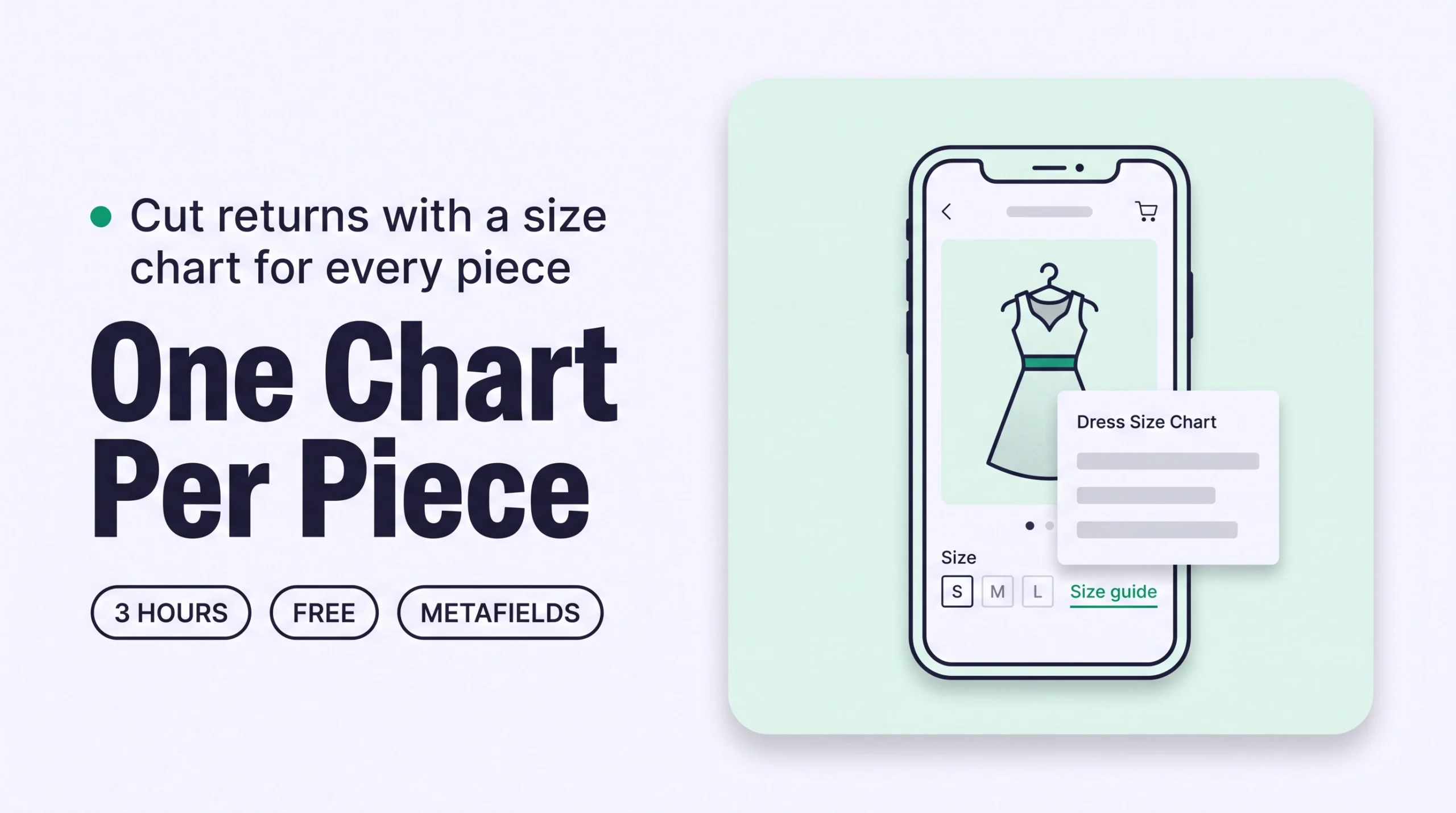
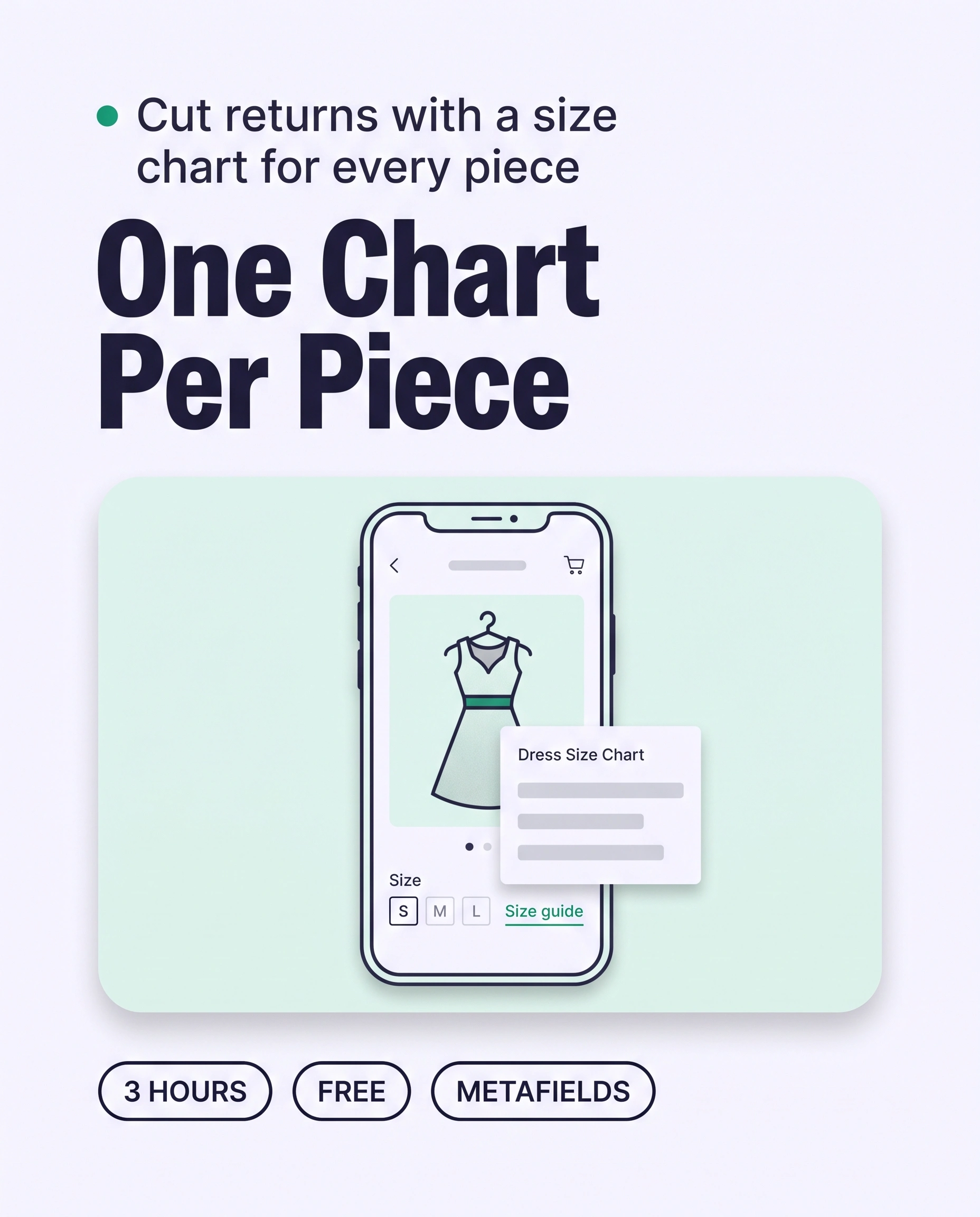
| After | A “Size guide” button next to the Size option on this product, opening the chart written for this garment type, with real chest, waist and hip (or equivalent) measurements. |
Not worth it if
A store that sells one cut in one fabric across its whole catalogue — a single style of basic tee, say — can get by with one chart. Most multi-category fashion stores can’t.
How do I check my store in two minutes?
Open three products from different garment types on your phone and check whether each one opens a size chart built for that garment.
- Open three different garment types. On your phone, open a dress, a top and an outer layer — or whichever three categories you sell most of.
- Tap the size link. Look for “Size guide” or “Size chart” next to the Size option, and open it.
- Compare the three charts. If all three show the exact same numbers, it’s one generic chart, not three garment-specific ones.
Check this on your store with the free Styling Score
Bots walk your store like a shopper. You get a score out of 100, a tier and a report.
How do I assign the right size chart with an AI agent?
An AI agent can match every product in a collection to the right size-chart page in minutes, and nothing is written until you approve the table.
This assumes you’ve already written one size-chart page per garment type — the by-hand steps below show how, if you haven’t. The agent’s job is matching each product to the right page and assigning it, which is the part that gets tedious once a catalogue passes a few dozen products.
Back up before you change anything
Export a CSV first: Products › Export, then choose all products. Run the first batch on 5 products, check them, then do the rest.
- ReadThe 20 newest products in one collection
- ProposeA table of size-chart assignments, nothing written
- ApproveYou edit the table and reply apply
- WriteOnly the approved rows
- VerifyOpen five products on a phone
Copy the prompt that matches your tool.
Products: [the 20 newest products in the collection Dresses]

I already have these size-chart pages, one per garment type:
[Dresses Size Chart], [Tops Size Chart], [Outerwear Size Chart], [Denim Size Chart].

For each product, tell me which of these pages matches its garment type,
based on its title, description and product type field.
If none of the pages fit, say so instead of guessing.

Show me a table first: product, garment type, suggested size-chart page, one-line reason.
Do not change anything until I reply "apply".
When I reply "apply", set the Size chart metafield on each approved product to the matching page.
Export a CSV backup first. The prompt changes nothing until you reply apply.
Using the Shopify connector, read [the 20 newest products in the collection Dresses] in my Shopify store.

I already have these size-chart pages, one per garment type:
[Dresses Size Chart], [Tops Size Chart], [Outerwear Size Chart], [Denim Size Chart].

For each product, tell me which page matches its garment type,
based on its title, description and product type.
If none of the pages fit, say so instead of guessing.

Show me a table first: product, garment type, suggested size-chart page, one-line reason.
Do not change anything until I reply "apply".
When I reply "apply", update the approved products one at a time, setting the Size chart
metafield to the matching page. Tell me which products are done.
Mention Shopify by name so the assistant uses the connector. Export a CSV backup first.
- Run it on 5 products first. Open Sidekick from any page in your Shopify admin, paste the prompt and read the table.
- Edit the table, then reply apply. Change any row that matches the wrong page, and read every row before approving.
- Open five products on your phone. Check that the right chart opens for each one, then run the next batch.
Start with your best sellers
Swap the product line of the prompt for your 20 best sellers first. They carry the most traffic, and the most returns.
A connected AI tool sets the metafield one product at a time, so a large batch can stop partway. Keep batches to 20 and finish any leftovers in the admin.
How do I assign size charts by hand, if I prefer?
By hand, assigning a chart to one product takes about 2 minutes once its garment-type page already exists.
- Create one page per garment type. In your Shopify admin, go to
Content › Pagesand create a page for each garment category (Dresses, Tops, Outerwear…), with a table of real measurements for that cut. - Create the Size chart metafield. Go to
Settings › Custom data › Products, add a metafield definition named Size chart, set its type to Page reference, and save. - Add the pop-up block in your theme. In the theme editor, open your product template, add a Pop-up (or Size chart) block next to the Size option, and connect it to the Size chart metafield as its dynamic source.
- Assign the matching page to each product. Open a product, scroll to its Metafields section, click the Size chart field and select the page for that garment type.
- Save and check on your phone. Confirm the right chart opens next to the Size option.
For many products at once, use the Bulk editor instead of opening each product one by one: select the products, click Bulk edit, add the Size chart column, then set it down the list.
How do I keep size charts current as new products arrive?
Shopify Flow can tag every new product, and a weekly run assigns each one the right size chart.
Shopify Flow is a free app on the Basic, Grow, Advanced and Plus plans.
- Tag new products. Open
Apps › Flow, start a new workflow, choose the trigger Product created and the action Add product tags, enterneeds-size-chart, then turn the workflow on. - Or ask Sidekick to build it. Paste the prompt below into Sidekick inside Flow, then turn the resulting workflow on and test it with a new product.
Create a workflow that starts when a product is created and adds the product tag needs-size-chart.Sidekick builds the workflow for you to review. It stays inactive until you turn it on.
Run it weekly: save the assignment prompt above as a Sidekick skill, swap its product line for “Products: up to 20 products tagged needs-size-chart”, and run it once a week. Approve the table, and the agent removes the tag from each product it assigns.
Which apps can help?
Start with the tools built into Shopify. Add an app only when you want more templates, an AI size recommender or multi-language charts out of the box.
| App | What it does | Price | Checked | Best for |
|---|---|---|---|---|
| Native Shopify (metafields + theme block) | Links a page-reference metafield to a Pop-up or Size chart block in the theme editor | Free | Oct 19, 2026 | Full control, no watermark, works on any theme |
| Kiwi Size Chart & Recommender | Size-chart templates, CSV import and an AI fit recommender | Free (3 charts); $7.99–$26.99/month | Oct 19, 2026 | Fast setup with an AI size recommender |
| MP Size Chart & Size Guide | 30+ garment-type templates, bulk CSV import and a dedicated size-guide page | Free (3 charts); $6.95–$24.95/month | Oct 19, 2026 | Largest template library and multi-language stores |
The personal layer
Every shopper sees the same size chart.
A size chart tells every shopper the same thing about a garment, however carefully you’ve written it. It can’t tell one shopper, with her own measurements and the way she liked last season’s cut, whether to size up or down on this particular piece. A personal AI stylist can, because it answers one shopper at a time from your own catalogue and the fit details you’ve already written.
iWAND is an AI stylist for independent fashion brands on Shopify. It gives every shopper a personal stylist, with outfits, styling advice, try-on and size help built on the brand’s own catalogue.
iWAND is our product. Free to install; iWAND charges 5% only on the sales it makes.
Read: Grow Your Shopify Fashion Store with Styling: Salesperson to Stylist
How long does it take and what does it cost?
Writing your first size-chart pages and assigning them to 60 products takes about 3 hours with an AI agent, and the whole thing is free.
These times are estimates for a first batch, not measured results.
| Route | Time | Cost | Skills needed |
|---|---|---|---|
| By hand | About 2 minutes per product once its chart page exists; about 4–5 hours for 60 products including writing the charts | Free | Editing in the Shopify admin and the theme editor |
| With an AI agent | About 3 hours for 60 products, including writing the charts yourself and the agent’s assignment and your review | Free with Sidekick; your own plan if you use Claude or ChatGPT | Reading a table, approving rows |
| With an app | About 2 hours for 60 products, plus the app’s own chart builder | Free to $26.99/month | Following the app’s setup flow |
How do I know it’s fixed?
The fix is working when every garment type has its own chart, every product is assigned to the right one, and size-driven returns start to fall over the following weeks.
Run the free Styling Score again once your catalogue is assigned, and check the RET-01 card for this factor.
Check this on your store with the free Styling Score
Bots walk your store like a shopper. You get a score out of 100, a tier and a report.
Then watch your return rate on the products you’ve updated, from your Shopify returns dashboard or whichever returns app you use (Loop, Return Prime, Rich Returns and others all report it). Compare the 4 to 6 weeks before and after against the same products, since a single week moves too much to read.
Where does this fit in Return?
Return has four factors, and this guide covers the first.
- RET-01Size guide for this pieceA size chart written for the garment type a shopper is actually looking at.You are here
- RET-02Fit notesWritten notes on how a piece actually fits, not just its measurements.
- RET-03Fit from real peopleModel size worn and fit reviews from real buyers.
- RET-04Does it suit me?Personal size and fit advice for one shopper, before checkout.
Part of Grow Your Shopify Fashion Store with Styling: Salesperson to Stylist, our guide to turning a Shopify fashion store from a salesperson into a stylist.
What else do founders ask about size guides?
Founders most often ask these five questions.
Do I need a different size chart for every single product?
No — one chart per garment type is usually enough, since a bodycon dress, a relaxed blazer and a pair of wide-leg trousers each fit differently, but every dress in that same cut can share one chart. Group products by how they’re cut, not by SKU, and a 200-product catalogue usually needs somewhere between four and ten charts.
Can I just use one size chart for my whole store?
You can, but it guesses wrong for most of your catalogue, because different garment types fit differently at the same labeled size. A single chart is the halfway version of this fix — better than nothing, but it still leaves shoppers unsure whether the numbers apply to the piece they’re holding.
How much does a product-specific size guide cost on Shopify?
Nothing, if you build it with Shopify’s own page-reference metafields and your theme’s Pop-up or Size chart block. A dedicated app adds templates and an AI size recommender for roughly $7 to $27 a month, which can be worth it once you’d rather not build the charts by hand.
Does adding a size chart actually reduce returns?
Retailers and researchers consistently find size and fit is the single largest cause of apparel returns, so a chart that matches the real garment removes the guesswork behind a large share of them. It won’t eliminate returns on its own, which is why fit notes and real-customer fit data are the next two factors in this stage.
Can AI give each shopper personal fit advice beyond a chart?
A chart still describes the garment the same way to everyone. A personal AI stylist, such as iWAND, can go further by weighing one shopper’s own measurements and past fit feedback against your catalogue. It costs 5% of the sales it makes and nothing upfront.
Sources
- Shopify Help Center. Adding a pop-up to your product pages with metafields. Checked Oct 19, 2026. https://help.shopify.com/en/manual/custom-data/metafields/pop-up-tutorial
- Shopify Help Center. Shopify Flow. Checked Oct 19, 2026. https://help.shopify.com/en/manual/shopify-flow
- Coresight Research. The True Cost of Apparel Returns. 2023. https://coresight.com/research/the-true-cost-of-apparel-returns/
- Capital One Shopping Research. Average Retail Return Rate. Checked Oct 19, 2026. https://capitaloneshopping.com/research/average-retail-return-rate/
- Loop Returns. Winter 2024 Benchmark Report. https://www.loopreturns.com/report/2024-benchmark-report/
- Shopify App Store. Listings for Kiwi Size Chart & Recommender · MP Size Chart & Size Guide. Checked Oct 19, 2026.
Return
Check every Return factor on your store
The free Styling Score walks all four Return factors and shows which are Done, Halfway or Not yet.
Master pillar
From a salesperson into a stylist
Part of Grow Your Shopify Fashion Store with Styling: Salesperson to Stylist, our guide to turning a Shopify fashion store from a salesperson into a stylist.